
Filtering your view
Filters are what make the dashboard yours. Slice your data to a single brand, campaign, account, or window, and watch every chart recalculate to match.
Filtering your view
Socialpruf gives you three different filter controls, each in a deliberate location.
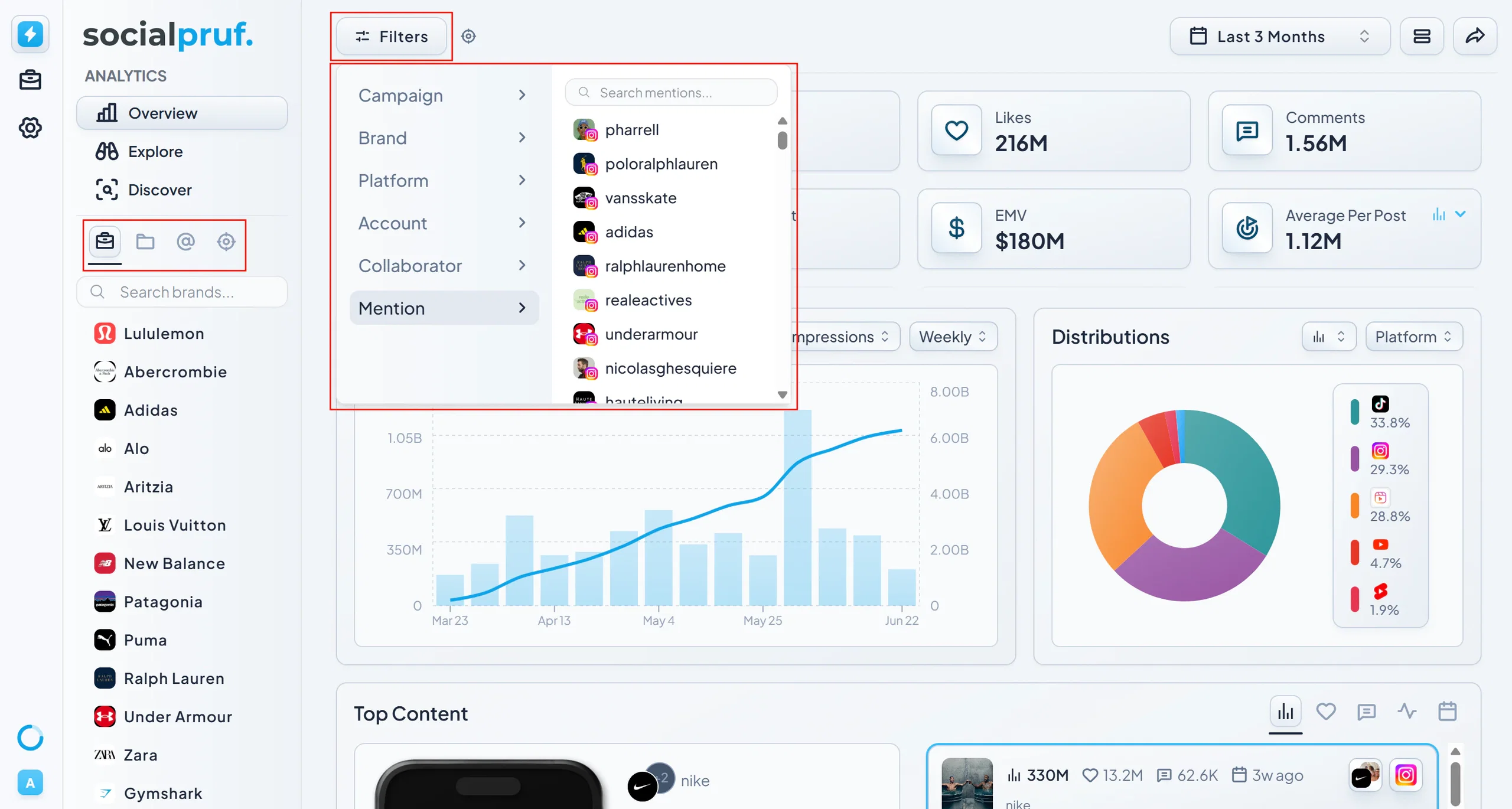
Content Menu: the quick-access bar
The Content Menu is your fastest way to filter your curated brands, folders, campaigns and goals. It is essentially how you ‘save’ your current activations. From here, you can quickly select:
- Brands to filter by
- Campaigns to filter by
- Accounts to filter by
- Goals you've created
Once selected, the active filter will appear as a tag at the top of the page so you always know exactly what data you're looking at. This is the first step to refining your view.
Top left: detailed filter menu
The top-left filter menu mirrors the quick-access options and adds finer controls. Here you can filter by:
- Campaigns
- Brands
- Platforms
- Accounts
- Collaborators
- Mentions
You use these filters to sort posts within your previously selected brands, folders and campaigns.
Top right: the date range filter
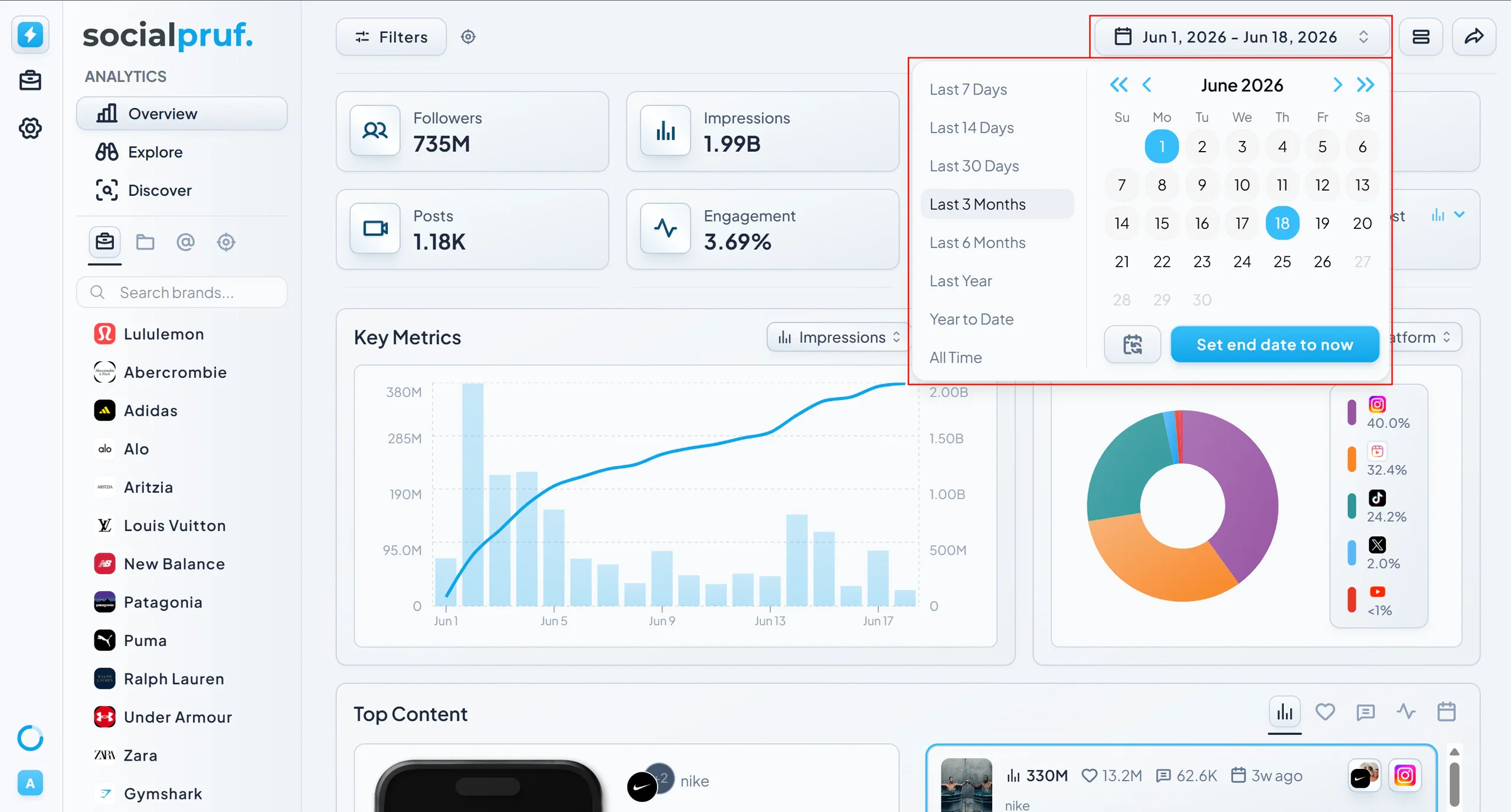
The date range filter in the top right lets you scope your data to specific time frames. You have two options:
- Quick presets - Last 7 days, Last 14 days, Last 30 days, and so on.
- Custom calendar - Pick any exact start and end date.
In practice
In practice your workflow within filters will look like this: “I need to know the engagement rate of the posts my brand collaborated on with our flagship athlete this month.” To do this you would select your Brand in the left rail, then in the top left filter menu you would select your athlete as the collaborator. Finally set the date range to the last 30 days. That's it, in just 5 clicks. You can share this as a report, dive into stats or create a live campaign. This flow exists in almost every part of Socialpruf so spend some time getting familiar with the filters that are most important to you.