
Benchmarking date ranges
Numbers only mean something in context. Compare the same accounts against the previous period or last year to tell real growth from seasonal noise.
Benchmarking date ranges
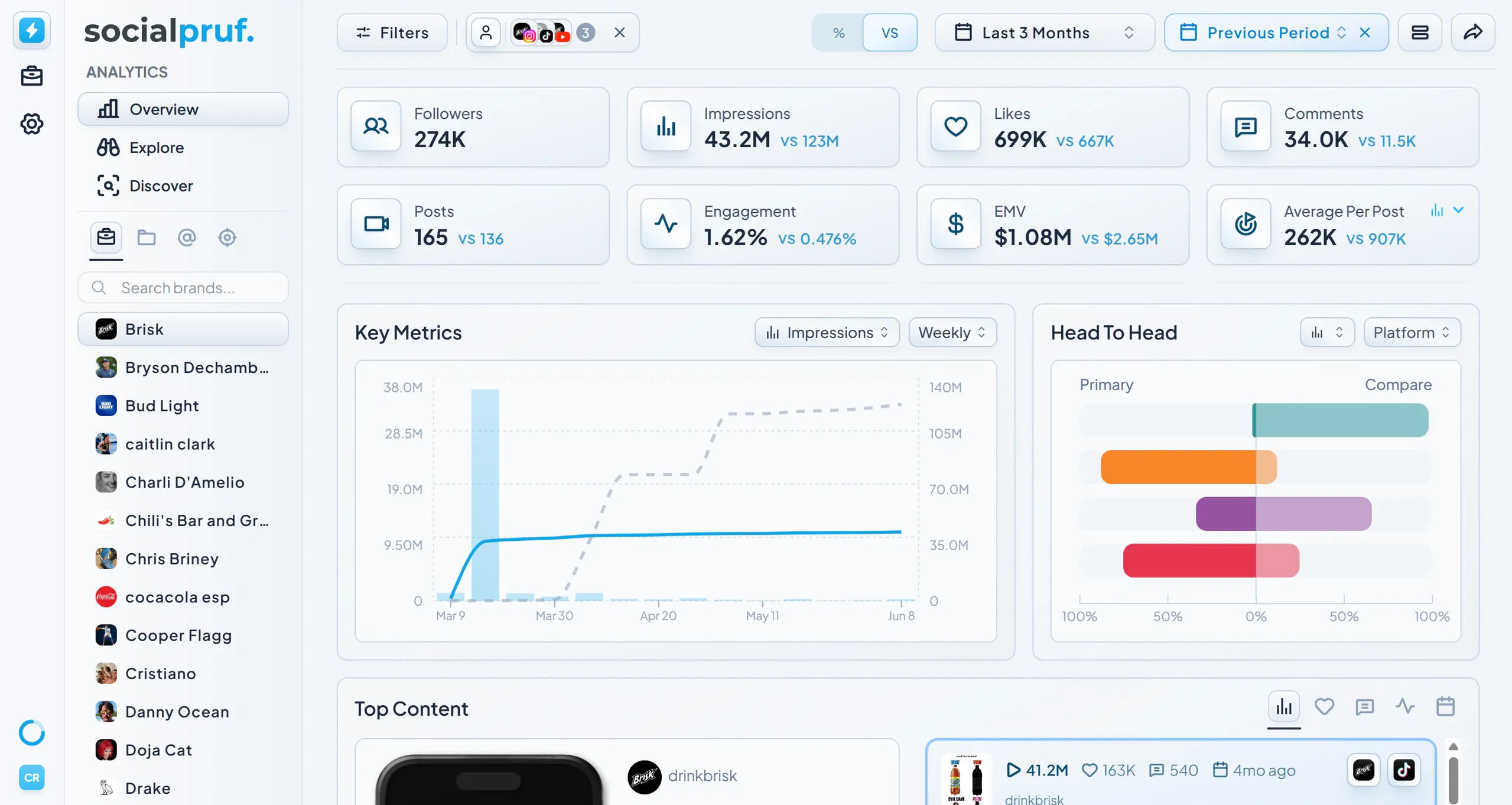
Comparison isn't limited to comparing entities, you can also compare the same accounts across two different date ranges.
To benchmark date ranges
- Click the date range filter in the top right and open the dropdown.
- At the bottom of the dropdown, next to the end date of your range, click the Benchmark icon.
- Choose your benchmark window:
- Previous Period - If you have the last three months selected, this compares against the three months before that.
- Previous Year - Compares against the same exact window one year ago.
Just like in Compare mode, you can toggle between percentage and whole-number views to spot trends and shifts more clearly.
When to use which: Use Previous Period to spot momentum (are you trending up week over week?). Use Previous Year to control for seasonality (are you genuinely growing, or just hitting a normal Q4 spike?).