
Insights
Insights gets you from thousands of posts to the handful that matter. Surface patterns you'd never think to look for, then search captions and mentions.
View Insights
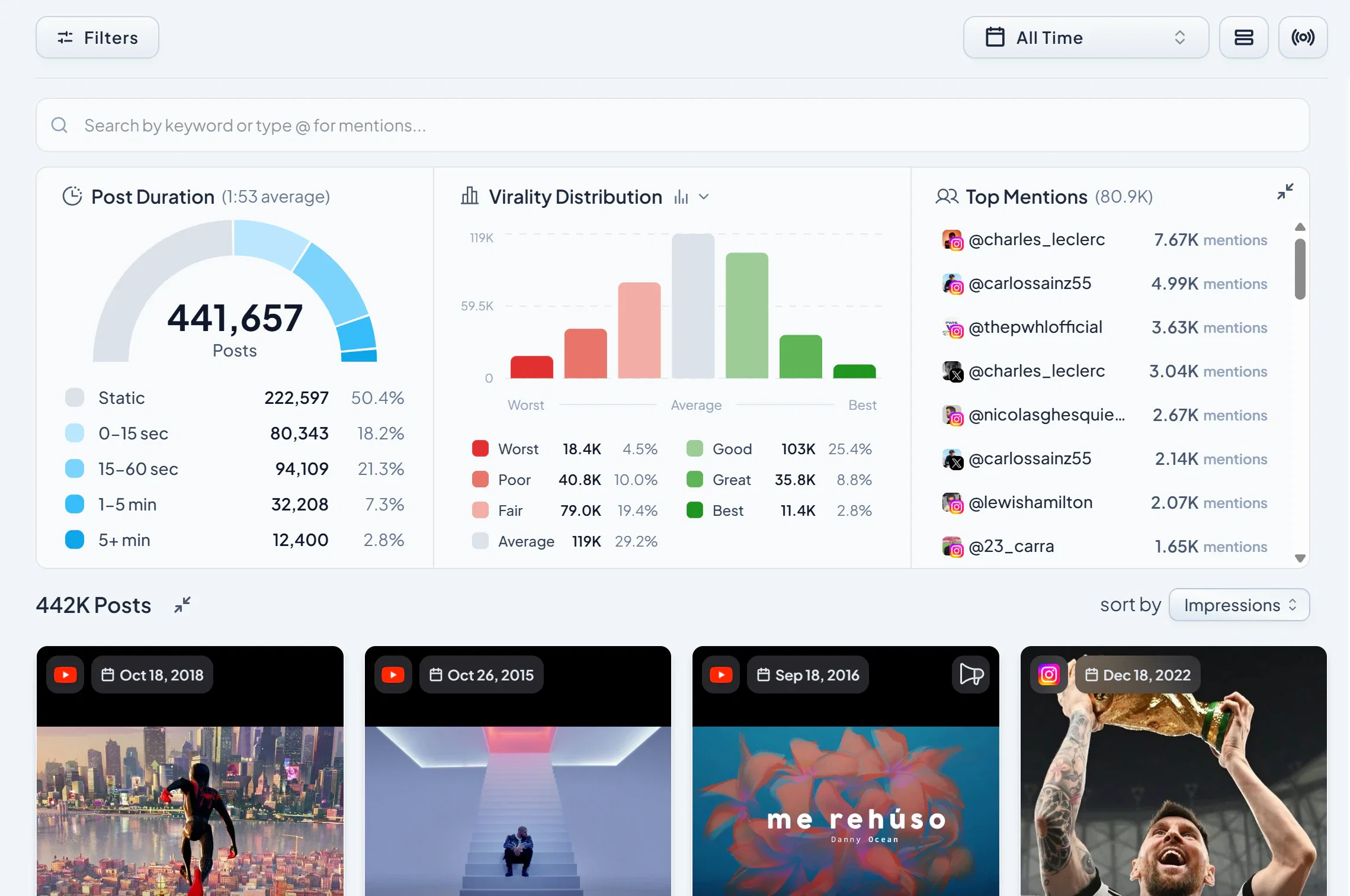
Next to the post count in the top left, you'll see a View Insights button. Click it to open a dropdown with three pattern-based modals:
- Post Duration - group your content by how long each post runs.
- Virality Distribution - see how your content spreads relative to your median.
- Top Mentions - identify the accounts, brands, or creators most frequently tagged or referenced in your content.
Click any item inside these modals to apply it as a filter on the Explore grid. This is the fastest way to find patterns you didn't know to search for; “Show me everything that mentioned @brandname” or “Show me only my high-virality posts from this quarter.”
Keyword search
At the top of the Explore page, you'll find the keyword search bar. When you type a search term, Socialpruf scans across:
- Post captions
- Titles
- Mentions
- Collaborators
So one query can find posts whether the term appears in the caption, the @mention, or the tagged collaborator list.
Stacking multiple searches with AND/OR
You can layer multiple keyword searches and multiple insight filters to build precise queries. Every time you add a new search or filter, it appears as a chip beneath the keyword bar; and between each chip, you can choose how the conditions combine:
- AND - every condition must be met for a post to appear. Use this when you want to narrow down (“Posts that mention @brandname AND say ‘launch’”).
- OR - at least one condition must be met. Use this when you want to broaden (“Posts mentioning @brandname OR @partnername”).
Pro tip: Start with AND when you have a specific post in mind, and switch to OR when you're exploring a theme that might be expressed multiple ways. You can mix and stack as many keywords and insight filters as you need.