NewGet @bfitcreator's full report

instagram analytics
Similar Accounts:
instagram analytics
Similar Accounts:
followers
65.2K
impressions
9.33M
likes
254K
comments
4.16K
posts
133
engagement
2.42%
emv
$255K
Average per post
70.2K
Key Metrics
Impressions
monthly
Distributions
Content
2.64M
77.4K
1.04K
2mo ago

bfitcreator
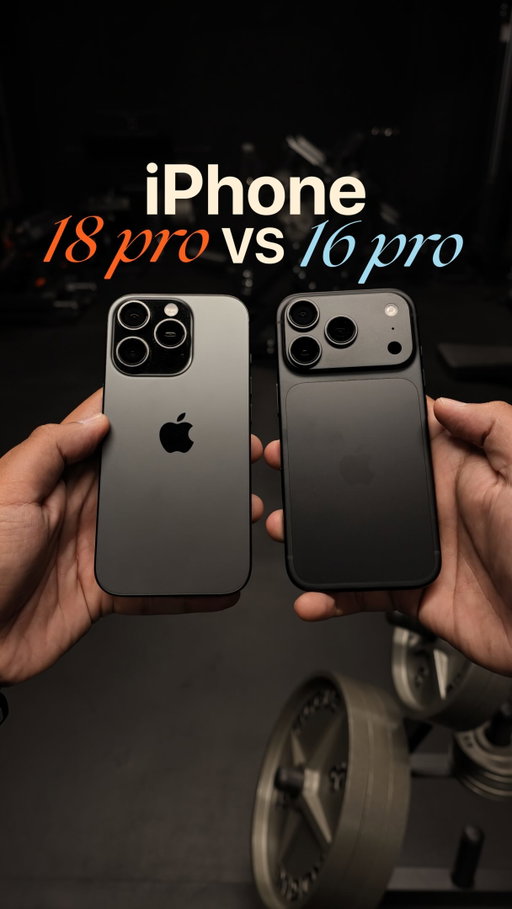
iPhone 18 pro vs iPhone 16 pro. Full breakdown 👇
STANDARD MODE
I shot this without adjusting anything. I didn’t bring down the exposure or anything. As this is how a lot of people will be using the camera. The only thing I did is I locked the focus. The iPhone 18 pro did an amazing job holding the focus while the iPhone 16pro did not.
.5x
I adjusted the exposure on this shot to -1.0 which is ideal to bring down the exposure as for some reason iPhones really like to over brighten a shot.
BLACK MAGIC APP
I used the exact same settings except when all the way down to an aperture of f/1.48 as this is now available on the iPhone 18 pro. I used the baked in rec 709 neutral lut on the app. The iPhone 18pro looks very good and natural while the 16pro gave it a bit of a green tone.
FRONT CAMERA
This is where the biggest difference is at. The iPhone 18pro now has a 18mp front camera while the 16pro only has a 12mp camera. The difference especially in camera mode is crazy how good the front camera is now.
FINAL VERDICT
The new iPhone 18pro has fixed the white balance issues that the camera had. As you can see the iPhone 16pro always keeps all shots in a warmer tone while the 18pro keeps it neutral. I never to touched the white balance on the iPhone 18pro it was on automatic the whole time. The main camera has a difference while the .5x camera still looks to be the exact same quality. The front camera itself is worth upgrading as now the footage is actually usable in low light settings. The last shot is where you can get the absolute best out of the camera. Shoot in apple log 2 and color grade it in post. In my opinion if you are coming from an iPhone 16pro and under it’s worth the upgrade 🔥
#iphone18 #videography #filmmaking #cinematic #gymbro
1.30M
3.54K
31
11mo ago
bfitcreator
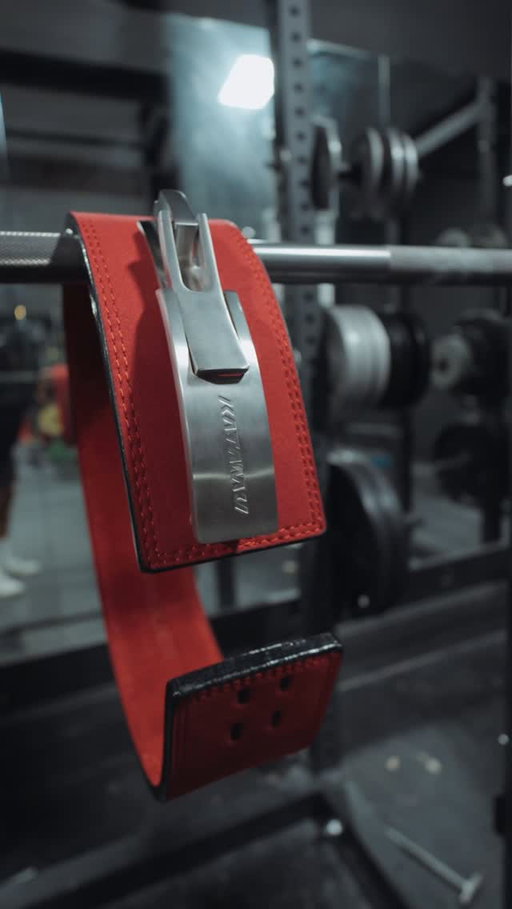
Locked in. Every rep. Katamu lever belt stays solid when the weight gets serious 🔒
#gymbro #gym #filmmaking #cinematic #katamubelt
814K
23.0K
133
1mo ago
bfitcreator
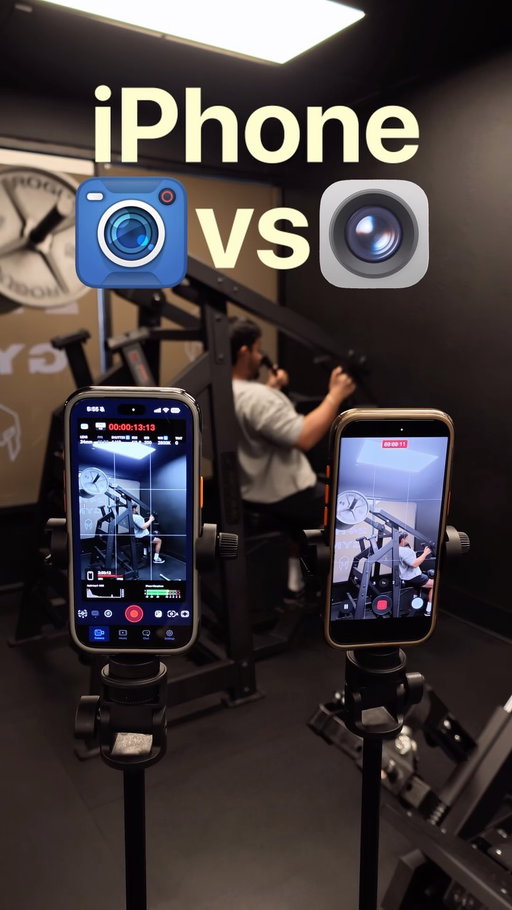
iPhone camera app vs blackmagic app 📸
Full outfit from @prozisusa
Shirt name: oversized t size L
Shorts name: 5” shorts size L
Use code IMBACK for 40% off
Use my code BJFit10 for an extra 10% off @prozis
264K
8.82K
59
7mo ago
bfitcreator
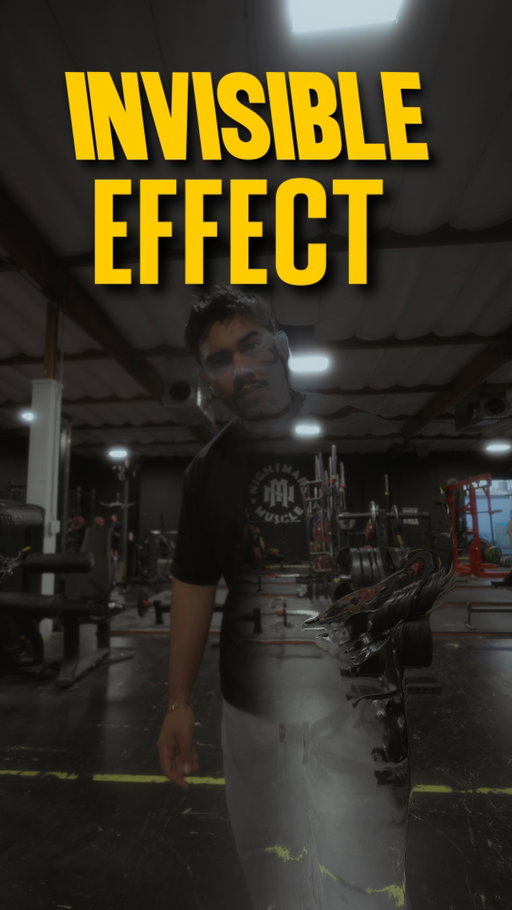
How to do the invisible effect ⬇️
It may look like it’s hard but it actually pretty simple here is a step by step 👇
Step 1:
Get a shot of the background without you or anything moving behind it. Then walk into the frame.
Step 2:
Make the clip that is just a background into a freeze frame and put it on top of clip where you are walking in.
Step 3:
Make them into a new fusion compound clip.
Step 4:
In the fusion page delete all the nodes beside media 1 and media 2
Step 5 :
Change the media 2s name to background so you don’t get confused.
Step 6:
Click on media 1 node and press SHIFT and SPACE on your keyboard. Look up magic mask. The cut yourself out.
Step 7:
Click on the background node and press SHIFT and SPACE on your keyboard and look up displace.
Step 8:
Merge the magic mask node to the displace node.
Step 9:
Click on the displace node and increase the refraction strength and light power. (Light power to .3)
Step 10:
Add in the end of the clip that you cut walking in and the effect is done.
#davinciresolve #contentcreatortips #filmmaking #cinematic #videography
261K
6.96K
52
9mo ago
bfitcreator
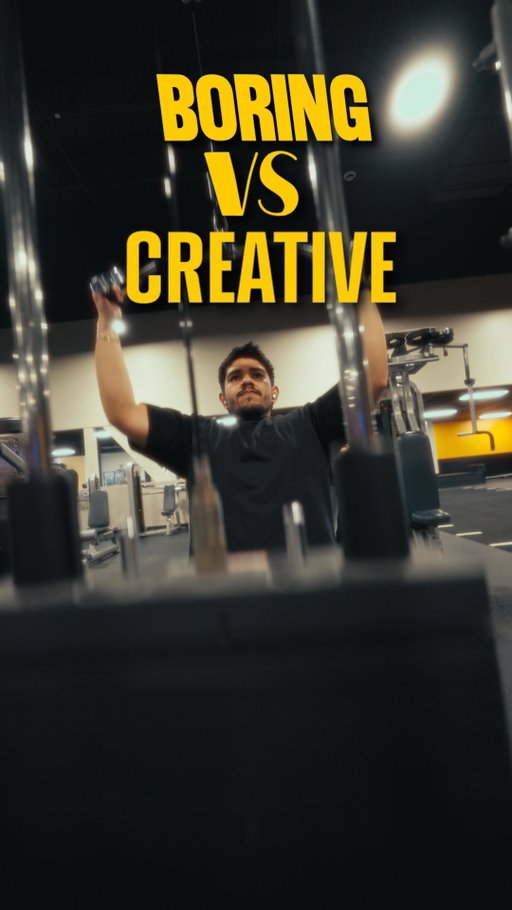
Nothing wrong with the boring shots, but it’s good to mix it up with some creative shots.
#tutorial #filmmaking #cinematic #videography #creative
226K
9.06K
55
3mo ago

bfitcreator
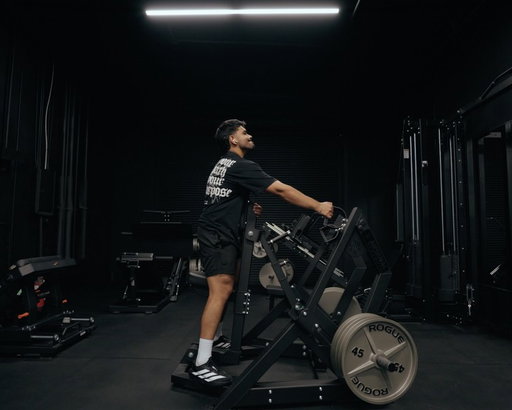
How to grow a fitness account step by step. Use these tips to grow a successful fitness account.
#filmmaking #filmmakingtips #cinematography #contencreator #gymbro
175K
5.25K
39
11mo ago
bfitcreator
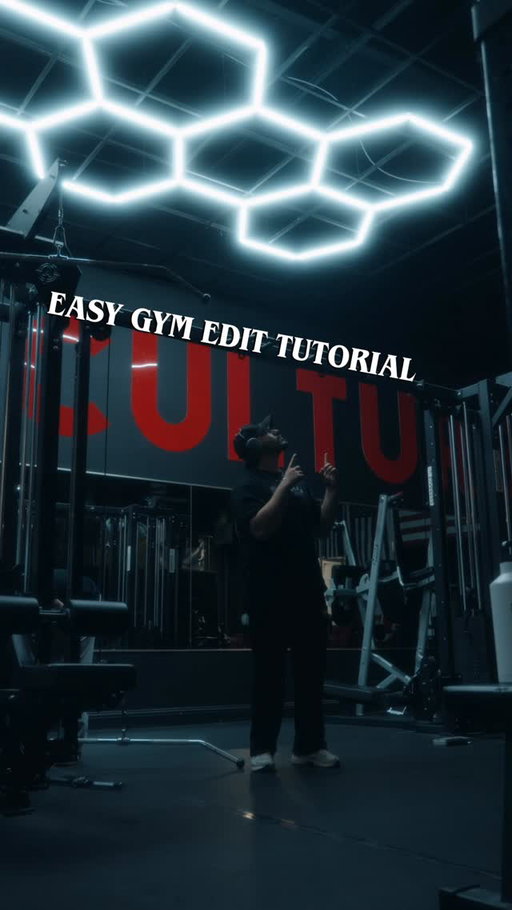
How to record an easy gym video.
#cinematic #aesthetic #cinemalook #filmmaking #gymbro
172K
6.89K
22
11mo ago
bfitcreator
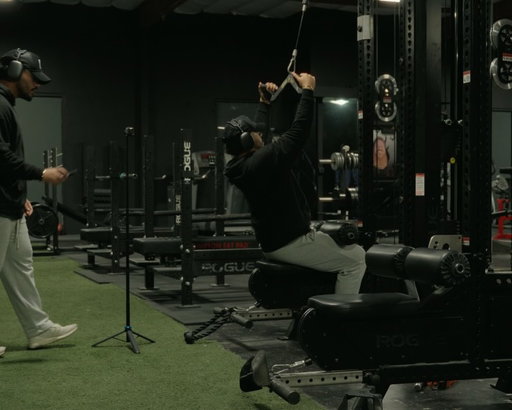
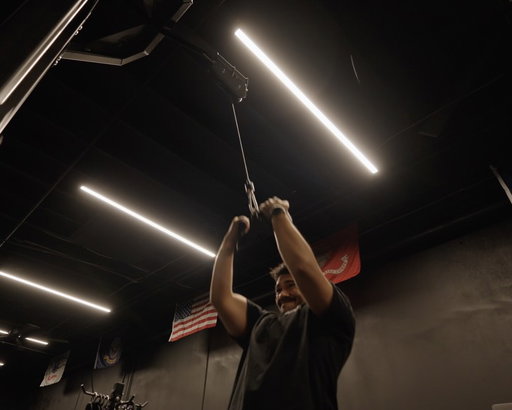
The best iPhone camera settings for cinematic videos. #cinematic #cinemalook #aesthetic #gym #filmmaking #gymbro #videography
150K
5.99K
28
5mo ago
bfitcreator
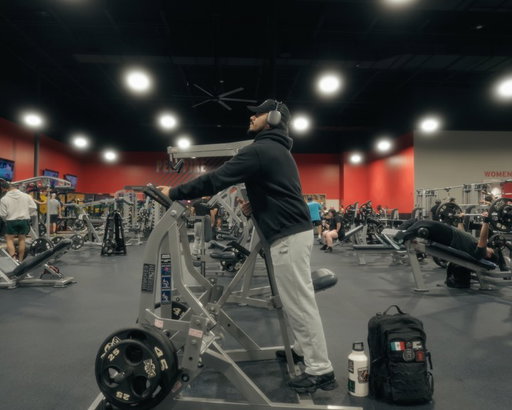
Record better gym videos using these shot examples
All these shots can be done with a tripod and a phone.
#videography #filmmaker #gymbro #cinematic #contenttips
132K
3.23K
23
8mo ago
bfitcreator
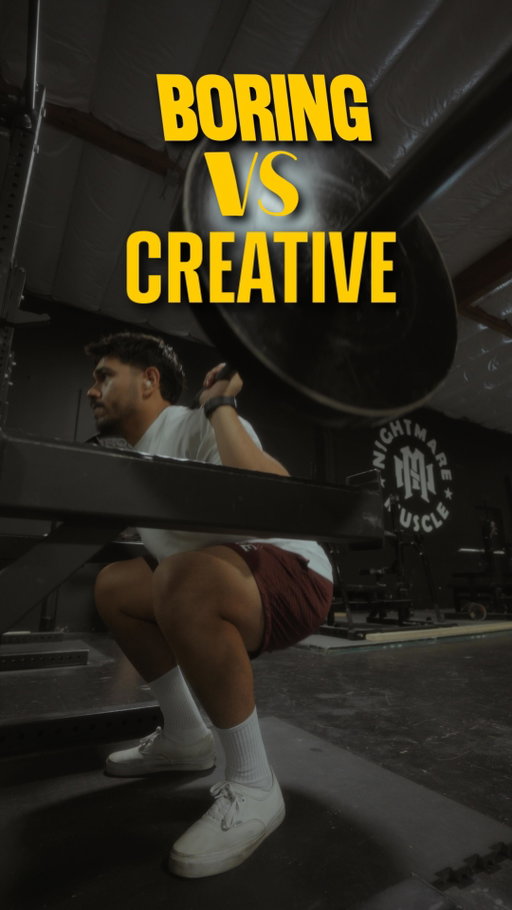
Nothing wrong with boring shots, but it’s good to switch it up with some creative shots.
Shot 1
This shot I use a low angle. This helps shows your form and make the shot look more interesting and give a superhero look to the shot.
Shot 2
This shot is a top down shot. This helps give a unique shot as not too many people think about doing a top down shot while performing an exercise.
Shot 3
This shot is a depth of field shot. I got this shot by placed the camera behind where the weight moved up and down. The cables and weight give the shot more depth making it look more cinematic.
Shirt from @prozisusa @prozis
Shirt name- athleisure AD men’s oversized T-shirt
Size I’m wearing size L
Us code BJFIT10 for 10% off
#filmmaking #cinematic #gym #gymbro #contentcreatortips
132K
5.27K
57
11mo ago
bfitcreator
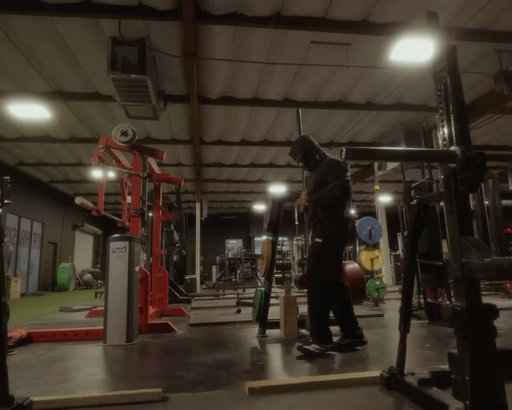
How to record better gym videos using these cinematic shots. #cinematic #filmmaking #gym #gymbro #aesthetic
131K
5.24K
27
7mo ago
bfitcreator
Record better gym videos using these shots.
For this carousel I recorded my chest day video and once you add all the clips together it turns into a sick gym edit.
Make sure to follow and save so you can see my cinematic breakdown on every workout I do.
127K
2.94K
22
11mo ago
bfitcreator
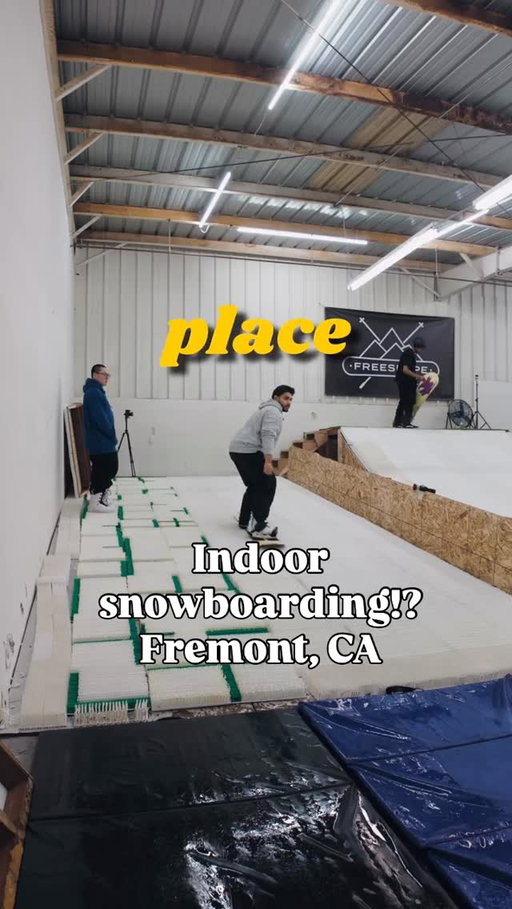
@Freeslope.co great place for lessons on snowboarding 🏂
Embarking on the journey to learn or perfect snowboarding in the Bay Area is made possible year-round at FreeSlope Co. in Fremont, California, which proudly stands as the region's first indoor dry slope ski and snowboard training facility. This innovative center, located at 45499 Industrial Place, reimagines the alpine experience by removing the traditional barriers of high cost and long travel times to the distant mountains, offering a consistent and weatherproof environment for progression. The heart of the training experience is the use of specialized DrySlope Training Tiles—a sophisticated surface engineered to accurately simulate snowy conditions, providing the critical balance of friction and glide needed for riders to confidently practice holding an edge, linking turns, and maintaining control. FreeSlope caters to every level of snow enthusiast, from absolute beginners taking their first slide to advanced riders mastering park features, offering a range of options including affordable two-hour Drop-In Sessions for independent practice, and structured instruction through Beginner Snowboard Private and Group Lessons. The facility excels by providing focused guidance where skilled coaches deliver instant, personalized feedback, accelerating the learning curve far more efficiently than sporadic trips to the actual slopes, which is complemented by specialized workshops like the Snowboard Box/Rail Workshop, Jump Workshops, and Ground Trick Workshops, ensuring continuous and comprehensive skill development for anyone ready to push their limits.
#snowboard #snowboardingtiktok #snowboarding #fremontcalifornia
122K
3.71K
30
6mo ago
bfitcreator
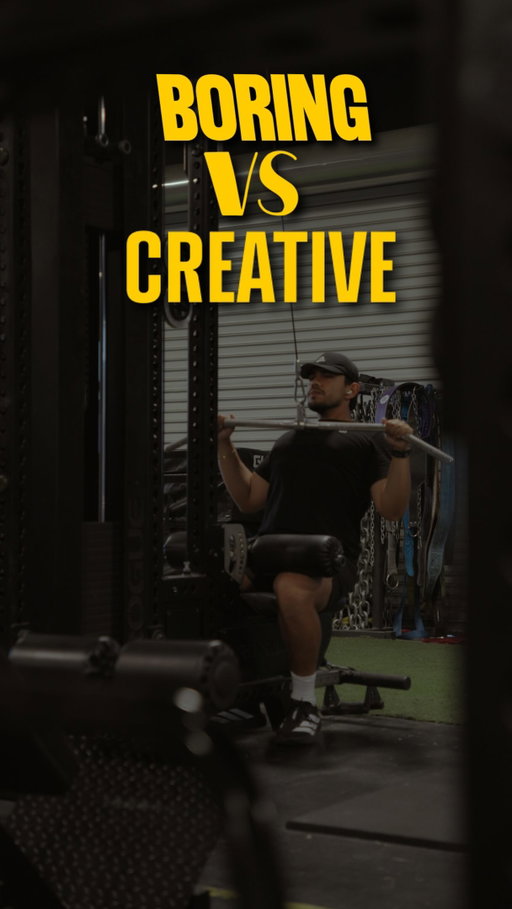
Nothing wrong with boring shots, but it’s good to mix it up with some creative shots.
#tutorial #filmmaking #cinematic #videography #creative
118K
4.73K
25
3mo ago
bfitcreator
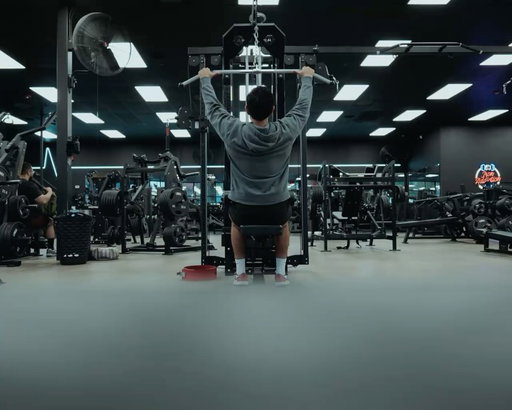
Record better gym videos using these shots 🔥
#filmmaking #cinematic #gym #gymbro #videography
93.9K
3.76K
28
9mo ago
bfitcreator
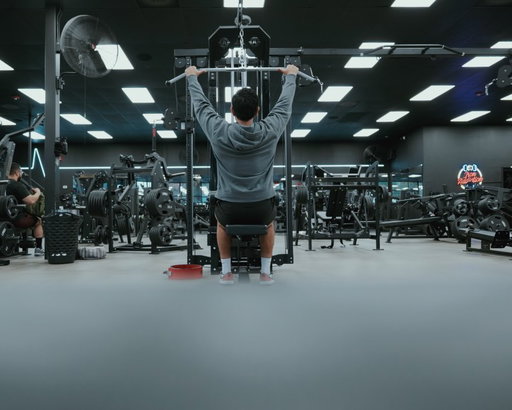
Creative gym shots to level up your gym content 🔥
#filmmaking #filmmakingtips #cinematography #gym #gymbro
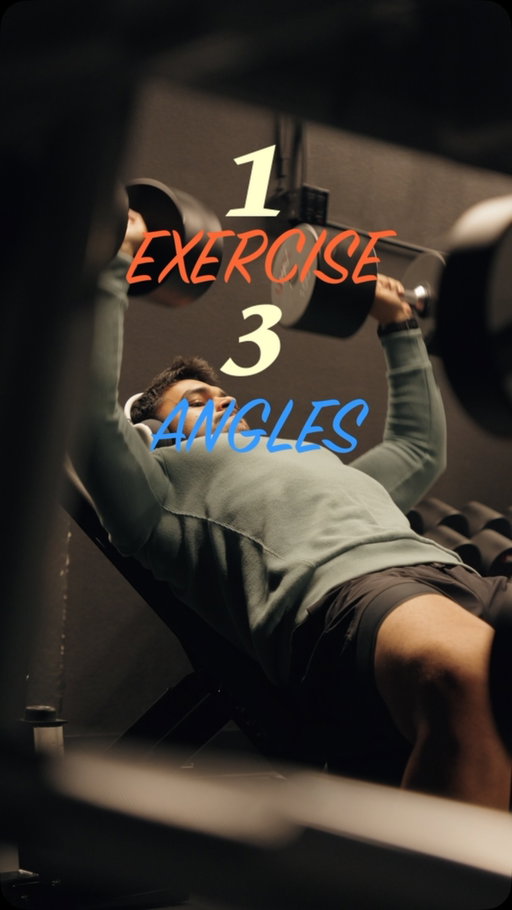
85.6K
2.55K
13
1mo ago
bfitcreator
How to record a cinematic chest press video ⬇️
Shot 1
This will be a close up shot of you grabbing the dumbbell or weights. This will be the detail shot or b roll.
Shot 2
Fill the frame with some gym equipment around the place where you are doing your chest press movement.
Shot 3
The hero shot or low angle shot. This shot helps the viewer see a different perspective of the chest press movement.
#cinematic #filmmaking #videography #gymbro #gym
85.0K
3.40K
144
8mo ago
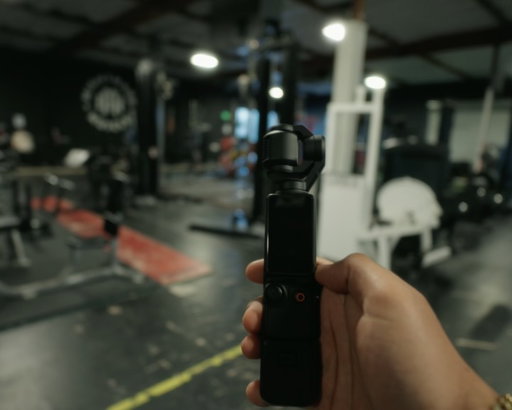
bfitcreator
The best cinematic settings for the dji osmo pocket 3.
This camera is literally one of the best cameras you can get at the price point it’s at. All you have to do is tweak the settings a little bit and your footage will come out great.
Full outfit from @prozis @prozisusa
Shirt name WIP oversized I’m wearing size L
Joggers name kinetic men’s slim joggers I’m wearing size xl
#filmmaking #cinematic #gym #gymbro #djipocket3
71.1K
1.92K
22
8mo ago
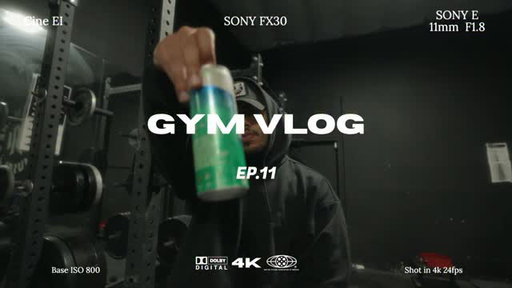
bfitcreator
Gym vlog ep.11 shot on the Sony fx30.
#gymbro #videography #cinematic #filmmaking #gym
69.8K
2.79K
19
4mo ago
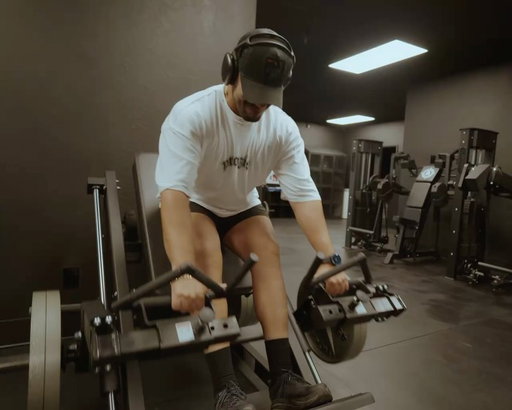
bfitcreator
How to record a cinematic gym video step by step.
Use these shot list to make your own cinematic gym video. 🔥🎥
Shirt and shaker bottle from @prozis
Shirt name: ironmode ey oversized t-shirt
Shaker bottle name: x shaker
Use my code BJFIT10 for 10% off. @prozisusa
#filmmaking #filmmakingtips #cinematography #gym #gymbro
Brayan Jimenez (@bfitcreator) Instagram Stats & Analytics
Brayan Jimenez (@bfitcreator) has 65.2K Instagram followers with a 2.42% engagement rate over the past 12 months. Across 133 posts, Brayan Jimenez received 254K total likes and 9.33M impressions, averaging 1.91K likes per post. This page tracks Brayan Jimenez's performance metrics, top content, and engagement trends — updated daily. To benchmark @bfitcreator against other accounts, use Socialpruf's Instagram competitor analysis tool.
Brayan Jimenez (@bfitcreator) Instagram Analytics FAQ
How many Instagram followers does Brayan Jimenez have?+
Brayan Jimenez (@bfitcreator) has 65.2K Instagram followers as of November 2026.
What is Brayan Jimenez's Instagram engagement rate?+
Brayan Jimenez's Instagram engagement rate is 2.42% over the last 12 months, based on 133 posts.
How many likes does Brayan Jimenez get on Instagram?+
Brayan Jimenez received 254K total likes across 133 posts in the last 12 months, averaging 1.91K likes per post.
How many Instagram impressions does Brayan Jimenez get?+
Brayan Jimenez's Instagram content generated 9.33M total impressions over the last 12 months.
Can I compare Brayan Jimenez with other Instagram accounts?+
Yes. Add @bfitcreator to a competitor set with Socialpruf's Instagram competitor analysis tool and benchmark it side by side with any other public accounts on views, engagement rate and follower growth, with history back to each account's first post.