NewGet @thecontenttray's full report

instagram analytics
Similar Accounts:
instagram analytics
Similar Accounts:
followers
79.7K
impressions
684K
likes
35.7K
comments
1.76K
posts
46
engagement
6.15%
emv
$24.8K
Average per post
14.9K
Key Metrics
Impressions
monthly
Distributions
Content
271K
16.8K
261
10mo ago

thecontenttray
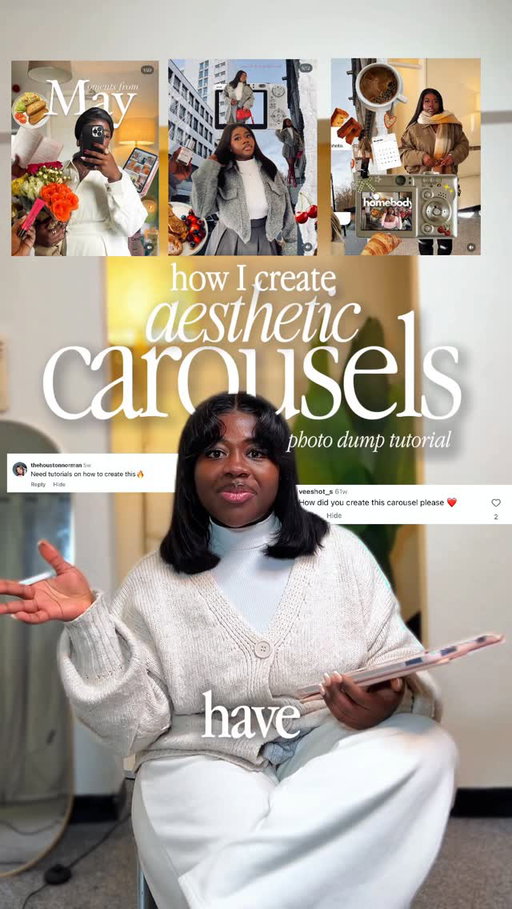
How I make my aesthetic carousel/ photo dumps 🥂!
IG stories way: This is how I always do it! I have beeen using my stories for years to make my dumps lol. I use my own story with my own stickers and cutouts
The second way is using CRSEL app which I came across in recently and it has made it easier for me to create a merged carousel format.
Let me know if you have any questions repost save this and follow for more creative tips!
86.4K
3.45K
81
7mo ago

thecontenttray
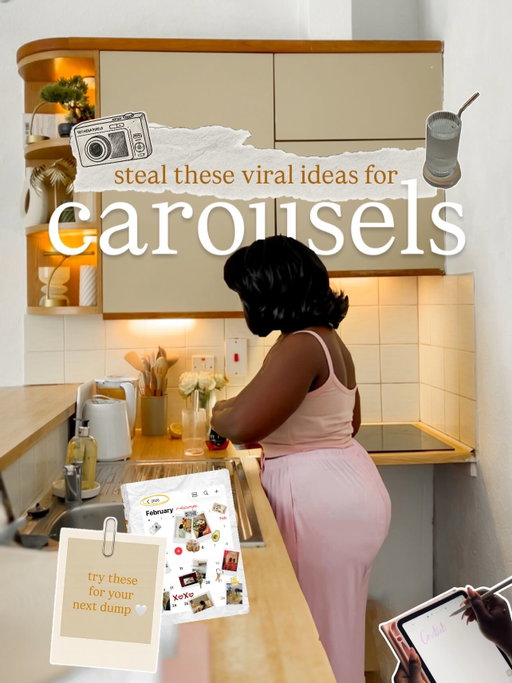
say no to boring carousels, try these for next carousel ideas 💡 🥂 😘 you’re welcome
Let me know which you love and would be trying next
I have a tutorial up on how I make these carousels check my reels
Happy creating in April 🌷🤍🥂
50.1K
2.00K
45
3mo ago
thecontenttray
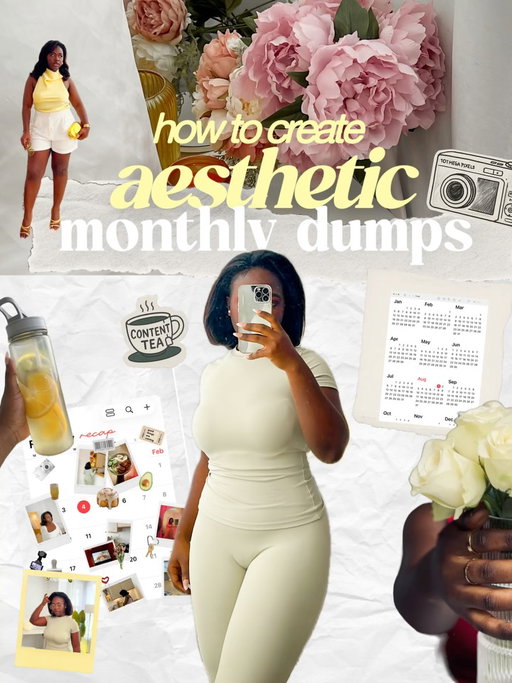
it’s end of the month here’s some inspo for you that you can recreate for your monthly dump 😘🥂 happy creating
app used is CRSEL. I have a tutorial on this already in my reels ⭐️ you’re welcome
easier than it looks, take a photo and a video, overlay your photo over the video and voila!
Or take a screenshot of your video, remove yourself from background and overlay on the video again
airdrop feature as a frame
never goes out of style, make it fun by surrounding the mirror with cutouts
Cutouts on a calendar shot very simpleeee
Photo of you but a camera overlay easy
a mix of visual formats like this created a fun element
mega size you side by side with a smaller size you
Use layout feature, similar tones and colors make it more cohesive
Find an interior photo you took that matches your outfit 🤏🏾🫒
Outfit video on a photo, a lil outfit check as people swipe
another version of the Polaroid grand but on photo with mini you great for fit pics
a collage of all your homebody activities in layout
For my YouTubers , you can always add a slide of a preview if your new YouTube video , I do this all the time
anyways sub me 😘 aframdanielle on YT
your best fits in cutout format
Street photos and street food always slap , this was Chinatown btw
don’t forget public transport can be aesthetic too, get a candid whilst you’re waiting for your train 😘
Put a cute photo of you in a music player frame, a fun way to add character
You’re welcome, repost and follow for more inspo 😘 happy creating!🥂🌸
33.1K
1.33K
43
10mo ago
thecontenttray
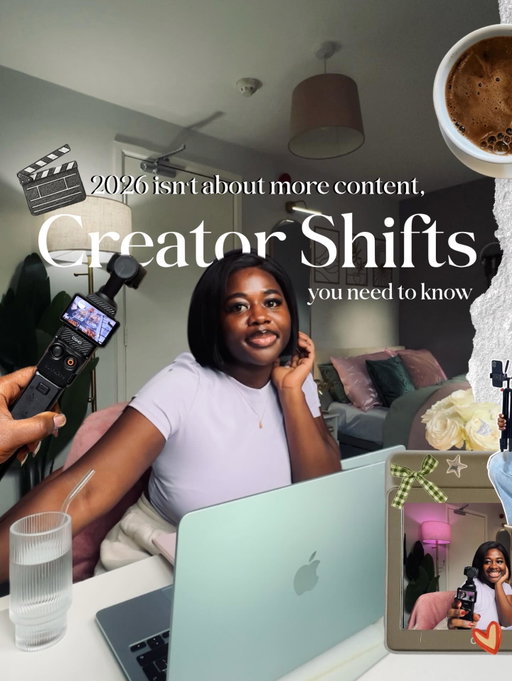
The creator landscape is shifting, here’s what you need to know
Attention is harder to earn, AI is everywhere, and audiences are craving realness.
Series > random posts
Personality > perfection
Community > clout
This year, it’s not about more content , it’s about better connection.
Let me know your thoughts and repost for more content like this 🥂

30.4K
2.31K
47
1mo ago
thecontenttray
for the girlies who want to do YouTube seriously 😘 you’re welcome especially if you’re trying to hit the 4000 hour watch mark before 2027 which is the goal I have right now, search me up Aframdanielle on YouTube 🎬
Music has increased my watch time for my vlogs , let me know if you have any questions 😘
20.5K
819
14
2mo ago
thecontenttray
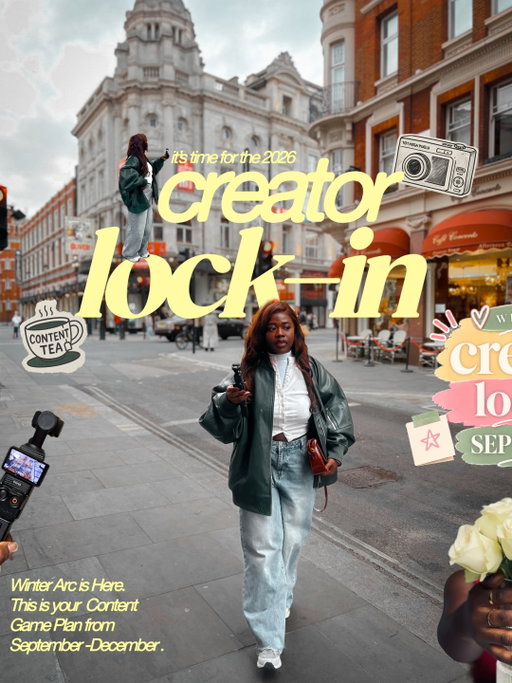
Swipe through, clock what needs to change, and be honest with yourself 👀
Which one are you currently in?
SEP: Clock it
OCT: Build the aura
NOV: Convert it
DEC: Collect receipts
And if you’re stuck on what to post, what your niche even is, or what you should be focusing on for the rest of 2026, drop your question below. I might turn it into the next post 👇🏾
Here’s exactly how I’d use September → December if I wanted my creator brand to look very different by 2027.
The Creator Lock-In →
FIRST, WE NEED TO RETIRE SOME THINGS.
Before we lock in, I’ll hold your hand while I say this.
If your plan is to suddenly:
Post 3x a day.
Resurrect YouTube.
Launch four products.
Rebrand everything.
Develop a new content personality by Monday.
Retire it.
We are NOT entering our Q4 crash-out era.
So what are we doing instead? →
SEPTEMBER: CLOCK IT.
September is not for doing more.
It’s audit month.
Clock:
What’s actually working?
What do people already come to you for?
What have you accidentally built a reputation around?
And what are you still posting because 2025-you decided it was your niche and now you’re emotionally attached?
That last one might need to go.
But there’s one more question I’d ask… →
Say you’re a fitness creator.
REPUTATION:
The fitness creator helping busy women get stronger without making fitness their entire life.
Now your pillars could be:
01. 30-minute strength workouts
Home + gym routines for busy schedules.
02. High-protein meal prep
Realistic meals you can actually repeat every week.
03. Sustainable fitness habits
Recovery, consistency, routines and fitting training around real life.
Q4 GOAL:
Launch your 8-week strength programme.
See the difference?
Your pillars aren’t three random interests.
They reinforce the reputation.
Once that’s clear, October gets much easier. →
October is where we stop retiring good ideas after two posts.
You’re thinking:
“I talk about this all the time.”
To WHO?
You and your drafts?
Your audience probably saw it once.
Take the ideas you want attached to your name and run the propaganda.
One idea can become:
Talking video → carousel → story → tutorial → opinion → case study → recurring
16.4K
665
40
4mo ago
thecontenttray
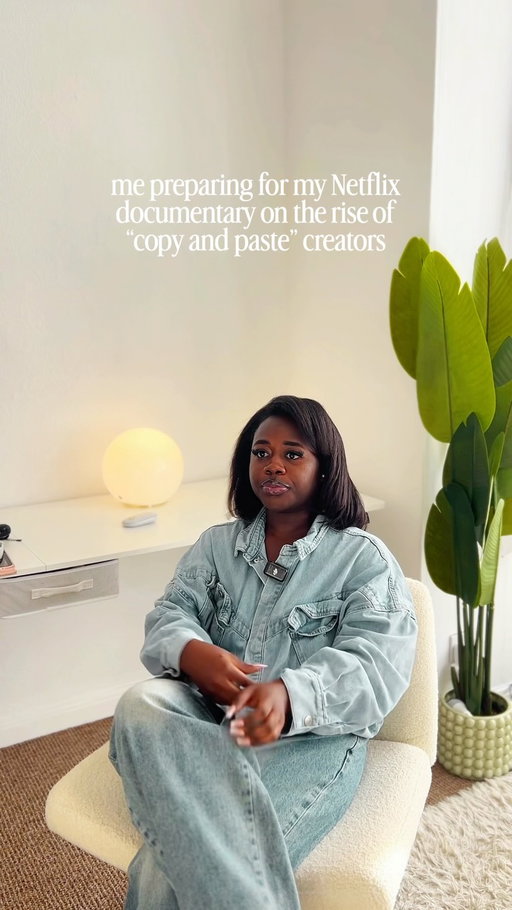
Left the internet for a while and came back to 90% of content looking the exact same.
Originality really left the chat. It’s honestly sad to see.
There’s nothing wrong with taking or jumping on trends. But what happened to adding our own spin to things?
inspiration turned into copy and paste.
Study why something worked, not just what they did.
Then ask yourself:
“How would I do this?”
Bring your personality, stories, editing style,perspective.
That’s what people remember.
Trends come and go. Recognisable creators last.
So yes, hop on the trend if it makes sense for your brand.
Disclaimer: I mean I just hopped on one myself just now but flipped for my audience by pointing out something I am seeing in the creator space, plus I make trends 5% of my content. The problem is when 95% of your content is all trends. Can we not do that please? It’s giving ctrl + v.
It’s cool to jump on trends but what’s even cooler is being the trendsetter.
13.5K
541
29
8mo ago
thecontenttray
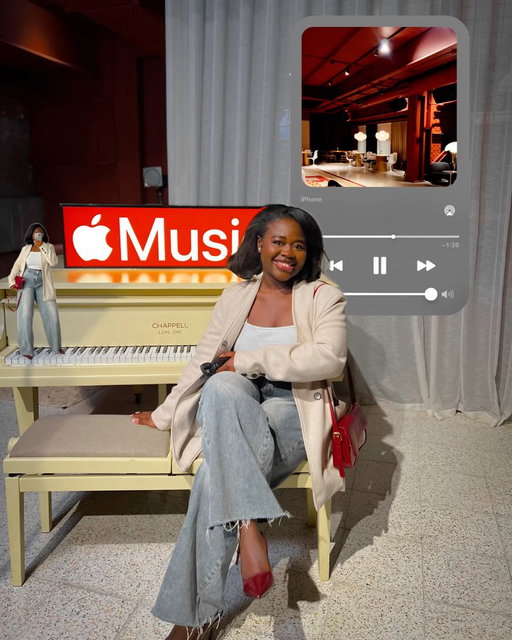
IWD night with @applemusic 🤍
got invited to my first @apple event and spent the night learning from women in music 🎵💌❤️
11.9K
569
11
1mo ago
thecontenttray
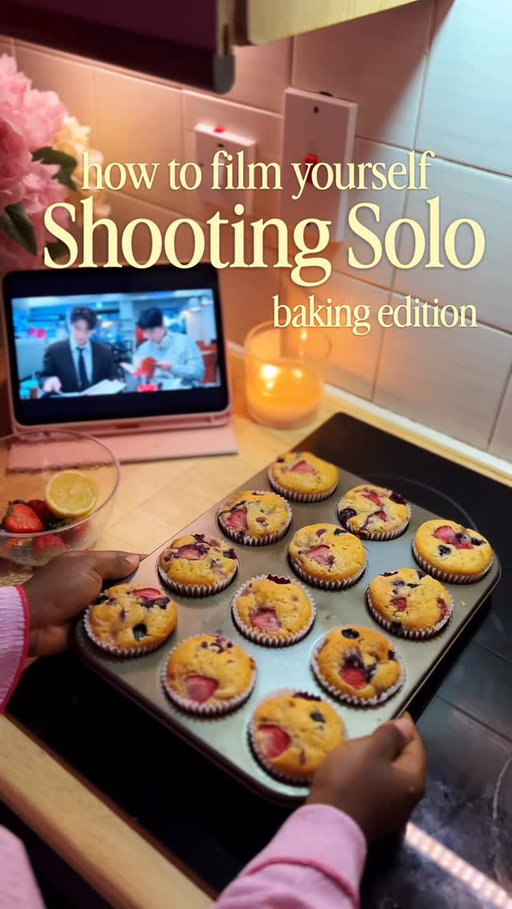
save + follow for more inspo like this, 🥂bringing back my Shooting Solo Series. I find myself filming a lot from home and these are some shots and angles I use in my content🥂
11.5K
545
22
10mo ago
thecontenttray
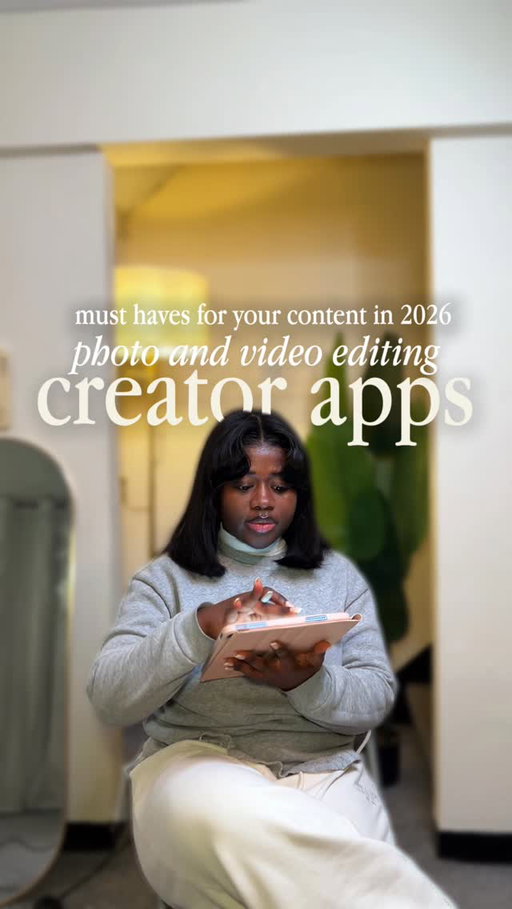
apps I can’t live without 😌🤌🏾 let me know if you want a detailed breakdown on what I use each app for
Which app do you use? Which would you try? Let me know in the comments 🤍
10.9K
595
624
1w ago
thecontenttray
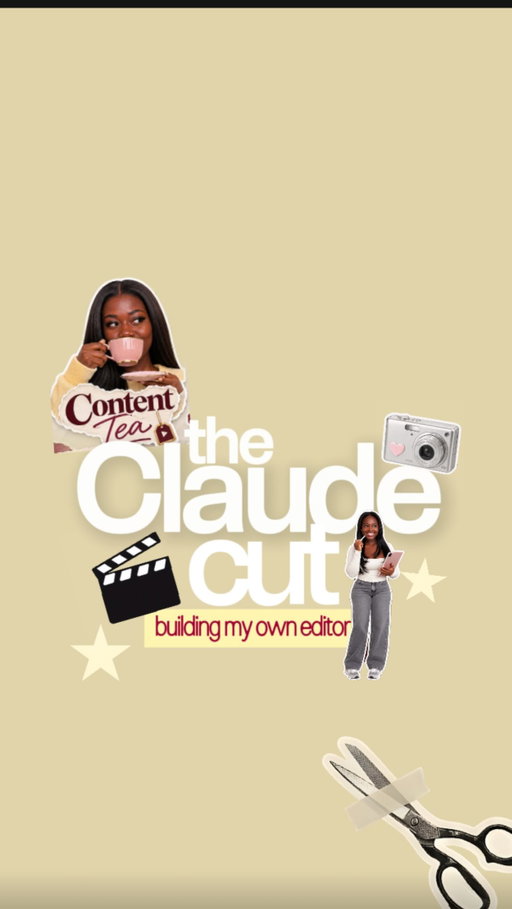
Claude Cut Pt.1: Claude got me y’all 🤭Teaching Claude how to edit like me, and I’m taking you along for the ride! 👀
Comment CUT for my FREE setup kit and editing reference sheet.
I’ll also be hosting weekly FREE live classes, so check my stories for details! 😘
9.25K
330
36
9mo ago
thecontenttray
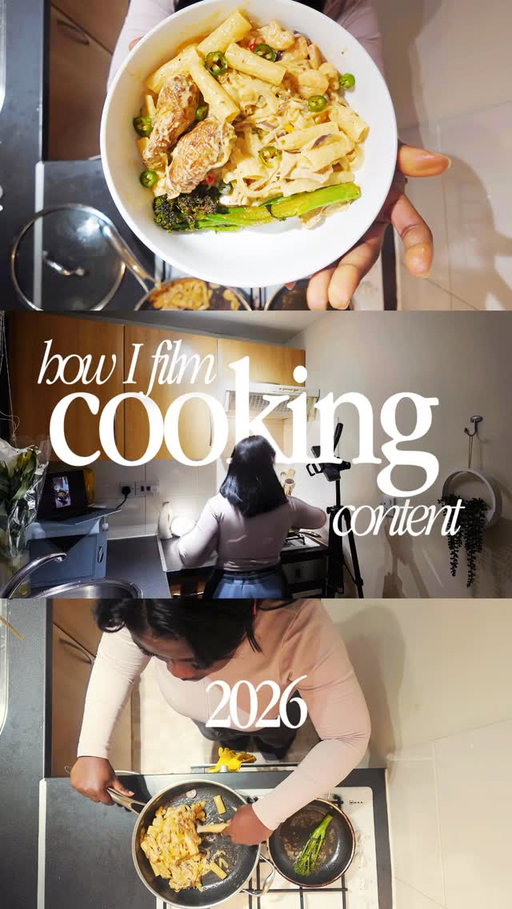
How I film cooking videos, comment “tea” for links the tools mentioned in this video
Let me know if you have any questions

6.99K
382
13
4mo ago
thecontenttray
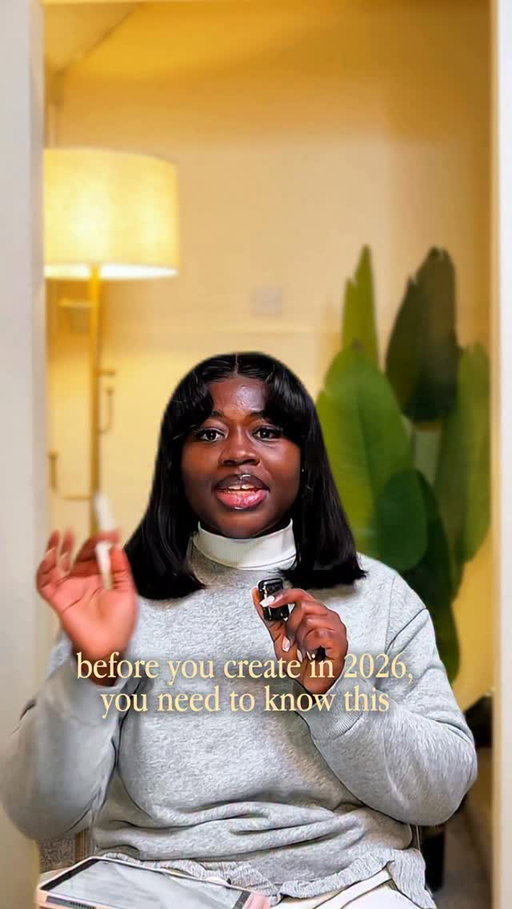
If your grwms are not hitting, it’s your sign to switch up your content delivery
Theme: get ready with me for work
Every version should still communicate that exact idea, but through a different psychological lens. It shouldn’t literally start with “Get ready for work with me…” every time.
The audience should hear it and think, “Oh, this is still a GRWM for work,” just packaged differently.
Repost if you found it helpful bd follow sling for the next part🥂
6.59K
442
19
10mo ago
thecontenttray
The creator landscape is shifting, here’s what you need to know
Attention is harder to earn, AI is everywhere, and audiences are craving realness.
Series > random posts
Personality > perfection
Community > clout
This year, it’s not about more content , it’s about better connection.
Let me know your thoughts and repost for more content like this 🥂
6.33K
291
92
11mo ago
thecontenttray
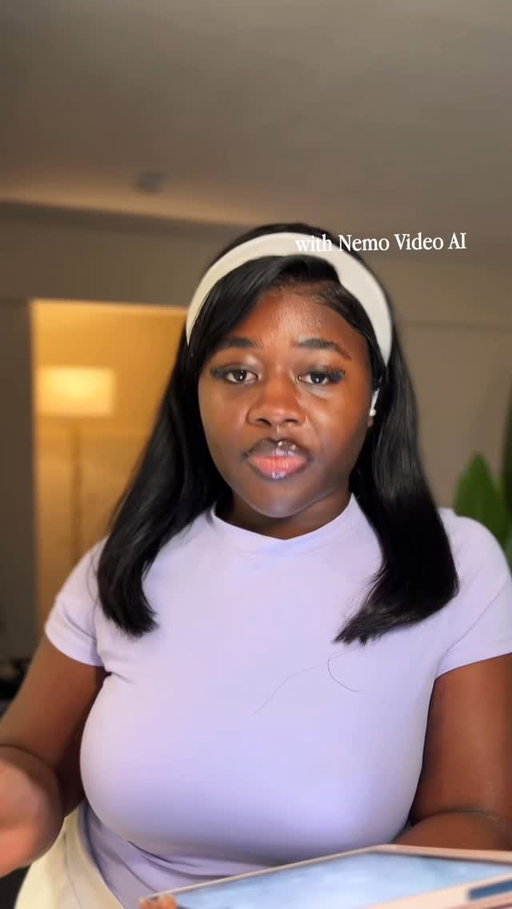
Editing fatigue is real, but I found a shortcut worth sharing, 🥂Comment “Nemo” and I’ll send a direct link to try it out
I used @nemovideo_2025 to pull clips, generate a structure, apply captions, and finesse the final look ✨
As someone who juggles content, client work, and life, when I find time-saving tools like this? I jump on it . It is a must.
I especially loved how it handled my raw vlog clips , it gave me a solid draft I could tweak in no time.
Would you try AI editing or do you still prefer doing it all yourself? Let me know in the comments
Comment “Nemo” and I’ll send a direct link to try it out 🤌🏾
NemoVideo • AI CreatorTools •ContentCreationTips •AIEditing
5.88K
347
25
3mo ago
thecontenttray
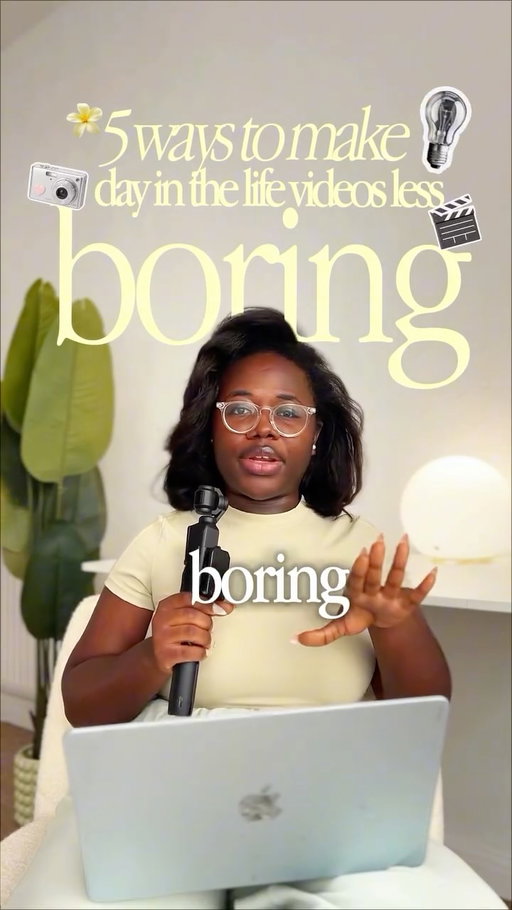
If your day in the life videos are not hitting, it’s your sign to switch up your content delivery
Every version should still communicate that exact idea, but through a different psychological lens. It shouldn’t literally start with “spend the day with me …” every time.
The audience should hear it and think, “Oh, this is still a DITL for work,” just packaged differently.
Repost if you found it helpful bd follow sling for the next part🥂
5.72K
338
26
7mo ago
thecontenttray
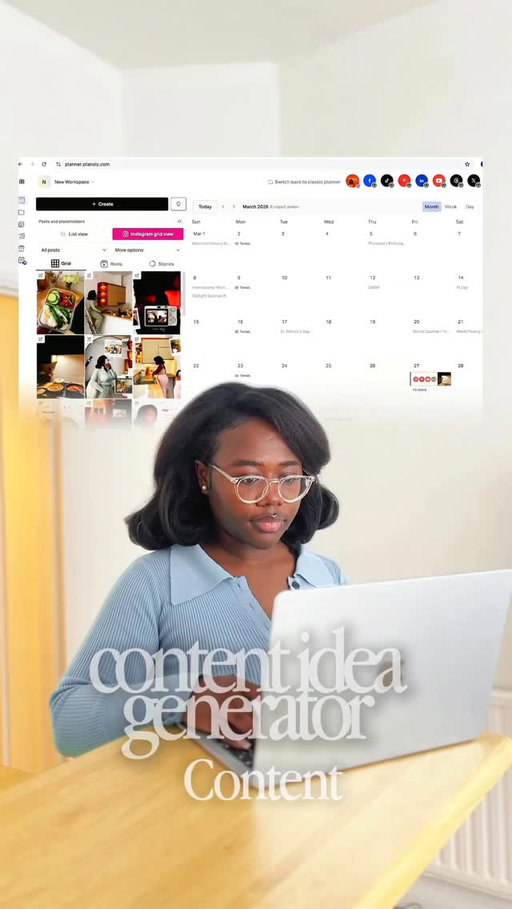
here is to staying consistent without feeling overwhelmed ✨ with @planoly
What changed for me was having a system that lets me plan ahead instead of deciding what to post every single day.
✨ Features I used in this video:
• visual content planner / grid preview
• post scheduling across platforms
• weekly content ideas + trend inspiration
• AI caption writer
• batch upload workflow
• reminder + auto-post features
This has made content creation feel so much lighter and more manageable for me.
If you’re trying to stay consistent as a creator, this might genuinely help 💙
Use my code DANIELLE10 for 10% off your Planoly plan.
AD #contentplanning #planolycreator #
5.45K
218
0
4mo ago
thecontenttray
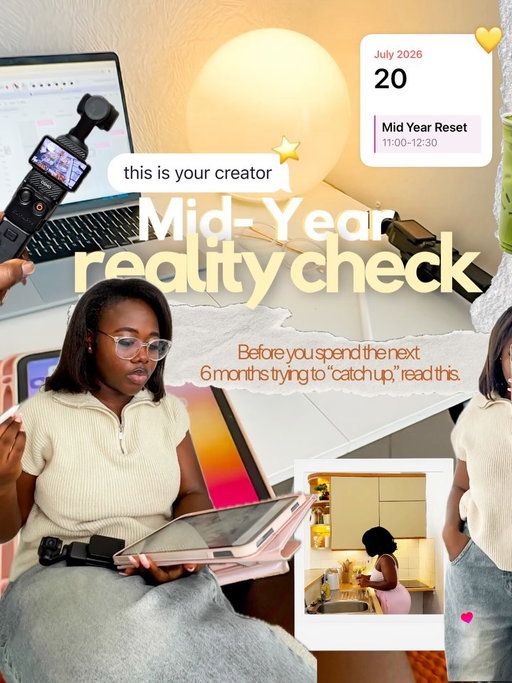
We’re halfway through the year, and around this time, I see the same pattern.
Creators start rebranding.Starting over.
Sometimes that’s exactly what you need.
But sometimes, you’re solving the wrong problem.
This carousel is a reminder to pause before making another big decision. Review your strategy. Revisit your goals. Ask yourself whether they still fit the creator and the life you have today.
The second half of the year isn’t about squeezing twelve months into six. Make better decisions with what you’ve learned so far.
Save this for your next strategy session.
Follow along for the rest of the Mid-Year Reality Check series, and leave your biggest content or strategy question below. I might cover it in a future post.
Everyone is halfway through the year. They’re either panicking because they haven’t achieved their goals or they’re trying to post more without changing anything.
What do I want to be known for by December?
Because here’s the thing.
A content plan tells you what to post.
A reputation tells people why they should keep coming back.
If someone watched ten of your videos today, what would they say you’re known for?
Creators throw around the word “rebrand” way too quickly.
Sometimes the issue isn’t your brand.
It’s how your brand is being understood.
A rebrand changes your identity.
A reposition changes people’s perception of your identity.
What do I want someone to remember after watching ten of my videos?
Because once you know that, deciding what to post becomes much easier.
Every idea either supports that reputation…
Imagine you’re a fitness creator.
Six months ago, all you posted were workout videos.
But now you’ve become interested in nutrition and healthy habits too.
You don’t need to delete your page and start from scratch.
You just need to change how you present yourself.
Instead of introducing yourself as ‘the workout girl’…
You might start positioning yourself as someone who helps busy people build healthier lifestyles.
Build a recognizable brand.
A community that actually cares about what you’re building.
Systems that make creating easier.
A clear reason for people to come back.
That’s what I’d be invest
5.44K
296
34
7mo ago
thecontenttray
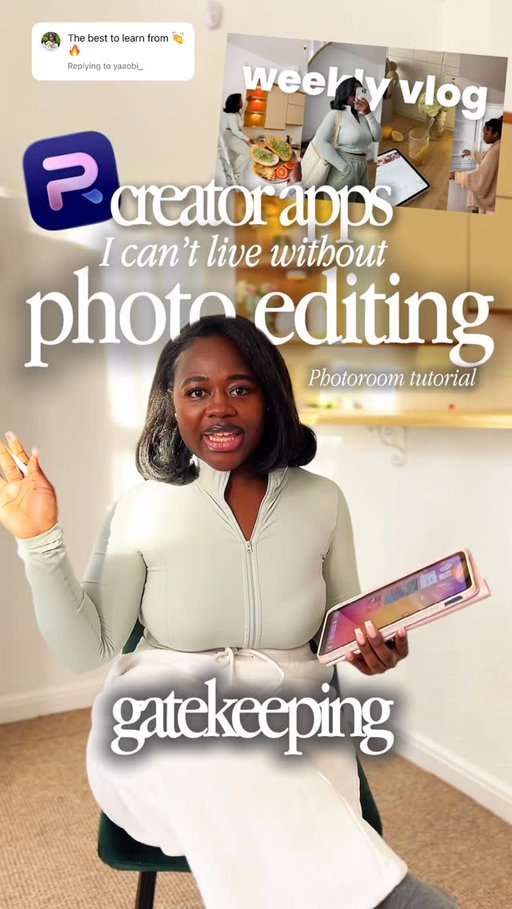
Creator App Files Pt.2: Photo edition @photoroom is of my list for photo editing, definitely a must have for all creators. Great for cutouts, clean background removal and YouTube thumbnails👌🏾
Here is part 2 of my new series creator app files, where I break down the different apps I use my day-to-day concentration process and why I use them. Let me know if you use any of these and if you have any questions
Repost + Follow along for the next part🥂
5.39K
306
13
3mo ago
thecontenttray
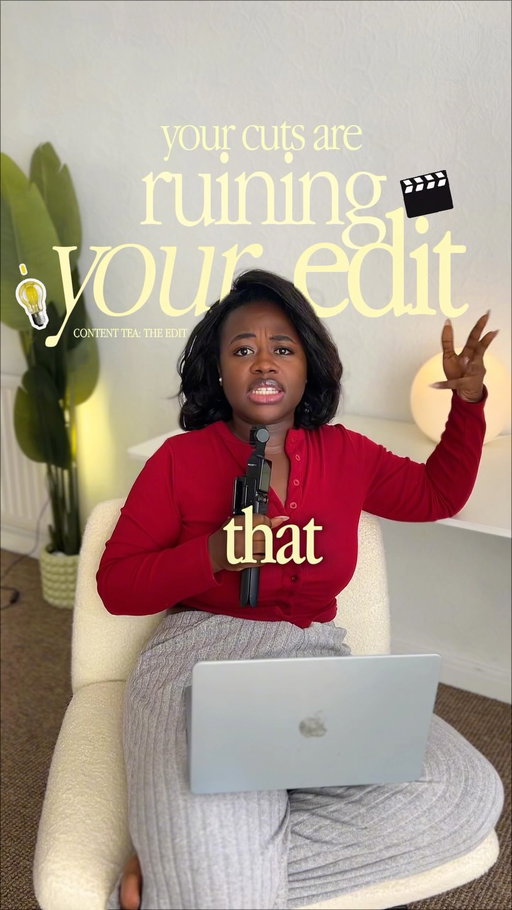
send this to your friend who is abusing the cut tool 🥲Knowing how to split a clip is easy. Knowing WHERE and WHEN to cut is the actual editing skill. ✂️
Every cut should have a reason: to remove what doesn’t add value, control the pace, redirect attention or move the story forward.
Before your next cut, ask yourself: what is this cut actually doing for my video?
Welcome to Content Tea: The Edit ☕️
EP. 01: The Split Tool
PS: If you’re curious how I edited this, check my stories for the editing sequence 😘
Follow for more content tea☕️💕
VideoEditingTips ContentCreationTips CapCutEditing VideoEditing ContentCreatorTips
Content Creation | Video , Tech & Content Strategy (@thecontenttray) Instagram Stats & Analytics
Content Creation | Video , Tech & Content Strategy (@thecontenttray) has 79.7K Instagram followers with a 6.15% engagement rate over the past 12 months. Across 46.0 posts, Content Creation | Video , Tech & Content Strategy received 35.7K total likes and 684K impressions, averaging 776 likes per post. This page tracks Content Creation | Video , Tech & Content Strategy's performance metrics, top content, and engagement trends — updated daily. To benchmark @thecontenttray against other accounts, use Socialpruf's Instagram competitor analysis tool.
Content Creation | Video , Tech & Content Strategy (@thecontenttray) Instagram Analytics FAQ
How many Instagram followers does Content Creation | Video , Tech & Content Strategy have?+
Content Creation | Video , Tech & Content Strategy (@thecontenttray) has 79.7K Instagram followers as of November 2026.
What is Content Creation | Video , Tech & Content Strategy's Instagram engagement rate?+
Content Creation | Video , Tech & Content Strategy's Instagram engagement rate is 6.15% over the last 12 months, based on 46.0 posts.
How many likes does Content Creation | Video , Tech & Content Strategy get on Instagram?+
Content Creation | Video , Tech & Content Strategy received 35.7K total likes across 46.0 posts in the last 12 months, averaging 776 likes per post.
How many Instagram impressions does Content Creation | Video , Tech & Content Strategy get?+
Content Creation | Video , Tech & Content Strategy's Instagram content generated 684K total impressions over the last 12 months.
Can I compare Content Creation | Video , Tech & Content Strategy with other Instagram accounts?+
Yes. Add @thecontenttray to a competitor set with Socialpruf's Instagram competitor analysis tool and benchmark it side by side with any other public accounts on views, engagement rate and follower growth, with history back to each account's first post.