NewGet @its.arthur7's full report

instagram analytics
Similar Accounts:
instagram analytics
Similar Accounts:
followers
310K
impressions
8.99M
likes
379K
comments
302K
posts
77
engagement
8.60%
emv
$652K
Average per post
117K
Key Metrics
Impressions
monthly
Distributions
Content
1.13M
27.5K
4.89K
11mo ago

its.arthur7
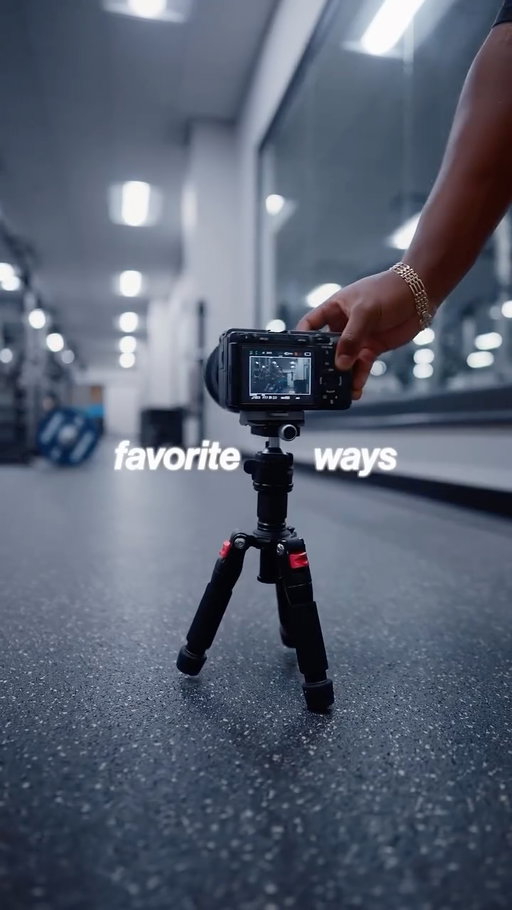
Here are 3 simple tips to make your video edits stand out using sound effects :
I also made a full guide for my community and if you want it, comment " design " and I'll send it to you.
1️⃣ : Layer with intention
Every sound should have a purpose.
Don't just throw in a "whoosh " ... ask, what emotion does this moment need?
2️⃣ : Contrast silence
Silence itself is a sound effect ...
if everything is loud, nothing feels powerful .
Cut the noise before impact - your next sound will hit ten times harder
3️⃣ : Match movement to sound
Your visuals and sound should dance together. Cut to the rhythm of your audio and your viewer’s brain will lock in without even realizing why.
If you found this helpful, be sure to save and follow for more.
.
.
.
.
#videography #filmingtips #howtofilmyourself #cinematography #cinematic #contentcreator #contentcreatortips #beginnercontentcreator #cinematographer #editingtips #soundeffects #sonyalpha #sonyfx3 #videographer
709K
14.0K
4.90K
9mo ago
its.arthur7
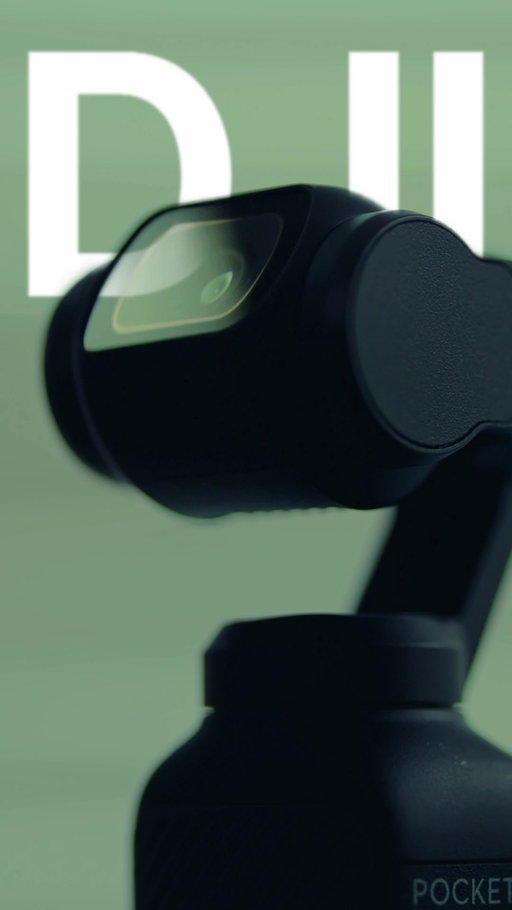
Comment “DJI” and I’ll send you this LUT + a full settings guide.
Here are the best DJI Pocket 3 settings for filming high quality content and it only takes 5 seconds.
Step 1️⃣: Change Your Resolution
Set your camera to 4K, not 1080p.
This instantly gives you sharper image quality and the flexibility to crop in while editing without losing detail. Also Make sure to set it at 30fps, and confirm the 16:9 ratio.
Step 2️⃣: Turn On Pro Mode
Swipe right, toggle Pro, and open up the advanced settings.
Tap Exposure, keep it on Auto, then set –0.7 EV with an ISO range of 50–800.
This keeps your exposure balanced and prevent your footage from blowing out
Step 3️⃣: Switch to D-Log Mw
Tap Color, then choose D-Log M.
This flat, desaturated color profile captures more dynamic range, giving you way more control when color grading — just like shooting S-Log on a professional camera.
If you found this helpful, save and follow for more.
.
.
.
#videography #filmingtips #howtofilmyourself #cinematography #cinematic #contentcreator #contentcreatortips #beginnercontentcreator #cinematographer #editingtips #sonyalpha #sonyfx3
#videographer
667K
63.0K
6.48K
7mo ago
its.arthur7
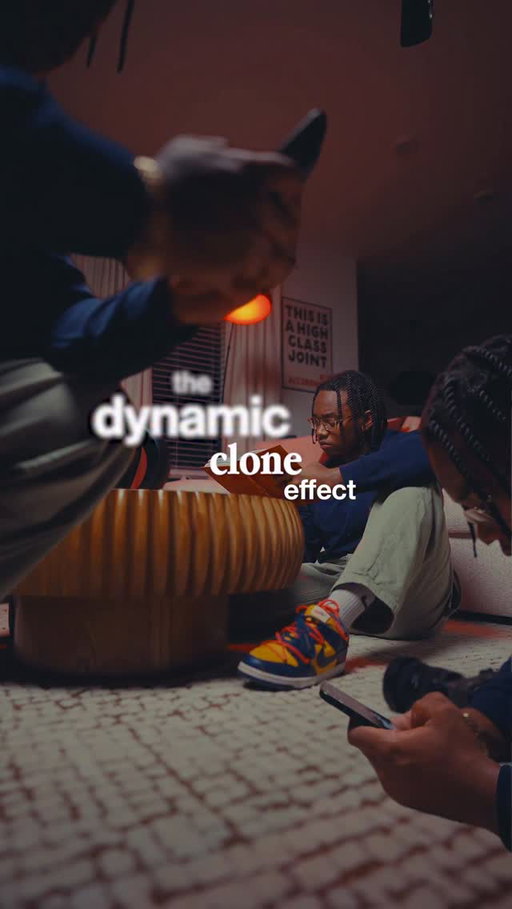
This is called the dynamic clone effect. And this is how to do it in 3 simple steps
I made a full step-by-step tutorial for my community so if you want an in depth tutorial Comment “effect” and I’ll send you the link.
For this effect you only need three clips.
One main shot and two side shots that create the clone illusion.
Step 1️⃣: Place your camera l on a slider and record a slow pull-in movement.
This will be your main shot.
Now here’s the important part.
Do not move your camera.
Instead, change where you sit in the frame and stay on the sides so you don’t block your main shot. Record that second clip.
Then repeat the same thing for the third clip, but move to another open area of the frame.
Step 2️⃣: Now jump into your editing software.
Import the three clips, trim them so the pull-in motion starts at the same moment, then stack them on top of each other.
Step 3️⃣: From there, simply mask each version of yourself to reveal different parts of the frame.
And just like that, you get this dynamic clone effect.
If this helped, save and follow for more.
#videography #filmingtips #cloneeffect #cinematography #cinematic
651K
22.2K
8.89K
8mo ago
its.arthur7
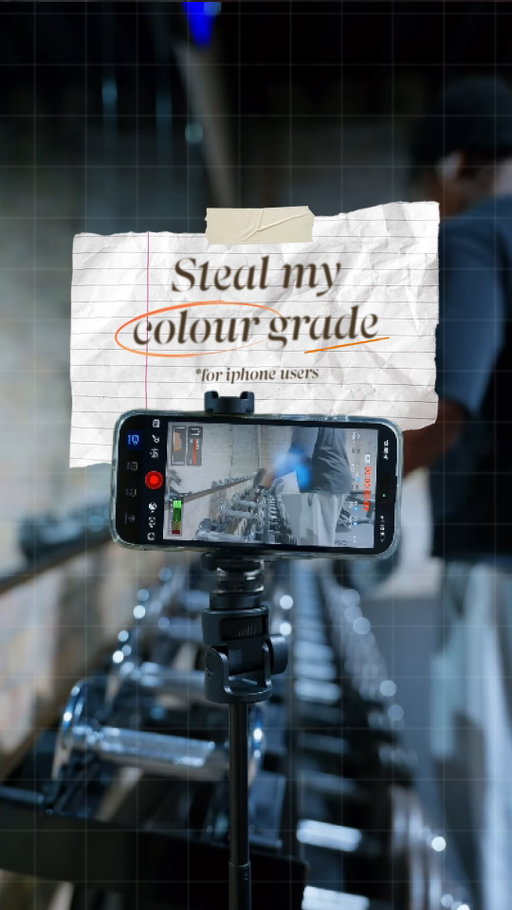
Comment "LUT" and I'll send you the free Apple-Log to Rec709 conversion LUT.
So this is one of favorite ways 1 make my iPhone videos look cinematic and here's how you can also do the same in just 3 simple steps.
For this, you only need the black magic camera app which is completely free (and no this is not sponsored although if they see this please reach out)
Step1️⃣: Open blackmagic camera app and head to settings
A) make sure the codec is set to h.265 because it supports 4k videos better than h2.64. The higher the bitrate the better your videos will look trust me
Step2️⃣ Make sure 4k is enabled then head over to colorspace tab. If you see this don't freak out. Rec709 just means how color is show on most tvs or literally what you seeing right now. Apple log or slog is a dull filming format that preserves your colors so you can achieve highest dynamic range and have more room to colorgrade. This format though requires a conversion Lut to rec709 but don't worry if you want it just comment "Lut" and I'll send it to you and guide on how to use it.
Step3️⃣ if you are recording vertical content for
Instagram or TikTok enable this but if you want to film horizontally for YouTube or something else, just leave this turned off.
Lastly; scroll over to the media section and change to save to both In-App and Photo library. This will help you save your videos straight to your iphone.
And that's it! If you found this helpful be sure to save and follow for more.
.
.
#videography #filmingtips #howtofilmyourself #cinematography #cinematic #contentcreator #contentcreatortips #beginnercontentcreator #cinematographer #editingtips #sonyalpha #sonyfx3 #videographer
508K
28.6K
14.7K
4mo ago
its.arthur7
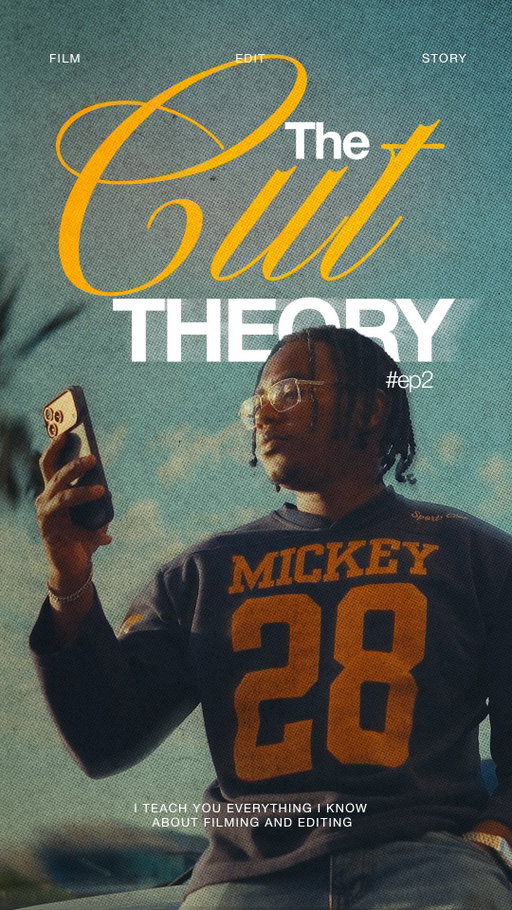
Comment "TCT" to receive my free Apple-Log to Rec709 conversion LUT.
So this is one of favorite ways I use to make my iPhone videos look cinematic and here's how you can also do the same in just 3 simple steps.
For this, you only need the black magic camera app which is completely free . This is ABSOLUTELY NOT sponsored although it they see this please reach out :)
Step 1️⃣: Open blackmagic camera app and head to settings
A) make sure the codec is set to h.265 because it supports 4k videos better than h2.64. The higher the bitrate the better your videos will look trust me
Step 2️⃣: Make sure 4k is enabled then head over to colorspace tab. If you see this don't freak out. Rec709 just means how color is show on most tvs or literally what you seeing right now. Apple log or slog is a dull filming format that preserves your colors so you can achieve highest dynamic range and have more room to colorgrade. This format though requires a conversion Lut to rec709 but don't worry if you want it just comment "Lut" and I'll send it to you and guide on how to use it.
Step 3️⃣: If you are recording vertical content for
Instagram or TikTok enable this but if you want to film horizontally for YouTube or something else, just leave this turned off.
Lastly; scroll over to the media section and change to save to both In-App and Photo library. This will help you save your videos straight to your iphone.
And that's it! If you found this helpful be sure to save and follow for more.
#videography #howtofilmyourself #cinematography #filmingtips #videographer
354K
2.70K
50
8mo ago
its.arthur7
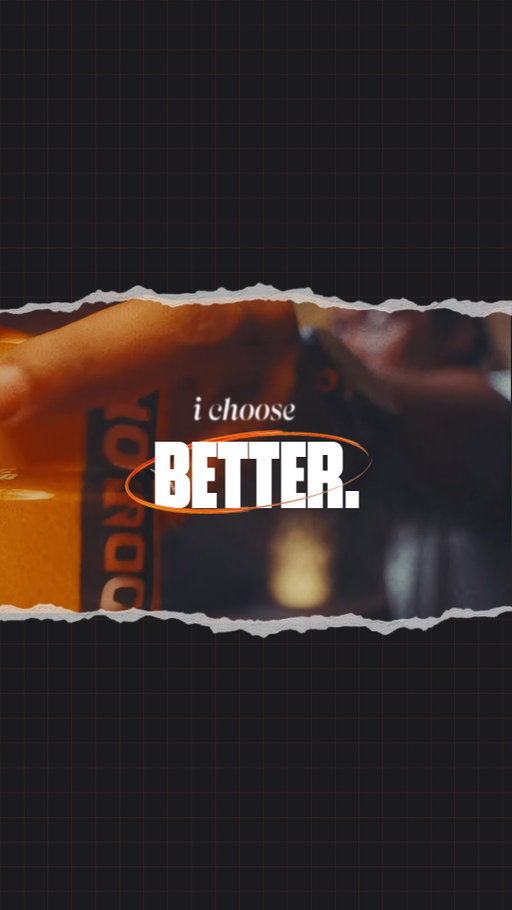
Most of the work I’m proud of, no one ever sees.
It’s what I do when no one’s watching.
That’s where better is built. So yeah, I choose better.
@drinkbodyarmor #BODYARMORpartner #motivation #contentcreator #cinematic #cinematography
321K
12.9K
110
10mo ago

its.arthur7
The process is up to you, the outcome is up to God.
.
.
.
#lifelately #contentcreator #videographer #influencer #cinematography #dreamlife #lifestyle #explore #contentcreation
276K
11.0K
165
6mo ago
its.arthur7
It costs you nothing to belive that it's possible but will costs you everything to beleive that's it's not possible.
.
#lifelately #contentcreator #influencer #dreamlife #cinematography
245K
12.7K
2.08K
6mo ago
its.arthur7
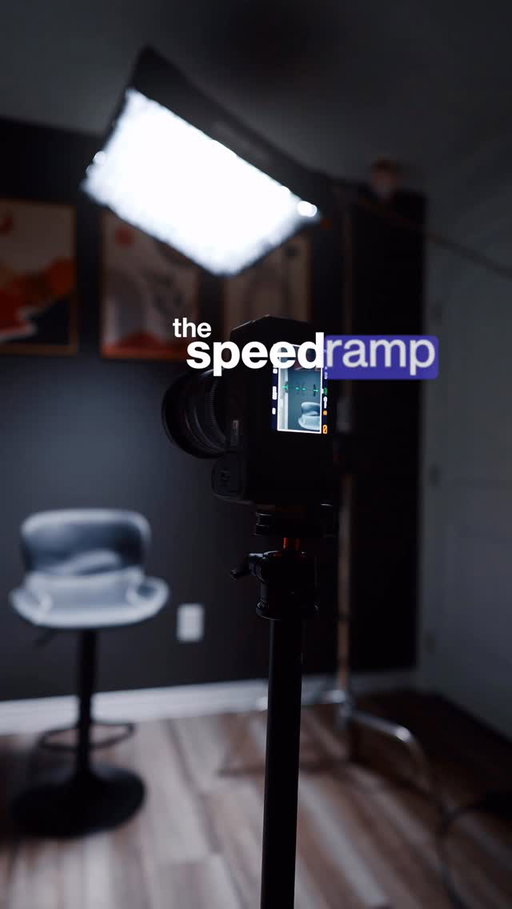
Prolly one of the easiest ways to make your videos feel instantly more engaging is using speed ramps. I made a drag-and-drop preset. Comment “speed” and I’ll send it to you.
First, film two clips with the same motion—either both pushing in or both pulling out.
Step 1️⃣: Place both clips on your timeline.
Enable time remapping by clicking FX, then Time Remapping, then Speed.
Step 2️⃣: Press P to add speed points where you want the ramp.
Drag that section up to around 800 to 1500 percent, then smooth out the curve.
Step 3️⃣: This is the secret—use RSMB Pro. Not sponsored, it’s just that good.
It adds realistic motion blur, which makes everything feel smoother and more natural.
Add an adjustment layer, apply RSMB Pro, and set it around 1.5. Adjust to taste.
And that’s it.
If this helped, save it and follow for more.
.
#videography #filmingtips #speedramp #cinematography #cinematic
237K
16.1K
1.67K
6mo ago
its.arthur7
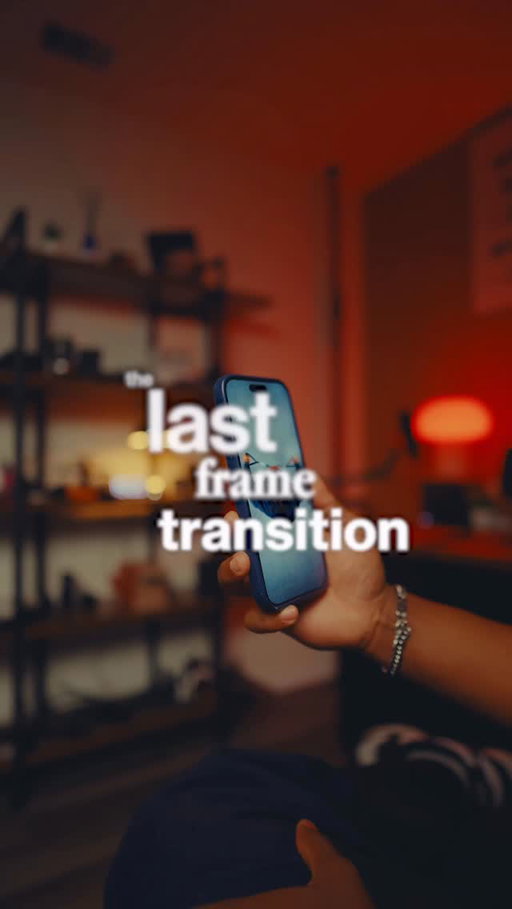
So, this is called the last frame transition, and this is how to do this effect in 3 simple steps.
Also for a full breakdown for this and the assets I use for this transition, comment the word "asset" and I’ll send you the link.
This technique is used all the time in commercial ads like these and it’s so simple, but it makes your transitions feel high-end and no you don't need ai for this
So, for this effect, you only need two shots.
The first shot is your main clip, and the second is a camera reveal transition using some sort of ascreen .
Step 1️⃣: Film your first clip, then- in post - split it into two. Export just that second part and send it to your phone or computer — this is what we’ll use for the transition.
Step 2️⃣: For the second shot, play your clip from the start, cover your camera lens with your phone to fill the frame and slowly pull back to reveal your next scene — or if you want to spice it up, use a slider for a smoother pro transition.
Step 3️⃣: Bring all clips into your editing software
Place the transition shot right after your first clip, then trim and line it up so the screen matches exactly where the first clip ends.
If you want to spice it up, add a whoosh with simple flash effect .
Try it out, and if you found this helpful , save it and follow for more.
#videography #filmingtips #lastframetransition #cinematography #cinematic
207K
8.27K
380
9mo ago
its.arthur7
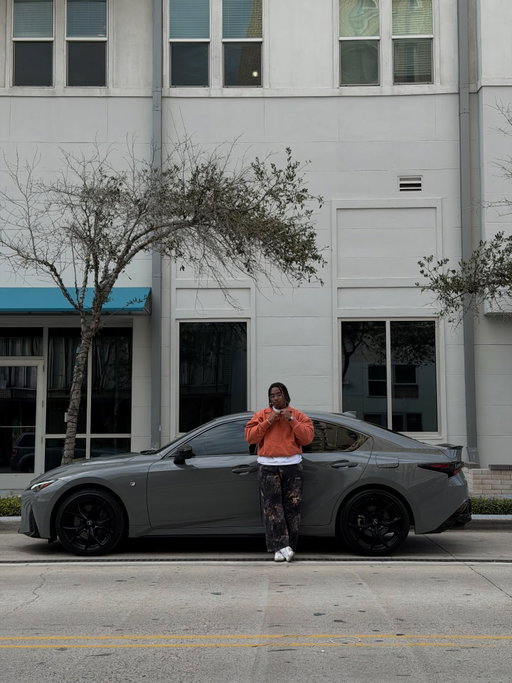
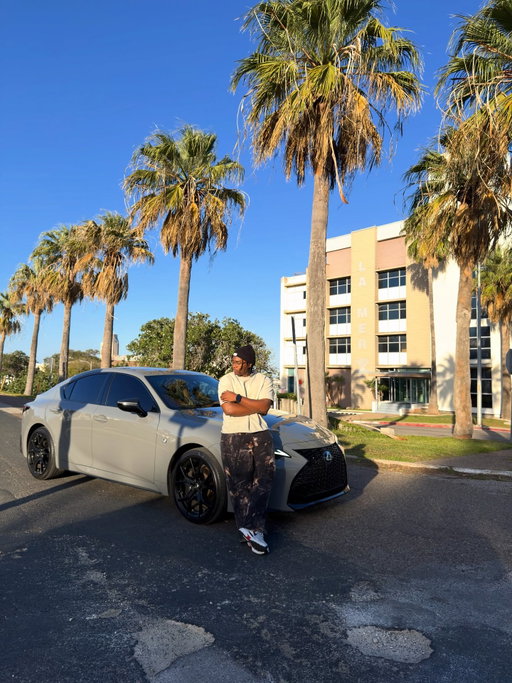
GOD REALLY DID IT AGAIN.
There was a time I used to cry out to God for provision, direction… not knowing how He would answer, just trusting that He would.
Today, I drove home in something I once prayed about but knew that it was far from happening .
This is my second Lexus, yes but this moment is bigger than a car. It’s proof that seasons change. That unseen work eventually becomes visible fruit.
I’m deeply grateful for this community that’s supports me, believe in me, and walked with me through every phase before the wins were public. ( When I first picked up my camera )
If you’re a dreamer…
If you’re setting goals that feel way bigger than your current reality…
If you’re still in the quiet season where nothing seems to be moving. Don’t stop bro , God sees you.
I pray the same God who opened doors for me opens doors for you at the right time, in the right way, for the right reasons.
Forever grateful.
.
.
#fy #motivation #goals #dreamcar #lexus
203K
9.46K
96
11mo ago
its.arthur7
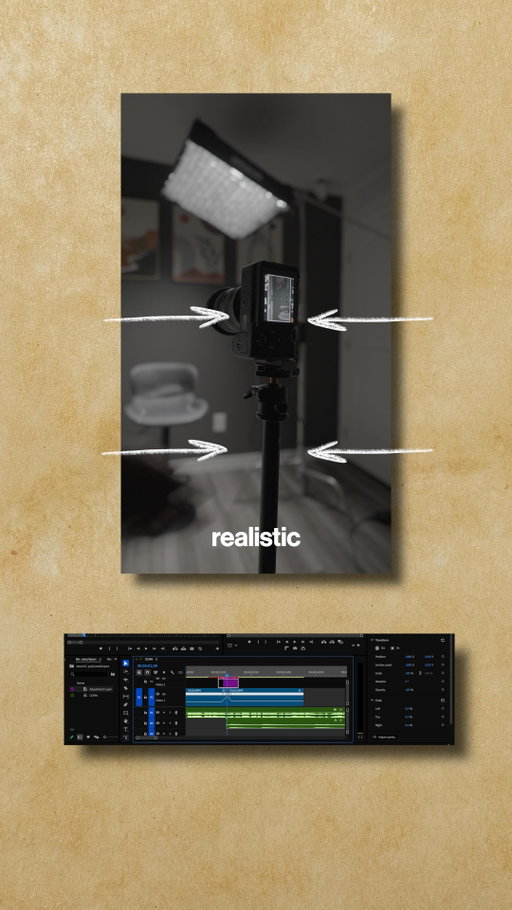
This method is what I've used to create engaging transitions that keep my viewers hooked.
The secret to this is a plugin called rsmb pro; and no, I'm not sponsored. I just had to put you on because it’s that good.
This plugin pretty much adds realistic motion blur to moving parts of your video, making it feel real and smooth.
So to use it;
Step 1️⃣: On your timeline , switch to time-remap the select speed
Step 2️⃣: Create points where you want to speed ramp.
Drag those points to how fast you want it to be and smoothen out your curve to create a good speed ramp
Step 3️⃣: If you already installed the plugin, create an adjustment layer, search for rsmb pro, then drag it to your layer.
I've found the sweet spot to be around 1.5, but tweak it to your liking.
And that's it! Let me know what you think and if you found this helpful, save and follow for more.
.
.
.
#videography #filmingtips #howtofilmyourself #cinematography #cinematic #contentcreator #contentcreatortips #beginnercontentcreator #cinematographer #editingtips #speedramping #sonyalpha #sonyfx3 #videographer
173K
11.9K
3.30K
2mo ago
its.arthur7
Here's how I upload crisp videos on my instagram without compression. I get asked a ton how I upload high quality videos on my instagram without compression and today, I'm sharing how I do so.
BTW I've created a simple Free guide that shows you how exactly how to do this, just comment the word “ TCT “ and I’ll send you the link.
It’s no secret social media compresses your videos once you upload them…
I don't gate-keep so here's how you can also achieve this in just 3 simple steps
Step 1️⃣: Export in 4K… not 1080. Yes, 4K.
Instagram compresses everything anyway, but in my experience, starting with a higher-resolution file gives it more detail to work with so -your final video looks cleaner after compression.
Step 2️⃣: Make sure the premiere pro/ Davinci high quality export render sections ( either inside the timeline or export tab ) are checked, so as to preserve as much quality as possible.
Step 3️⃣: Go to your Instagram settings → Media Quality.
Turn off the first option, and turn on the last two.
This tells Instagram to prioritize quality, not just speed.
And that's it! In the next video, I’ll show you the exact premiere and Davinci Resolve export settings I use to keep my videos from losing quality after editing. So save this and follow for part two.
.
#videography #howtofilmyourself #cinematography #filmingtips #videographer
165K
2.31K
577
7mo ago
its.arthur7
Comment " Create " and I'll send you a detailed breakdown that Walsh's you through these tips in details.
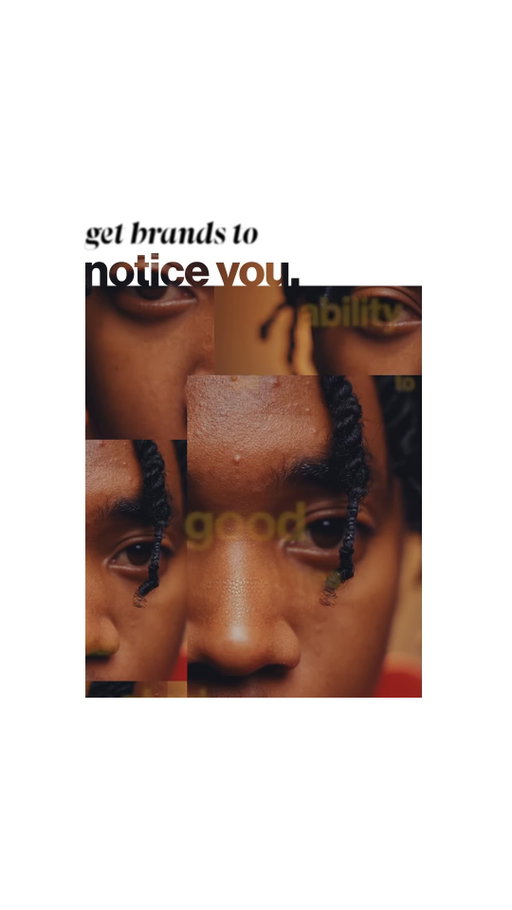
I’ve been creating content full-time for two years, and somehow I’ve ended up working with brands I once thought were completely out of reach. Here are three things I learned that helped me land major brand deals and they’ll help you too.
1️⃣: OWN A LANE (Be the go-to for something.)
The fastest way brands trust you is clarity. You don’t need to do everything — you need to be known for one thing. When a brand needs something specific, your name should come up naturally.
2️⃣: AUTHENTIC STORYTELLING
Storytelling beats selling. We’re past the unboxing era. Brands win when products are blended into real stories. When content feels cinematic, honest, and aligned with your real life, audiences trust it and brands see better results without it feeling like an ad.
3️⃣: EDUCATE, DON’T GATEKEEP (your strongest trust builder)
Something I learned from top brand managers is this : brands trust creators who don’t gatekeep. When you openly educate your audience and share what you actually use, it builds real trust. And trust is what brands are really buying.
That’s it for today, if you find this helpful, be sure to save and follow for more.
.
#videography #contentcreator #contentcreation #contentcreationtips #beginnercontentcreator
123K
4.91K
95
8mo ago
its.arthur7
The information is discovered because of the opportunity to be the flower in a wall in the spaces that you never expected yourself to be in. We try to work overtime for somethings that only God can give us. Thankful.
.
.
#lifelately #contentcreator #influencer #dreamlife #cinematography
106K
5.70K
46
1mo ago
its.arthur7
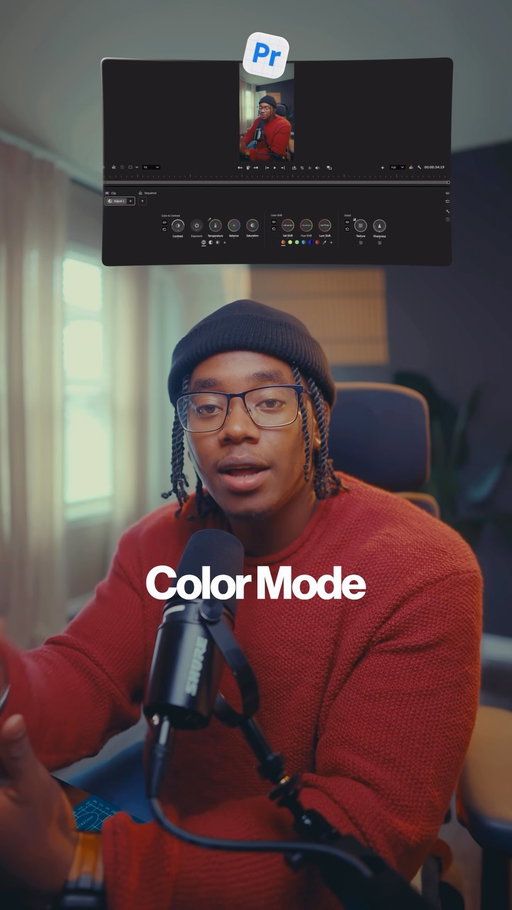
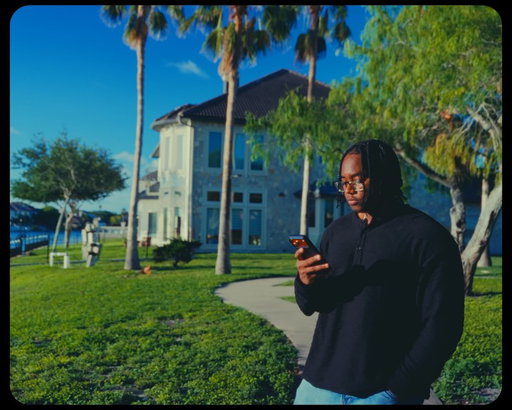
Premiere’s color workflow has changed quite a bit.
I’ve been testing the new Color Mode in Premiere (beta), and one of my favorite changes is how much easier it is to actually understand what you’re doing while grading.
Log footage can be color managed automatically, you can isolate parts of the image with color masking, and the grading process feels much more visual.
If color grading in Premiere has ever felt intimidating, this feature makes it considerably easier to start. Try Color Mode in Premiere (beta) and let me know what you think.
@adobevideo
.
#adobepartner #videography #cinematography #cinematic #filmingtips
89.3K
3.57K
77
4mo ago
its.arthur7
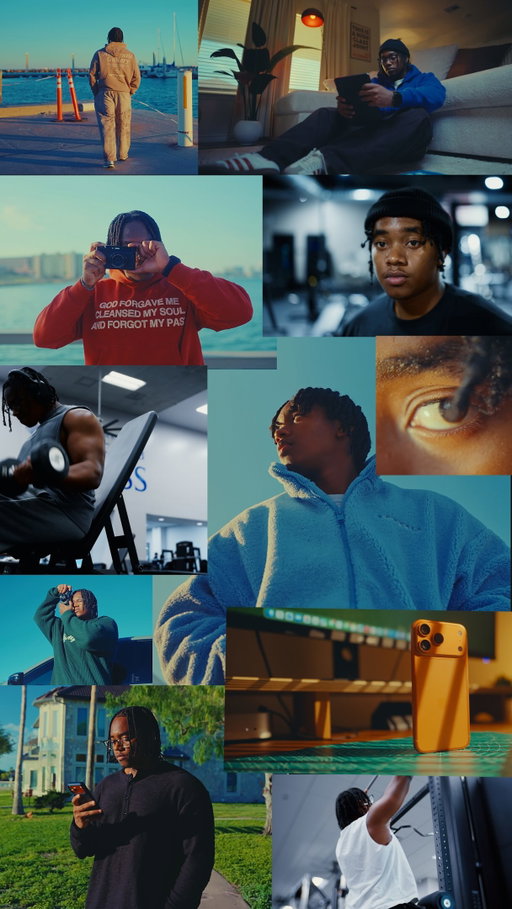
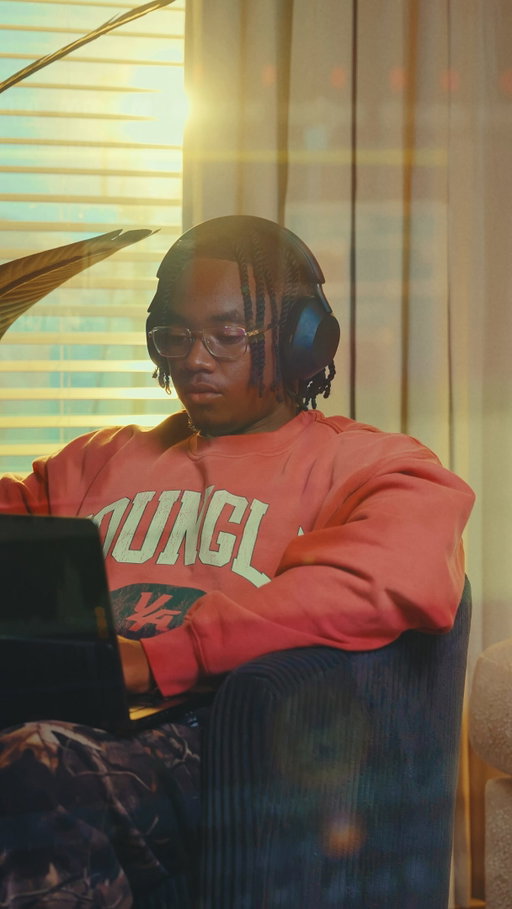
I'm truly blessed to be able to pick up a camera and document my life. Grateful I get to call this " work". Some video postcards from recent YouTube video and cool moments in June.
.
#videography #cinematography #cinematic #contentcreator #sonyfx3
86.8K
7.00K
2.09K
3mo ago
its.arthur7
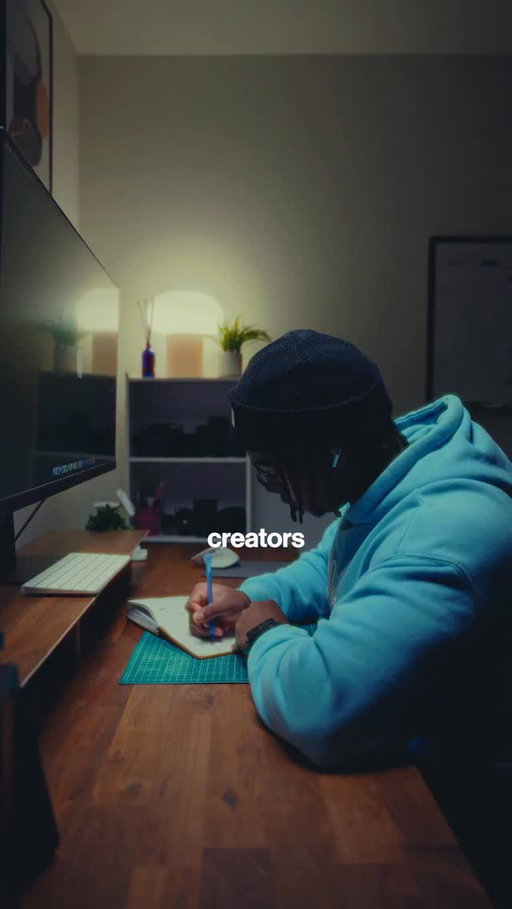
Sound design is one of the fastest ways to make your edits feel more professional, yet it's something a lot of creators overlook.
I also made a full guide for my community and if you want it, comment " TCT " and I'll send it to you.
Here are 3 sound design tips that completely changed the way I edit my content.
Number 1️⃣: Edit to the beat.
This is one of the easiest ways to make your edits feel more intentional. I use a free plugin called Blinkly.io that automatically detects the beats in your music and places markers directly in your timeline. And no I'm NOT sponsored but if they do see this, my inbox is open!!
Number 2️⃣: Use the de esser trick.
Instead of simply lowering your music, create space for your voiceover to sit naturally in the mix. It helps your voice cut through clearly while keeping the music present.
Number 3️⃣: Stop using the same sound effect.
Instead of stacking the same whoosh three times, layer different sounds together. A low hit, a mid whoosh, and a high texture will almost always sound more polished.
Save this for later and follow for more.
.
.
#videography #filmingtips #editingtips #cinematography #cinematic
81.1K
3.90K
1.19K
11mo ago
its.arthur7
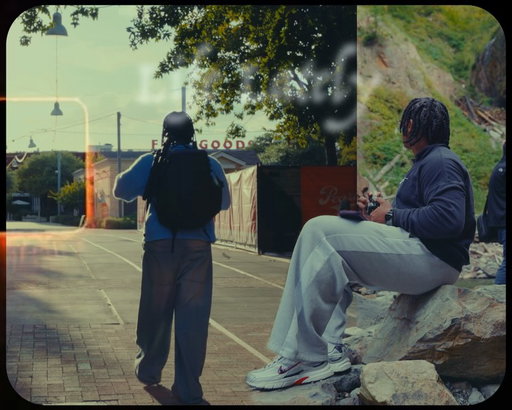
I've spent the last year developing the perfect content calendar for my community and I'm happy to share it with you. Comment " Calendar " to receive my Creator Calendar that I've used over the past two years to consistently push out quality content cause most creators think their biggest problem is coming up with ideas… but that’s actually the easiest part.
Three weeks ago I started coaching a group of 10 creators in my community… and I kept seeing the same struggle I had when I first started " CONSISTENCY "
For the last two years, I’ve posted at least three times a week—while managing a job, clients, and a full community.
So here's the exact system I use that's very simple and effecting
1️⃣ PRE-PRODUCTION
Open your notes app, write down two videos for next week. Script them, shotlist them, and choose your posting times based on your analytics
2️⃣ BATCH SHOOTING
Separate your indoor and outdoor shots. When you step outside, film every outdoor shot you need for the week. Same for indoor shots.
3️⃣ EDIT WINDOW
Edit over the next three days whenever you have small pockets of free time. Those short sessions keep you moving without burning out.
BONUS TIP – B-ROLL BANK
Build a B-roll bank. Create 5 folders, choose five things you do daily and capture three angles of each. It makes future videos effortless. Film every action three times using 3 By 3 method. wide - Medium and Close up.
If you find this helpful, be sure to save and follow for more.
.
.
.
#videography #filmingtips #contentcreator #contentcreation #contentcreationtips #cinematic #cinematography #beginnercontentcreator #cinematographer #videographer #editingtips #sonyalpha #sonyfx3
77.3K
3.09K
56
11mo ago
its.arthur7
Life’s been teaching me a lot lately.
Learning how to find rhythm with work, purpose, and my own peace. Not perfect at it, but I’m finally finding a rhythm again.
I also re-launched my mentorship program and it reminded me why I even create and just watching people grow, get clarity, and finally take their ideas seriously… it hits different.
And now I’m easing back into my content flow. Feels good to create from a real place again.🫡
Camera setup : Sony FX3
Lenses: 35mm f1.4, 85mm f1.4
.
#lifelately #videography #filmingtips #cinematography #gym #fitness #cinematic #contentcreator #contentcreationtips #cinematographer #videographer #sonyfx3 #sonyalpha
Arthur Cyiza (@its.arthur7) Instagram Stats & Analytics
Arthur Cyiza (@its.arthur7) has 310K Instagram followers with a 8.60% engagement rate over the past 12 months. Across 77.0 posts, Arthur Cyiza received 379K total likes and 8.99M impressions, averaging 4.92K likes per post. This page tracks Arthur Cyiza's performance metrics, top content, and engagement trends — updated daily. To benchmark @its.arthur7 against other accounts, use Socialpruf's Instagram competitor analysis tool.
Arthur Cyiza (@its.arthur7) Instagram Analytics FAQ
How many Instagram followers does Arthur Cyiza have?+
Arthur Cyiza (@its.arthur7) has 310K Instagram followers as of October 2026.
What is Arthur Cyiza's Instagram engagement rate?+
Arthur Cyiza's Instagram engagement rate is 8.60% over the last 12 months, based on 77.0 posts.
How many likes does Arthur Cyiza get on Instagram?+
Arthur Cyiza received 379K total likes across 77.0 posts in the last 12 months, averaging 4.92K likes per post.
How many Instagram impressions does Arthur Cyiza get?+
Arthur Cyiza's Instagram content generated 8.99M total impressions over the last 12 months.
Can I compare Arthur Cyiza with other Instagram accounts?+
Yes. Add @its.arthur7 to a competitor set with Socialpruf's Instagram competitor analysis tool and benchmark it side by side with any other public accounts on views, engagement rate and follower growth, with history back to each account's first post.