NewGet @wallstwardrobe's full report

instagram analytics
Similar Accounts:
instagram analytics
Similar Accounts:
followers
274K
impressions
88.7M
likes
969K
comments
15.7K
posts
300
engagement
0.968%
emv
$2.04M
Average per post
296K
Key Metrics
Impressions
monthly
Distributions
Content

4.85M
1.68K
22
6mo ago

wallstwardrobe
Part 3 of how to fight the corporate glowdown.
Your skin is the first place stress and long days start to show — which is why I focus on skincare before makeup.
The Olay Super Serum gives 5 skincare benefits in one step, making it perfect for busy mornings when you don’t have time for a full routine.
It also works as a great base under makeup, and I pair it with the Super Cream with SPF so I’m protecting my skin too.
A small investment now = better skin long term to fight the corporate glowdown.
#ad #OlayPartner #skincare #financegirl #corporate
3.46M
35.6K
112
11mo ago
wallstwardrobe
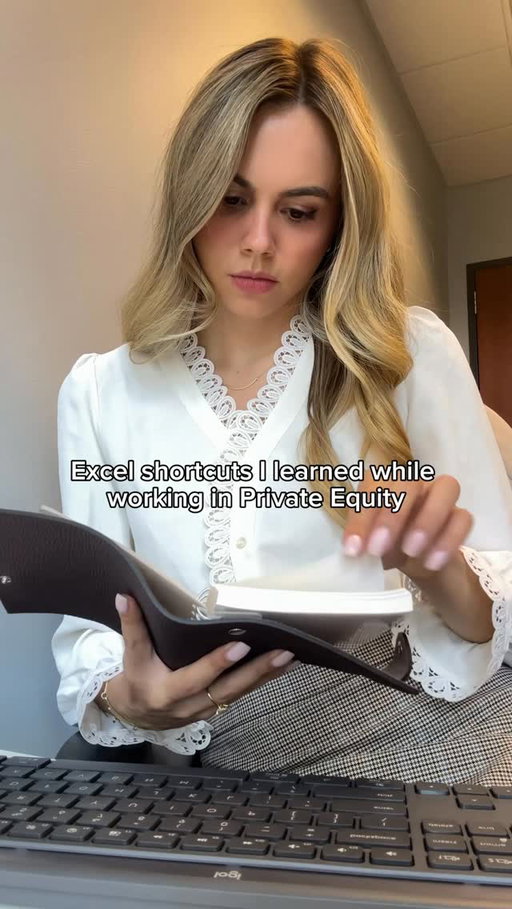
You can’t waste time dragging, clicking through menus, or fixing formatting manually.
These shortcuts eliminate 90% of the friction so you can focus on what matters: actual analysis.
📌Ctrl + 1 — Format Cells instantly
This opens the formatting panel without touching your mouse.
Number formats… borders… alignment… it’s all there. You’ll use this constantly.
📌Ctrl + D / Ctrl + R — Copy down / copy right
The fastest way to drag formulas without dragging.
Ctrl + D = down.
Ctrl + R = right.
If you’re modeling, this saves HOURS.
📌F12 — Save As
Instead of clicking around menus, F12 jumps straight to “Save As.”
PE analysts use this every time they version a file.
📌Remove Gridlines — Alt + W + V + G
Clean sheets = clean thinking.
This shortcut hides gridlines instantly so your model looks polished and presentation-ready.
📌Duplicate your screen — Ctrl + Shift + (two-pane view)
Use:
View → Split (or Alt + W + S)
This lets you view two parts of the same sheet at once — perfect for auditing formulas or comparing assumptions vs outputs.
📌Make rows the same height — Alt + H + O + H
Select all the rows you want → Alt + H + O + H → type a number.
This is how you get perfectly uniform rows in a clean model.
📌F2 — Audit formulas fast
F2 highlights every cell feeding into a formula.
No clicking in and out — just instant visibility.
This is THE shortcut for reviewing models under pressure.
Save this to save time.
#exceltips #privateequity #finance
2.92M
26.4K
256
11mo ago
wallstwardrobe
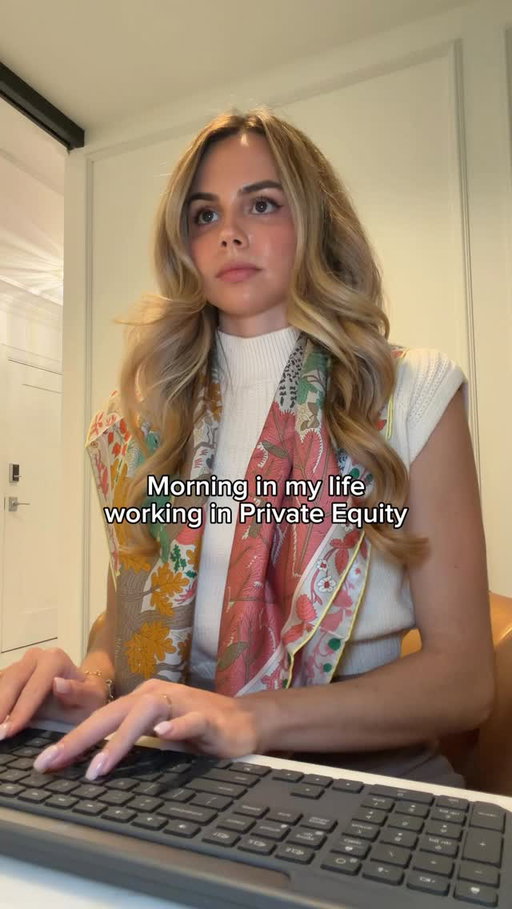
Morning routine working in private equity investor relations 👩🏼💻🏙️ same routine new city!!
#privateequity #womeninfinance #investmentbanking #corporategirl #dayinmylifevlog

2.44M
46.8K
262
8mo ago
wallstwardrobe
finance couple starter pack ✨
#privateequity #investmentbanking #luxury #financebro
![Modeling confidence comes from knowing the shortcuts that make everything cleaner and faster. Nobody really teaches you these tricks, you’re usually expected to know them.
📌Ctrl + Shift + 1 (or !) — Clean number formatting
Instantly formats numbers with two decimals. No menu clicking.
PE analysts use this constantly.
📌Ctrl + Shift + $ — Currency formatting
Forget manually adding dollar signs — this does it perfectly, every time.
📌Ctrl + Shift + % — Percent formatting
If you work with margins, growth rates, or returns, this becomes your best friend.
📌Ctrl + Shift + Arrow Keys — Select entire data ranges
Jump and select thousands of cells in one move.
This is how analysts navigate giant models without touching the mouse.
📌Alt + = — Auto-Sum
Excel finds the range and sums it in one step.
Shaves minutes off every reconciliation.
📌F2 — Audit formulas quickly
Shows every input feeding the formula.
Perfect for catching errors before your VP does.
📌Ctrl + [ — Jump to precedent cells
Takes you directly to the input driving a number.
A lifesaver when you’re reviewing someone else’s model.
📌Ctrl + ] — Jump to dependent cells
Want to see where your number flows next? This takes you there instantly.
📌F4 — Anchor cells ($A$1)
The fastest way to lock rows, columns, or both.
If you build lookup formulas, this shortcut matters.
📌Alt + H + O + I — Auto-fit column width
Makes your model clean and readable in seconds.
Save this to save time.
#privateequity #finance #exceltips](https://cdn.socialpruf.com/instagram/thumbnails/3785620002036554159_73658341187?optimizer=image&width=512)
2.03M
18.1K
64
10mo ago
wallstwardrobe
Modeling confidence comes from knowing the shortcuts that make everything cleaner and faster. Nobody really teaches you these tricks, you’re usually expected to know them.
📌Ctrl + Shift + 1 (or !) — Clean number formatting
Instantly formats numbers with two decimals. No menu clicking.
PE analysts use this constantly.
📌Ctrl + Shift + $ — Currency formatting
Forget manually adding dollar signs — this does it perfectly, every time.
📌Ctrl + Shift + % — Percent formatting
If you work with margins, growth rates, or returns, this becomes your best friend.
📌Ctrl + Shift + Arrow Keys — Select entire data ranges
Jump and select thousands of cells in one move.
This is how analysts navigate giant models without touching the mouse.
📌Alt + = — Auto-Sum
Excel finds the range and sums it in one step.
Shaves minutes off every reconciliation.
📌F2 — Audit formulas quickly
Shows every input feeding the formula.
Perfect for catching errors before your VP does.
📌Ctrl + [ — Jump to precedent cells
Takes you directly to the input driving a number.
A lifesaver when you’re reviewing someone else’s model.
📌Ctrl + ] — Jump to dependent cells
Want to see where your number flows next? This takes you there instantly.
📌F4 — Anchor cells ($A$1)
The fastest way to lock rows, columns, or both.
If you build lookup formulas, this shortcut matters.
📌Alt + H + O + I — Auto-fit column width
Makes your model clean and readable in seconds.
Save this to save time.
#privateequity #finance #exceltips

1.95M
19.8K
72
9mo ago
wallstwardrobe
If you work in finance, consulting, PE, IB, or anything spreadsheet-heavy — these end up saving hours, in the long run.
1. Ctrl + Arrow: Jump to the last populated cell in any direction
(Perfect for navigating big models without scrolling)
2. Ctrl + Shift + Arrow: Highlight an entire data block instantly
(Use this before formatting or copying ranges)
3. Alt + = : Auto-sum everything above your active cell
(Yes, it still feels like magic)
4. Ctrl + Alt + V :Paste exactly what you want
(Values, formulas, formats, column widths — your choice)
5. Ctrl + Space :Select an entire column
Shift + Space → Select an entire row
6. Alt + H + O + W :Adjust column width
Alt + H + O + H :Adjust row height
(Faster than dragging when things need to be precise)
7. F12 :Save As
(Underrated when versioning models)
8. Ctrl + Home :Snap back to cell A1
(After you’ve gone too far into the abyss)
9. Ctrl + Pg Up / Pg Down :Flip between worksheets
(Way faster than clicking tabs)
10. Alt + I + C :Insert a column
Alt + I + R :Insert a row
11. Ctrl + ` :Toggle formulas on/off
(Essential for auditing someone else’s model)
12. Alt + H + C + P :Copy a clean screenshot of selected cells
(Great for decks and emails)
#privateequity #exceltips

1.87M
10.1K
435
7mo ago
wallstwardrobe
Insecure managers don’t develop talent — they compete with it.
Here are 7 signs your manager may see you as competition:
1️⃣ They withhold information you need to succeed. But expect perfect results anyway.
2️⃣ Your ideas suddenly become “team ideas”… once they repeat them.
3️⃣ They rarely advocate for you in rooms you’re not in.
4️⃣ They downplay your wins publicly but highlight your mistakes.
5️⃣ You notice they become tense or defensive when others praise your work.
6️⃣ Opportunities that would increase your visibility somehow never reach you.
7️⃣ They manage your output closely, but never invest in your growth.
A secure leader develops talent. An insecure one manages threats.
The best leaders don’t compete with their people. They build them.
Comment “TIPS” if you want another video on how to deal with a manager like this.
#womeninfinance #corporatelife #careeradvice #toxicworkplace

1.69M
10.4K
31
4mo ago
wallstwardrobe
It’s the perfect time to upgrade your summer workwear with the Ann Taylor Semi-Annual Sale running now 6/26 to 8/9!
@anntaylor #ThisisAnn #officeoutfits #anntaylorpartner

1.45M
8.90K
143
5mo ago
wallstwardrobe
The dangerous part is that Claude sounds confident even when it’s wrong.
Here’s the 5-minute fix:
Open Claude:
- Settings
- General
- “Instructions for Claude”
Paste this:
“You are committed to honesty and accuracy above all else.
1. UNCERTAINTY. If you are not fully certain about a fact, say so clearly. Use phrases like “I’m not certain, but,” “You should verify this,” or “I may be wrong here, but.” Never state uncertain things as facts.
2. SOURCES. Do not invent paper titles, URLs, or book references. If you cannot name a real, verifiable source, say so. It is better to admit you don’t know the source than to fabricate one.
3. STATISTICS AND NUMBERS. Flag any statistic you are not 100% confident in. Say “I believe this is approximately” and recommend I verify it from an official or primary source.
4. RECENT EVENTS. Remind me when a topic may have changed since your knowledge cutoff. Do not guess at current events or present outdated info as current.
5. PEOPLE AND QUOTES. Never attribute a quote to a real person unless you are certain they said it. If unsure, say “I cannot confirm this quote is accurate.”
Unfortunately the hallucinated stats, made-up paper titles, fabricated quotes attributed to real CEOs happens more often than you think with AI. Claude is one of the most powerful tools you’ll use this year, but if you don’t know how to use it, it’s a career risk, not a career advantage.
#finance #careeradvice #aitips
![1. Don’t over-explain your title or role
Bad: “So I’m technically a senior associate but I kind of function more like a VP in terms of what I’m responsible for...”
Good: “I’m a senior associate at [firm], focused on middle market buyouts.”
2. How you handle the bill
Bad: Reaching for the bill, offering to split, or making a comment about the price of anything.
Good: You never touch the bill at a PE dinner unless you are the host. The person who invited you is handling it and acknowledging it out loud makes everyone uncomfortable.
3. How you introduce yourself to someone you already know
Bad: “Oh we’ve actually met before, it was at the XYZ conference last year, I’m not sure if you remember me...”
Good: Re-introduce yourself cleanly every time. “Hannah, good to see you again.” Never put someone in the position of pretending to remember you.
4. How you handle not knowing something at the table
Bad: Bluffing your way through a reference you don’t know — a fund, a deal, a name — and getting caught. Good: “I’m not familiar with that one — tell me more.” Curiosity can be seen as more confident and always beats bluffing.
5. How you follow up after
Bad: “It was so great to meet you, I’d love to stay in touch!” with no specific next step.
Good: One specific email the same night referencing one specific thing from the conversation. Just proof you actually paid attention and remembered parts of the conversation.
#privateequity #womeninfinance #investmentbanking #wallstreet #corporategirl](https://cdn.socialpruf.com/instagram/thumbnails/3880553609926042103_73658341187?optimizer=image&width=512)
1.27M
10.5K
133
6mo ago
wallstwardrobe
1. Don’t over-explain your title or role
Bad: “So I’m technically a senior associate but I kind of function more like a VP in terms of what I’m responsible for...”
Good: “I’m a senior associate at [firm], focused on middle market buyouts.”
2. How you handle the bill
Bad: Reaching for the bill, offering to split, or making a comment about the price of anything.
Good: You never touch the bill at a PE dinner unless you are the host. The person who invited you is handling it and acknowledging it out loud makes everyone uncomfortable.
3. How you introduce yourself to someone you already know
Bad: “Oh we’ve actually met before, it was at the XYZ conference last year, I’m not sure if you remember me...”
Good: Re-introduce yourself cleanly every time. “Hannah, good to see you again.” Never put someone in the position of pretending to remember you.
4. How you handle not knowing something at the table
Bad: Bluffing your way through a reference you don’t know — a fund, a deal, a name — and getting caught. Good: “I’m not familiar with that one — tell me more.” Curiosity can be seen as more confident and always beats bluffing.
5. How you follow up after
Bad: “It was so great to meet you, I’d love to stay in touch!” with no specific next step.
Good: One specific email the same night referencing one specific thing from the conversation. Just proof you actually paid attention and remembered parts of the conversation.
#privateequity #womeninfinance #investmentbanking #wallstreet #corporategirl

1.19M
9.31K
44
9mo ago
wallstwardrobe
Luxury couple London starter pack 🇬🇧
#couplegoals #financebro

1.12M
4.20K
132
10mo ago
wallstwardrobe
Evening wind down routine 🫧💤

1.07M
3.11K
50
11mo ago
wallstwardrobe
Holiday events can help you — or hurt you — depending on how you move.
Here are 5 rules every woman in finance should keep in mind:
1. Know when it is and isn’t okay to bring a plus-one.
Bring a guest only if the invite explicitly says “+1” or “you and a guest.”
Formal galas or charity events = usually appropriate.
Internal team parties or anything held in the office = never bring someone.
And if you’re new, going alone is always the safer move — it reads confident, not awkward.
Bottom line: if there’s any uncertainty, go solo. A plus-one represents you.
2. Treat the after-party like optional overtime.
If senior people invite you out after the official event, make a quick appearance — one drink, 15–25 minutes — then leave before things get sloppy.
You don’t need to be on the “we stayed out until 2 a.m.” list.
Appear, connect, exit.
3. Protect your proximity when coworkers get drunk.
Step back. Switch groups. Go to the bathroom.
You don’t need to babysit or enable anyone.
Being near the chaos is the same as being in it in Monday morning retellings.
Stay social but separate.
4. If someone flirts with you, redirect once and move.
A simple: “Ha, anyway — how’s your team’s quarter going?”
If they keep going, excuse yourself to “go say hi to someone” and pivot out.
No drama, no reaction, no energy.
Neutrality protects you far more than calling it out in the moment.
5. Be seen early, leave before the shift.
Arrive toward the beginning.
Have a few intentional conversations with the right people.
Take a couple photos with coworkers (not with drinks in hand).
And leave before voices get loud and boundaries disappear.
Your reputation is built by how you exit, not how long you stay.
#holidayparties #corporategirl #corporatelife

1.04M
2.19K
140
12mo ago
wallstwardrobe
I’m just a girl 😅😅
#corporategirl #privateequity #womeninfinance
958K
5.75K
116
12mo ago
wallstwardrobe
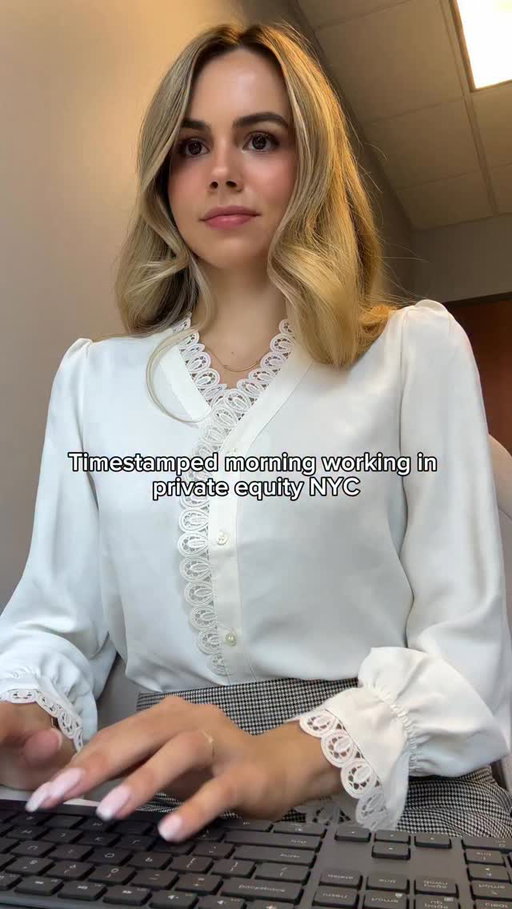
Timestamped morning working in investor relations at private equity firm in NYC 🍎 another pre-move vlog!!
#privateequity #investmentbanking #womeninfinance #corporategirl #newyorkcity #investorrelations #dayinmylifevlog

935K
6.84K
62
5mo ago
wallstwardrobe
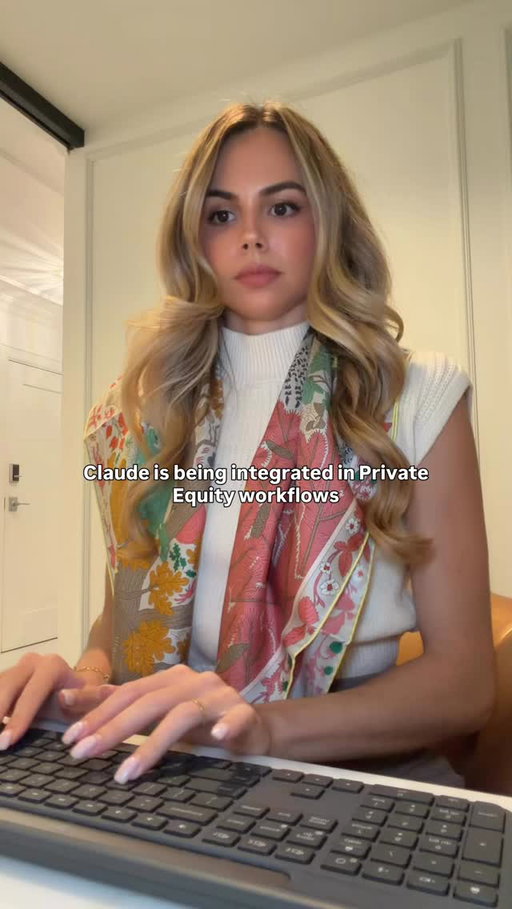
If you work in private equity IR and you’re not using Claude/Cowork on fundraising materials, LP requests, and portfolio reporting, you’re still doing hours of manual work that AI can compress overnight.
A lot of firms are actively building internal AI infrastructure right now - especially across IR, fundraising, diligence prep, and portfolio communications.
8 prompts to save hours:
1. LP DDQ / RFP DRAFTING
“Read our prior DDQs, fund materials, and investor deck. Draft responses to this LP questionnaire in firm-consistent language, flagging any missing data or outdated responses.”
2. QUARTERLY LP LETTER BUILDER
“Read prior quarterly letters, portfolio updates, and KPI files. Draft this quarter’s LP update with portfolio performance, realizations, fundraising progress, and placeholders for leadership commentary.”
3. FUND PERFORMANCE BREAKDOWN
“Analyze this fund model and summarize DPI, RVPI, TVPI, MOIC, and Net IRR by fund and portfolio company. Highlight key drivers, outliers, and investor talking points.”
4. PORTFOLIO COMPANY KPI DASHBOARD
“Pull monthly portfolio KPI files, update the master dashboard, and flag any company with revenue, EBITDA, or leverage variance greater than 10% to plan.”
5. LP MEETING PREP
“Read this LP’s diligence history, prior questions, investment preferences, and past meeting notes. Build a briefing memo with likely objections, relevant portfolio wins, and strategic talking points.”
6. CIM / DATA ROOM TO INVESTOR MEMO
“Read this CIM, management presentation, and diligence materials. Build a clean investor-facing one-pager with business overview, market opportunity, historical financials, risks, and positioning.”
7. FUNDRAISING PIPELINE MANAGEMENT
“Review all CRM notes, placement agent updates, and investor outreach emails from the last 60 days. Build a live fundraising pipeline by LP, stage, ticket size, last touchpoint, and next step.”
8. PEER FUND BENCHMARKING
“Analyze competitor funds by size, strategy, sector, performance, and recent fundraising activity. Build a benchmarking deck for positioning against peers.”
#privateequity #exceltips
885K
5.09K
55
7mo ago
wallstwardrobe
A lot of firms are actively adopting and building their own internal AI tools right now.
It’s one of the main topics being discussed across the industry — especially at conferences. And if your team isn’t using this or at least learning how to use it, you’re already behind.
What you should know:
1. Tear down a model in minutes
“Scan this model and tell me what is actually driving IRR, MOIC, and cash flow generation.”
2. Identify what actually matters
“Which assumptions have the biggest impact on returns? Rank them by sensitivity.”
3. Catch issues before anyone else does
“Check for broken links, inconsistencies, or logic that doesn’t tie across sheets.”
4. Turn analysis into IC-level insights
“Summarize this into 5 points an investment committee would care about — focus on risks, returns, and key drivers.”
5. Pressure-test the investment thesis
“What would need to go wrong for this deal to miss its target return?”
6. Build sensitivities instantly
“Show how IRR changes across exit multiples from 8x–14x and hold periods from 3–7 years.”
7. Clean CIM / data room data
“Standardize this dataset, flag outliers, and highlight anything that looks off.”
8. Fix slides that look junior
“Review this slide and tell me exactly what’s off in alignment, spacing, and structure.”
9. Make slides sound senior
“Rewrite this so it’s concise, direct, and appropriate for an investment committee.”
10. Cut unnecessary work
“Which parts of this analysis are redundant or not impacting the investment decision?”
Save this and spend some time learning to use the prompts so you’re ahead of the curve.
#privateequity #investmentbanking #financegirl #aitips #corporate
861K
1.77K
24
3w ago
wallstwardrobe
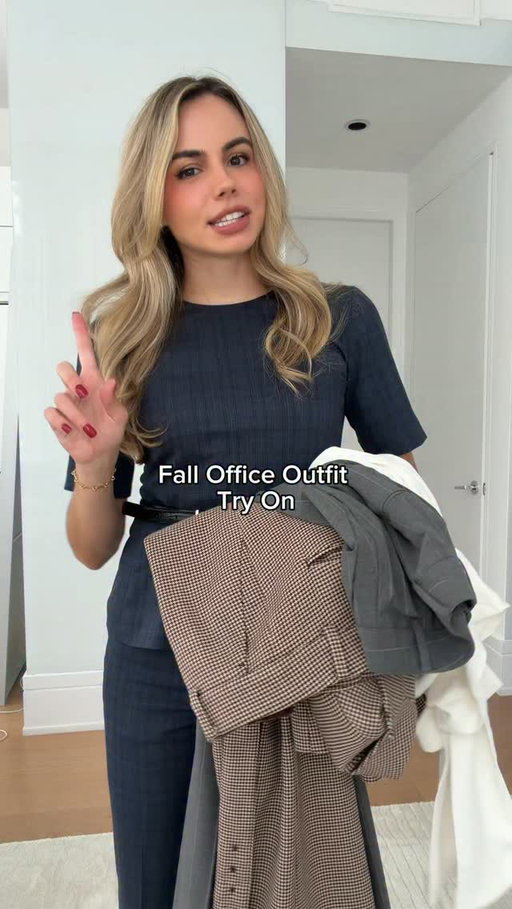
Your new fall office outfit inspo from the @anntaylor October collection 🍂
#thisisann #fallfashion

797K
30.5K
250
5mo ago
wallstwardrobe
In honor of the movers coming today with the furniture!! Empty NYC apartment tour💓 comment any and all design ideas!
751K
8.59K
36
10mo ago
wallstwardrobe
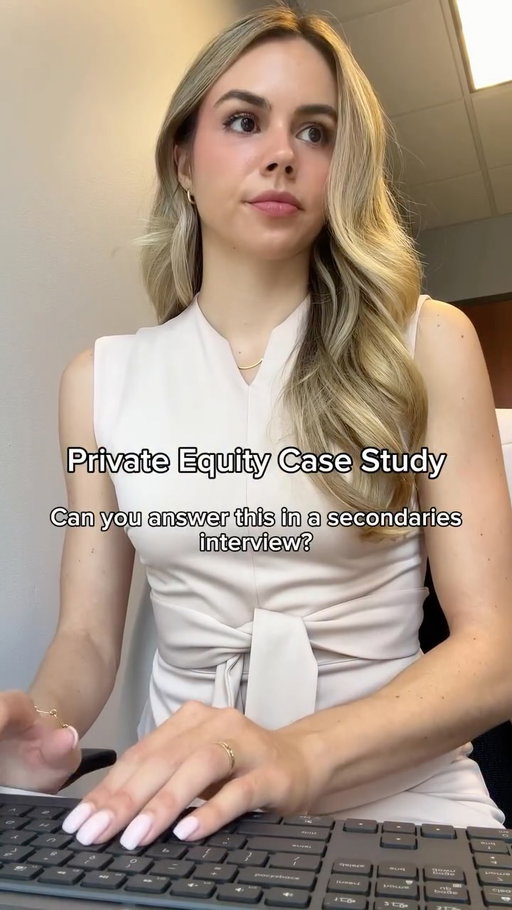
This is an example of a real case study I’ve seen during an interview process.
You’re an associate on a private equity secondaries / GP solutions team.
Fund I is largely realized, but one core asset still has meaningful upside.
The GP is considering a single-asset continuation vehicle.
Here’s what’s on your desk:
⸻
Part A — Fund I Snapshot
You’re given the following at the fund level:
• Total capital called
• Total distributions
• Remaining NAV
Your task:
• Calculate DPI
• Calculate MOIC
• Assess whether the fund is fully realized or still value-creating
• Identify what portion of performance is realized vs. unrealized
Question:
What does this fund look like to a new secondary buyer?
⸻
Part B — Continuation Vehicle Decision
One portfolio company remains.
You’re evaluating:
• Selling the asset outright
• Rolling it into a continuation vehicle
Consider:
• Why the GP might prefer a continuation fund
• What secondary buyers are underwriting
• How valuation, leverage, and duration affect returns
• Where conflicts and alignment matter
Question:
Is this a liquidity solution — or a conviction-driven hold?
⸻
Part C — LP / Buyer Choice
LPs and secondary buyers are offered two options:
• Cash out today
• Roll into the continuation vehicle at a new valuation
Your job:
• Explain the trade-offs
• Frame risk, return, and time horizon
• Identify which LP or buyer profiles each option suits best
These case studies are shared monthly inside my WSW community.
Members get access to them as part of the group. The full version with solutions is in my Make it Leap link in bio.
#privateequity #investmentbanking #wallstreet #casestudy
Hannah (@wallstwardrobe) Instagram Stats & Analytics
Hannah (@wallstwardrobe) has 274K Instagram followers with a 0.97% engagement rate over the past 12 months. Across 300 posts, Hannah received 969K total likes and 88.7M impressions, averaging 3.23K likes per post. This page tracks Hannah's performance metrics, top content, and engagement trends — updated daily. To benchmark @wallstwardrobe against other accounts, use Socialpruf's Instagram competitor analysis tool.
Hannah (@wallstwardrobe) Instagram Analytics FAQ
How many Instagram followers does Hannah have?+
Hannah (@wallstwardrobe) has 274K Instagram followers as of November 2026.
What is Hannah's Instagram engagement rate?+
Hannah's Instagram engagement rate is 0.97% over the last 12 months, based on 300 posts.
How many likes does Hannah get on Instagram?+
Hannah received 969K total likes across 300 posts in the last 12 months, averaging 3.23K likes per post.
How many Instagram impressions does Hannah get?+
Hannah's Instagram content generated 88.7M total impressions over the last 12 months.
Can I compare Hannah with other Instagram accounts?+
Yes. Add @wallstwardrobe to a competitor set with Socialpruf's Instagram competitor analysis tool and benchmark it side by side with any other public accounts on views, engagement rate and follower growth, with history back to each account's first post.