NewGet @edmund.tian's full report

instagram analytics
Similar Accounts:
instagram analytics
Similar Accounts:
followers
170K
impressions
10.4M
likes
345K
comments
104K
posts
43
engagement
4.32%
emv
$424K
Average per post
242K
Key Metrics
Impressions
monthly
Distributions
Content
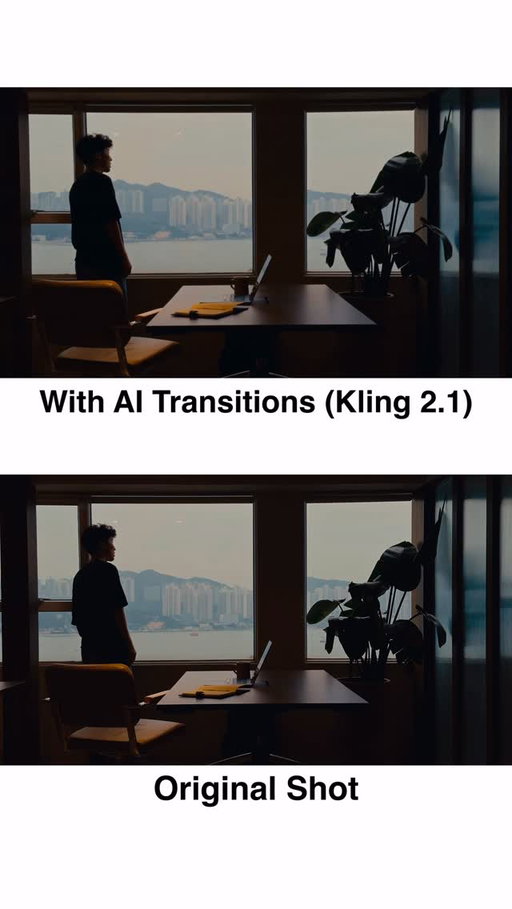
3.40M
113K
52.8K
10mo ago

edmund.tian
Comment “PROMPT” and I’ll send you the exact prompts I used.
This is a mix of my own shots and AI generated transitions.
Tools: @klingai_official @artlist.io Davinci Resolve
📕 3 STEP TUTORIAL
1️⃣: Select Your Clips 🎬
Start with intention. Pick clips that either flow seamlessly together AND/OR create striking contrast.
Color grade everything first for visual consistency
Export one frame from the beginning AND end of each clip (this becomes your transition anchor)
2️⃣: Generate AI Transitions 🌊
Navigate to swiftcut.ai
Upload your start frame (end of clip 1) + end frame (start of clip 2)
Prompt for a “seamless cinematic transition between scenes”. You’ll need to iterate on your prompt until the result matches your vision. Be specific about motion, style, and mood.
3️⃣: Polish ✨
Import everything into your editor (I use DaVinci Resolve).
Add speed ramping, motion blur, and other VFX.
And most importantly, add sound design. Music and SFX sell the visuals.
- - - - - - - - - - - - - - - - - - - - - - - - - - - - - -
💾 Save this and try it out yourself!
#AITransitions #CinematicVideography #VideoEditing #AIVideo #ContentCreation #DaVinciResolve #VideoEditingTips #CreatorTips
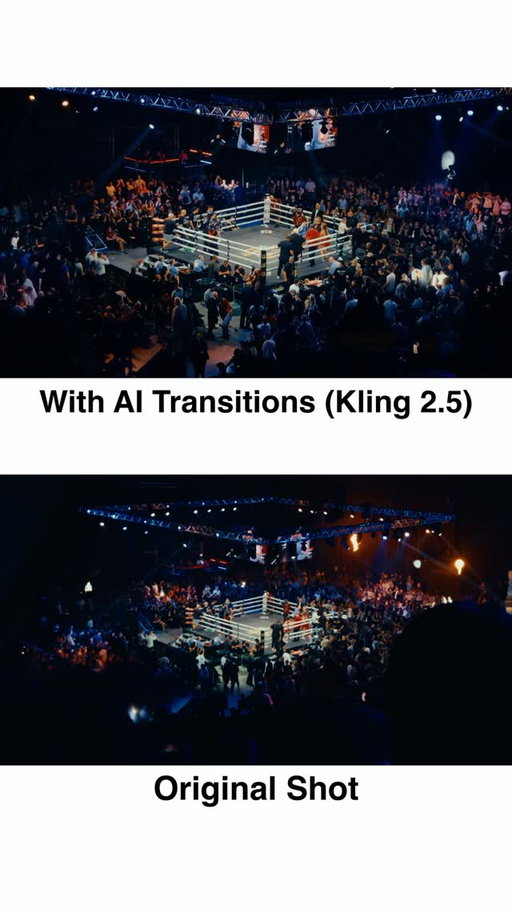
3.33M
105K
35.2K
8mo ago
edmund.tian
Comment “PROMPT” and I’ll send you the exact prompts I used.
📕 3 STEP TUTORIAL
1️⃣: Select Your Clips 🎬
Start with intention. Pick clips that either flow seamlessly together AND/OR create striking contrast.
Color grade everything first for visual consistency
Export one frame from each clip (this becomes your transition anchor)
2️⃣: Generate AI Transitions 🌊
Navigate to swiftcut.ai
Upload your start frame (clip 1) + end frame (clip 2)
Prompt for a “seamless cinematic transition between scenes”. You’ll need to iterate on your prompt until the result matches your vision. Be specific about motion, style, and mood.
3️⃣: Polish ✨
Import everything into your editor (I use DaVinci Resolve).
Add speed ramping, motion blur, and other VFX.
And most importantly, add sound design. Music and SFX sell the visuals.
- - - - - - - - - - - - - - - - - - - - - - - - - - - - -
💾 Save this and try it out yourself!
#AITransitions #Cinematic #Editing #Filmmaking #CreatorTips DavinciResolve
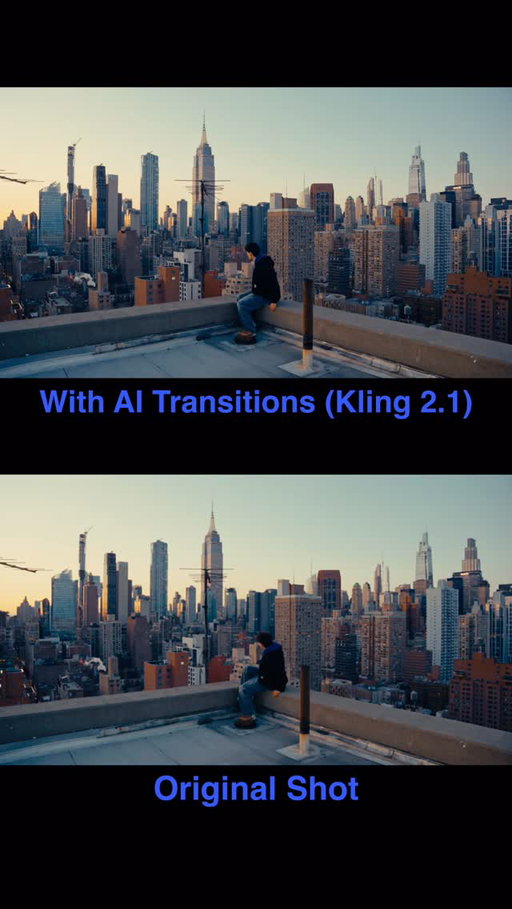
1.24M
35.6K
2.28K
1y ago
edmund.tian
Comment “PROMPT” and I’ll send you the exact prompts I used.
This is a mix of my own shots and AI generated transitions.
Inspo: @sajad_machu
Tools: @higgsfield.ai @klingai_official @artlist.io Davinci Resolve
📕 3 STEP TUTORIAL
1️⃣: Select Your Clips 🎬
Start with intention. Pick clips that either flow seamlessly together AND/OR create striking contrast.
Color grade everything first for visual consistency
Export one frame from the beginning AND end of each clip (this becomes your transition anchor)
2️⃣: Generate AI Transitions 🌊
Navigate to higgsfield.ai and select Kling 2.1 (General mode).
Upload your start frame (end of clip 1) + end frame (start of clip 2)
Prompt for a “seamless cinematic transition between scenes”. You’ll need to iterate on your prompt until the result matches your vision. Be specific about motion, style, and mood.
3️⃣: Polish ✨
Import everything into your editor (I use DaVinci Resolve).
Add speed ramping, motion blur, and other VFX.
And most importantly, add sound design. Music and SFX sell the visuals.
- - - - - - - - - - - - - - - - - - - - - - - - - - - - - -
💾 Save this and try it out yourself!
#AITransitions #CinematicVideography #VideoEditing #AIVideo #ContentCreation #DaVinciResolve #VideoEditingTips #CreatorTips

480K
50.2K
327
1mo ago
edmund.tian
One year of love with @marsmeetsworld_
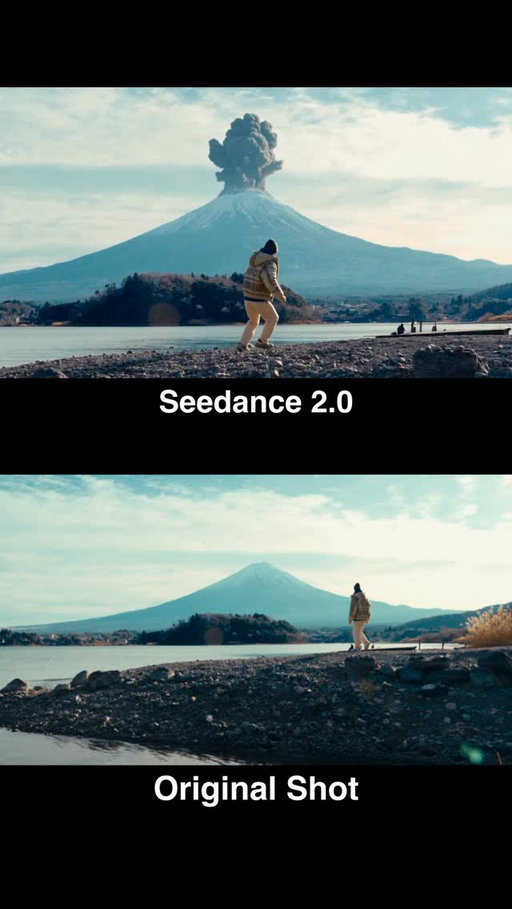
245K
4.54K
2.87K
5mo ago
edmund.tian
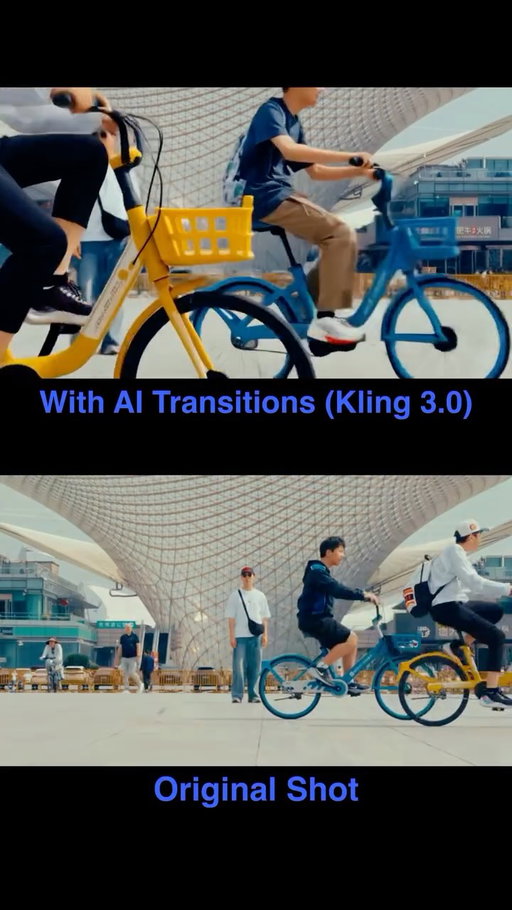
Comment “PROMPT” and I’ll send you the exact prompts and Claude Skill I used.
Created with @higgsfield.ai
#ad #higgsfieldpartner
172K
2.60K
2.30K
4mo ago
edmund.tian
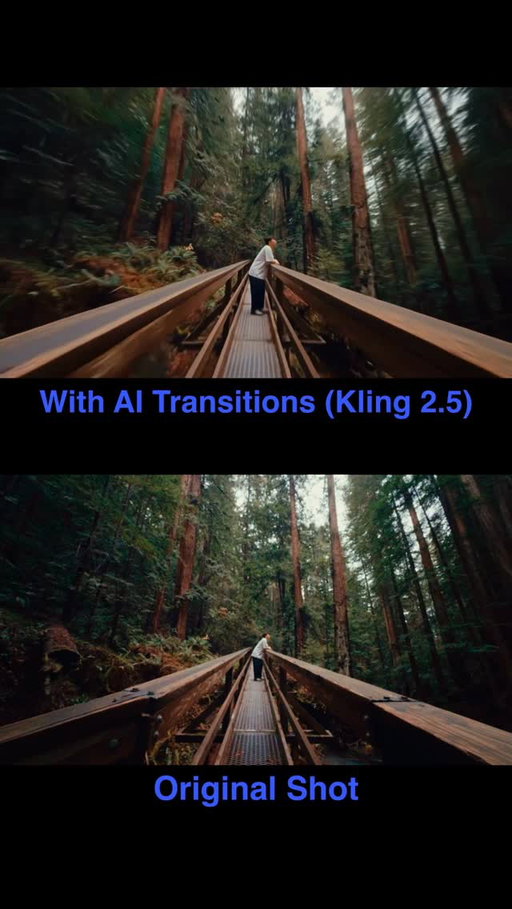
Comment “PROMPT” and I’ll send you the exact prompts I used.
Clips generated with @higgsfield.ai
#ad #higgsfieldpartner
168K
2.82K
2.87K
6mo ago
edmund.tian
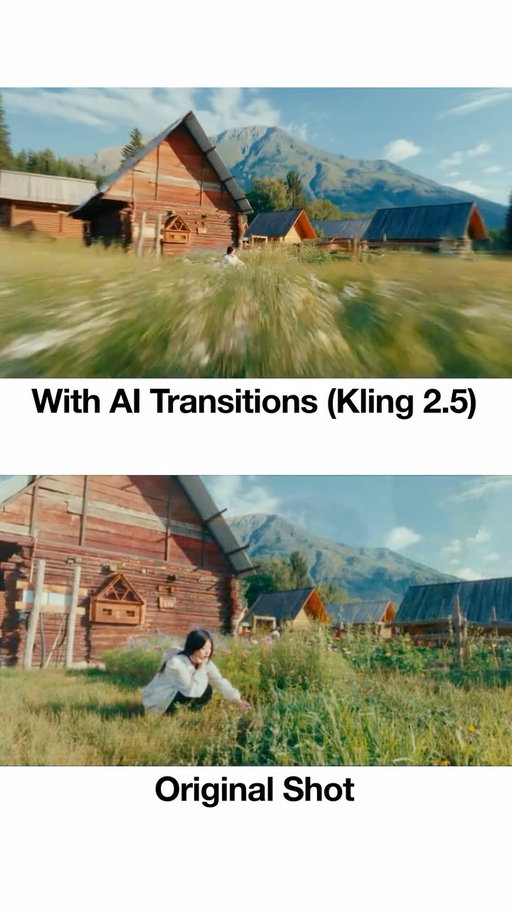
Comment “PROMPT” and I’ll send you the exact prompts I used.
📕 3 STEP TUTORIAL
1️⃣: Select Your Clips 🎬
Start with intention. Pick clips that either flow seamlessly together AND/OR create striking contrast.
Color grade everything first for visual consistency
Export one frame from each clip (this becomes your transition anchor)
2️⃣: Generate AI Transitions 🌊
Navigate to swiftcut.ai
Upload your start frame (clip 1) + end frame (clip 2)
Prompt for a “seamless cinematic transition between scenes”. You’ll need to iterate on your prompt until the result matches your vision. Be specific about motion, style, and mood.
3️⃣: Polish ✨
Import everything into your editor (I use DaVinci Resolve).
Add speed ramping, motion blur, and other VFX.
And most importantly, add sound design. Music and SFX sell the visuals.
- - - - - - - - - - - - - - - - - - - - - - - - - - - - -
💾 Save this and try it out yourself!
#AITransitions #Cinematic #Editing #Filmmaking #CreatorTips DavinciResolve
156K
2.43K
1.39K
2mo ago
edmund.tian
📕 3 STEP TUTORIAL
Comment “PROMPT” and I’ll send you the exact prompts I used.
1️⃣: Select Your Clips 🎬
Start with intention. Pick clips that either flow seamlessly together AND/OR create striking contrast.
Color grade everything first for visual consistency
Export one frame from each clip (this becomes your transition anchor)
2️⃣: Generate AI Transitions 🌊
Navigate to swiftcut.ai
(Or use the MCP to do all this in Claude)
Upload your start frame (clip 1) + end frame (clip 2)
Prompt for a "seamless cinematic transition between scenes". You’ll need to iterate on your prompt until the result matches your vision. Be specific about motion, style, and mood.
3️⃣: Polish ✨
Import everything into your editor (I use DaVinci Resolve).
Add speed ramping, motion blur, and other VFX.
And most importantly, add sound design. Music and SFX sell the visuals.
- - - - - - - - - - - - - - - - - - - - - - - - - - - - -
💾 Save this and try it out yourself!
#AITransitions #Cinematic #Editing #Filmmaking #CreatorTips #DavinciResolve
153K
6.56K
9
6mo ago
edmund.tian
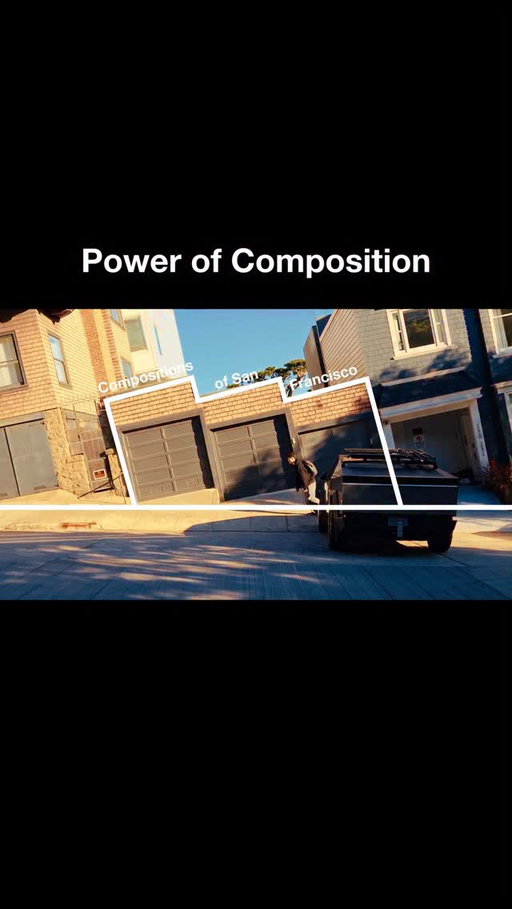
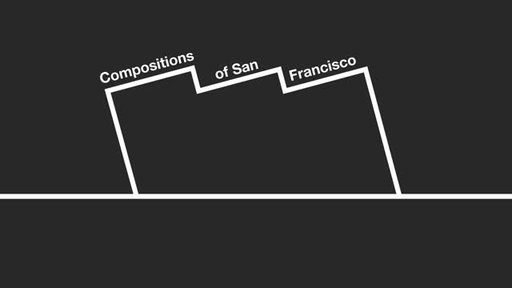
Compositions of San Francisco
151K
2.23K
1.19K
2mo ago
edmund.tian
📕 6 STEP TUTORIAL — how I built this in Claude Code
Comment “MOTION” and I'll send you my workflow + Skills.
Created using a mix of my own shots, code, and AI.
1️⃣: Connect Claude + SwiftCut 🔌
Account at swiftcut.ai, connect the MCP.�Claude = creative director, prompt writer, and engineer. SwiftCut = the generation.
2️⃣: Describe your vision 💭
Describe to Claude in plain English what you want to create, and drop in 5 videos you love. Claude watches them, builds a moodboard, and writes you 3 creative directions to choose from.
3️⃣: Lock Your Palette 🎨
�Ask for palettes rendered as REAL frames, not swatches. Then build a palette card — attach it to every generation AND paste the hex codes in the prompt.
4️⃣: Build the Exact Frames in CODE 🧱
�The step everyone skips. Image models are brilliant at form and terrible at spec — mine gave me the wrong blue, wrong size, wrong positioning.
The product UI shot in this vid is just an HTML page screenshotted.
5️⃣: Animate Your Scenes 🎥
Use the Seedance 2.0 Claude Skill. Comment “AI” and I’ll send it to you.
6️⃣: Edit 🎬
Then drop your clips into your editor (I use Davinci Resolve). Add speed ramping, music, and SFX.
- - - - - - - - - - - - - - - - - - - - - - - - - - - - -
💾 Save this and try it out yourself!
#AIVideo #MotionDesign #Claude #StopMotion #Filmmaking #CreatorTips #DavinciResolve

90.4K
298
10
5mo ago
edmund.tian
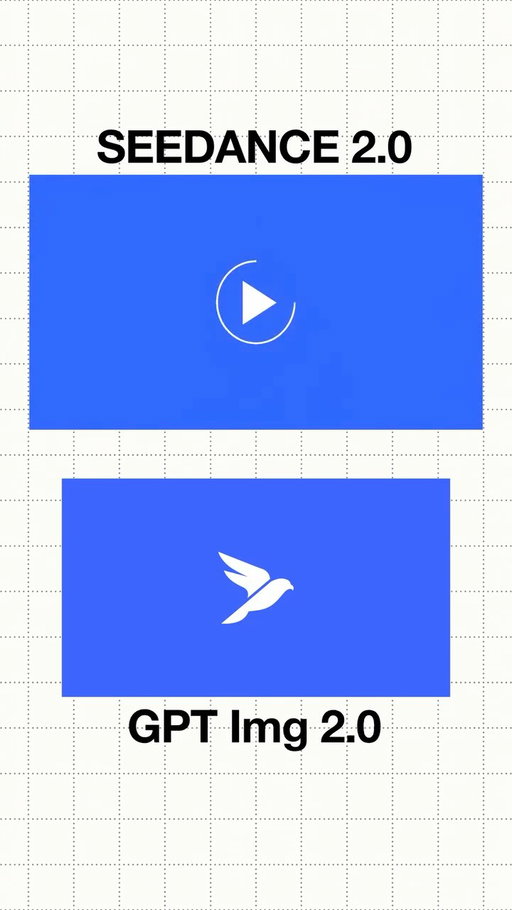
Which one is AI?
65.5K
1.54K
14
7mo ago
edmund.tian
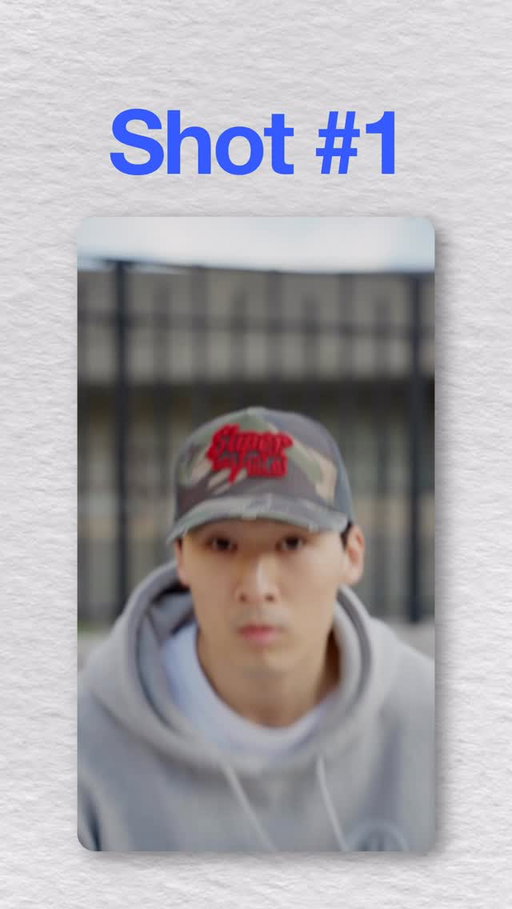
The Superzoom
Edited in Davinci Resolve fusion
#filmmaking #vfx #edit

62.4K
2.19K
42
12mo ago
edmund.tian
Fever dream 🤒🛌
62.1K
2.48K
16
6mo ago

edmund.tian
Compositions from San Francisco.
I've never been to a city so beautiful yet so miserable.

60.4K
2.35K
45
6mo ago
edmund.tian
Zoomin through San Francisco 🏎️
58.1K
500
8
1mo ago
edmund.tian
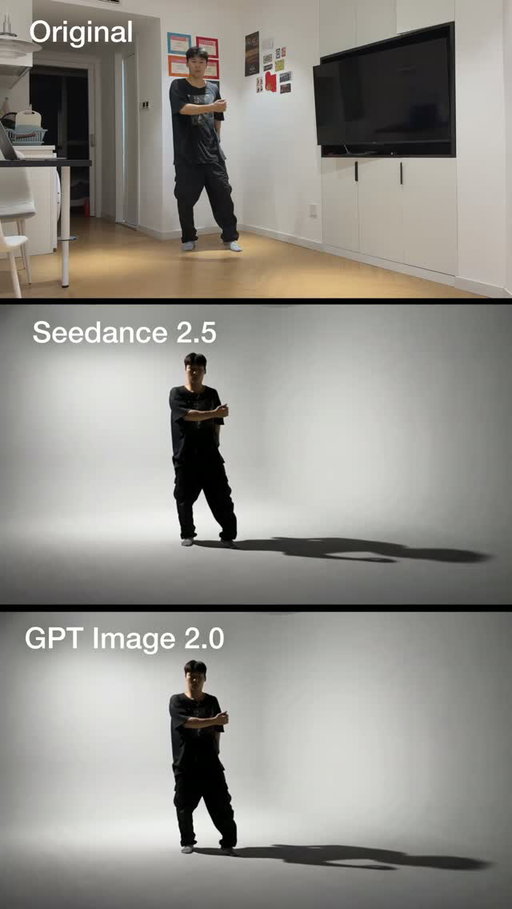
Playing around with Seedance 2.5 and it's insane 🤯
I mean look at that shadow

46.5K
1.54K
42
8mo ago
edmund.tian
Scenes from Sydney
Created using my own shots + AI generated transitions
Shot on iPhone 16 Pro
Color graded in Davinci Resolve
Generated with Kling2.5
44.6K
1.06K
368
10mo ago
edmund.tian
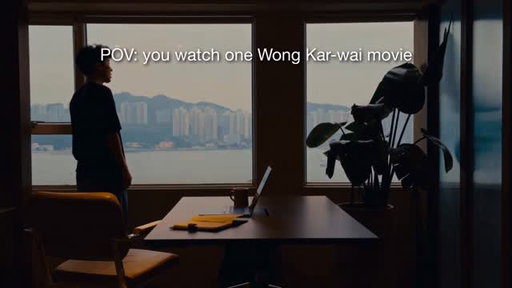
Living Hong Kong like a movie
This city is so naturally cinematic. Took me forever to get around bc I kept stopping to film or take a pic.
And I think a huge reason why is the *contrast*.
Contrast between bright and dull colors.
Contrast between western and eastern cultures.
Contrast between a dusty overflowing building right next to a luxury high-rise.
There was a lot I loved about this city but also a lot I didn’t like.
Tbh after a week, I was tired of the food (too heavy) and feeling overwhelmed.
But hate it or love it, you gotta admit this city definitely leaves an impression.
I’ll be back I think.
38.2K
439
218
2mo ago
edmund.tian
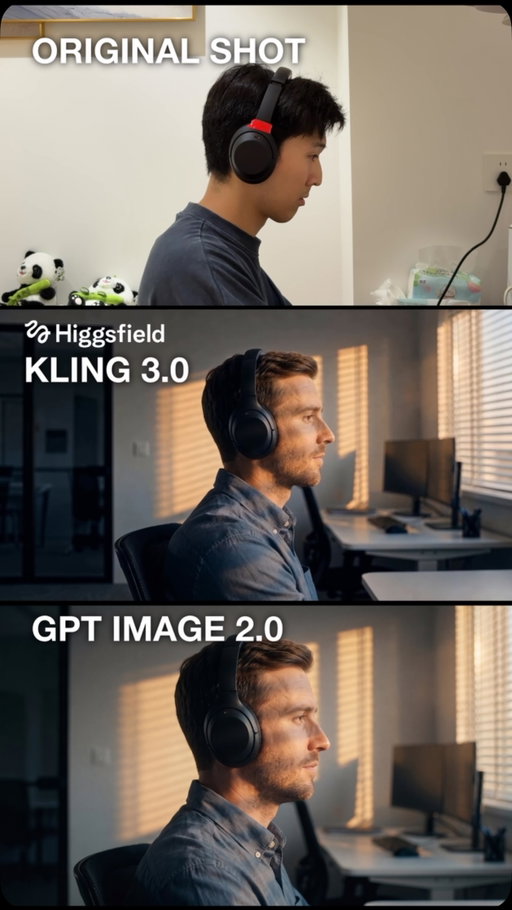
Comment “PROMPT” to create this Match Cut effect yourself.
Clips generated with @higgsfield.ai x @claude
#ad #higgsfieldpartner
34.4K
578
19
10mo ago
edmund.tian
Introducing the Hacker Residency
Edmund Tian (@edmund.tian) Instagram Stats & Analytics
Edmund Tian (@edmund.tian) has 170K Instagram followers with a 4.32% engagement rate over the past 12 months. Across 43.0 posts, Edmund Tian received 345K total likes and 10.4M impressions, averaging 8.02K likes per post. This page tracks Edmund Tian's performance metrics, top content, and engagement trends — updated daily. To benchmark @edmund.tian against other accounts, use Socialpruf's Instagram competitor analysis tool.
Edmund Tian (@edmund.tian) Instagram Analytics FAQ
How many Instagram followers does Edmund Tian have?+
Edmund Tian (@edmund.tian) has 170K Instagram followers as of October 2026.
What is Edmund Tian's Instagram engagement rate?+
Edmund Tian's Instagram engagement rate is 4.32% over the last 12 months, based on 43.0 posts.
How many likes does Edmund Tian get on Instagram?+
Edmund Tian received 345K total likes across 43.0 posts in the last 12 months, averaging 8.02K likes per post.
How many Instagram impressions does Edmund Tian get?+
Edmund Tian's Instagram content generated 10.4M total impressions over the last 12 months.
Can I compare Edmund Tian with other Instagram accounts?+
Yes. Add @edmund.tian to a competitor set with Socialpruf's Instagram competitor analysis tool and benchmark it side by side with any other public accounts on views, engagement rate and follower growth, with history back to each account's first post.