NewGet @adam_theillustrator's full report

instagram analytics
Similar Accounts:
instagram analytics
Similar Accounts:
followers
478K
impressions
28.8M
likes
551K
comments
8.63K
posts
108
engagement
1.77%
emv
$724K
Average per post
266K
Key Metrics
Impressions
monthly
Distributions
Content
9.67M
33.0K
151
7mo ago

adam_theillustrator
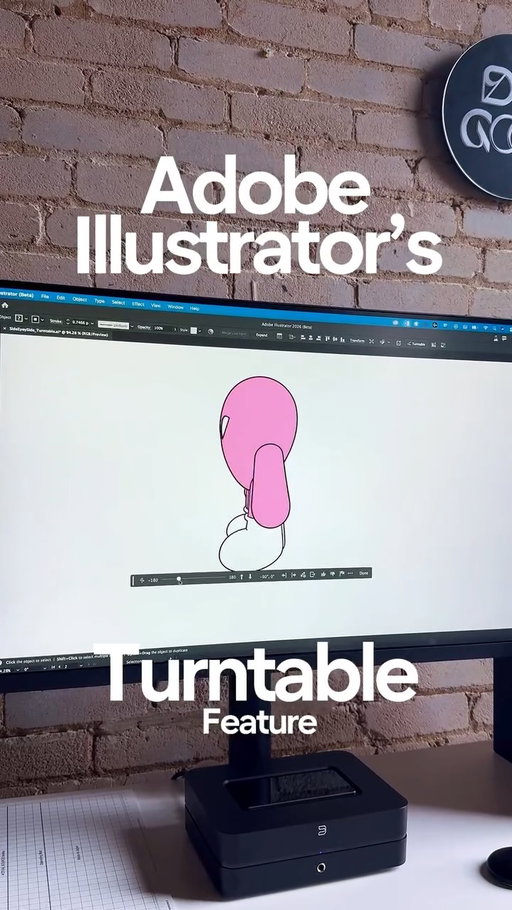
When working on this project, having various angles to send over to my manufacturer was key.
With the help of @adobe Illustrator’s Turntable feature I was able to generate multiple angles efficiently and accurately within minutes. This was honestly so clutch especially when sending edits at 3am.
If you want to try Adobe Illustrator’s new Turntable feature, be sure to hit the link in my bio.
__________
#ad #CommunityxAdobe #AdobePartner #AdobeIllustrator #illustrator
2.62M
1.53K
43
7mo ago
adam_theillustrator
Getting framed prints from @gelato is honestly my absolute favourite. I absolutely love the quality and how easy it is to integrate Gelato with my Shopify.
If you want to get 30% off your first sample order with Gelato, be sure to hit the link in my bio.
________
#Gelato #printondemand #Ad #GelatoPartner #posterdesign
1.69M
37.9K
358
6mo ago
adam_theillustrator
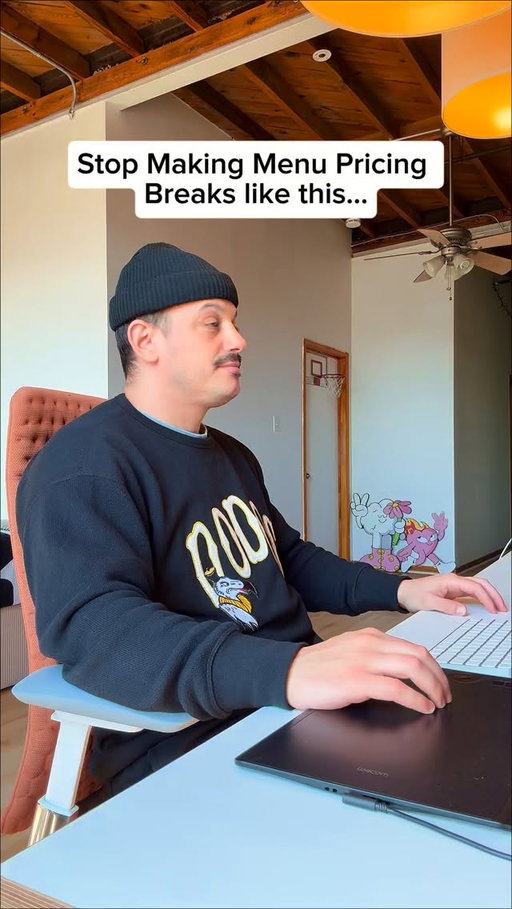
Stop Making Menu Pricing Breaks like this…
Oh how I wish I knew this Adobe Illustrator trick 6 years ago when I was doing tons of menu items. This was literally the bane of my existence.
Now all you need to do is press Tab for each line and then open the Tabs Window and adjust the spacing to your liking. Hope this one helps. ✌🏻❤️
___________
#adobeillustrator #graphicdesigncentral #illustratortips #designtips #graphicdesign
959K
40.4K
387
5mo ago
adam_theillustrator
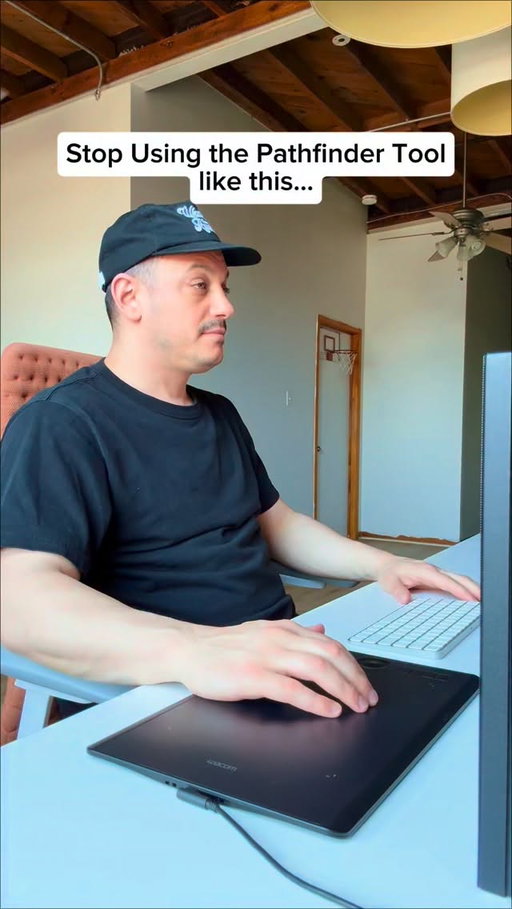
Stop Using the Pathfinder Tool like this…
Even though I still use the Pathfinder Tool in Adobe Illustrator the first way, I need to do better and start Option + Unite so the shape is still fully adjustable.
Have you tried this before? ❤️✌🏻
________
#adobeillustrator #graphicdesign #designtips #illustratortutorial #designtutorial
863K
33.8K
298
11mo ago
adam_theillustrator
Stop Adding Your Colour Swatch Info like this…
If you’ve ever taken a screenshot of the colour swatch info for each colour in Adobe Illustrator, this one is for you and don’t worry, I used to as well.
Within Adobe Illustrator you can now easily get all the swatch info for your selected colours in just a few clicks. This one is definitely a life saver. ❤️✌🏻
________
#illustration #illustrator #illustratortips #illustratortutorial #illustratortutorials #illustrators #adobeillustratortutorial #adobeillustrator #adobeillustratorcc #illustratordesign #graphicdesign #graphicdesigner #graphicdesigners #graphicdesigndaily #graphicdesigncentral #graphicdesigncommunity #graphicdesigntips #visualcommunication #designtips
736K
31.9K
201
5mo ago
adam_theillustrator
Stop Making Block Shadow Text Effects like this.
There’s so many ways to make this effect in Adobe Illustrator but I really like doing it this new way.
Adding the Offset Path for the black outline and making the Joins Round really smooths everything out and gets rid of that staircase effect that we all dislike.
Let me know if you’ve tried this technique.❤️✌🏻
_________
#adobeillustrator #graphicdesign #designtutorial #designtip #illustratortutorial
684K
21.7K
175
10mo ago
adam_theillustrator
Stop Making Drop Shadow Text Effects like this…
Once again the Appearance Panel comes in to save the day. I’ve made this effect so many different ways but when I make it with the Appearance Panel I find it turns out the cleanest and the best.
How do you make this effect? Is this the right way? ❤️✌🏻
_________
#adobeillustrator #illustratortutorial #illustrator #graphicdesign #typography
607K
13.1K
91
8mo ago
adam_theillustrator
Stop Smoothing Your Lines in Adobe Illustrator like this…
To get the smoothest lines in Adobe Illustrator all you need to do is adjust the Paintbrush Tool’s Fidelity settings. Just double click the Paintbrush Tool and slide the slider towards smooth.
Of course there’s some downside to this but overall I love how it assists and gives me the smoothest lines ever.
Give it a try for yourself today.❤️✌🏻
__________
#adobeillustrator #illustration #illustrator #illustratortips #illustratortutorial

574K
13.9K
187
8mo ago
adam_theillustrator
Stop HighlightingYour Text like this…
I’m sure 99% of people probably highlight their text in Adobe Illustrator the first way. I definitely did as well.
But recently I’ve been using the Appearance Window to quickly setup up a rectangle shape that will have the same width and height to any text I type out.
Let me know if you’ve tried this one out. ✌🏻❤️
___________
#adobeillustrator #graphicdesign #designtutorial #illustratortutorial #graphicdesigndaily
571K
21.1K
134
1mo ago
adam_theillustrator
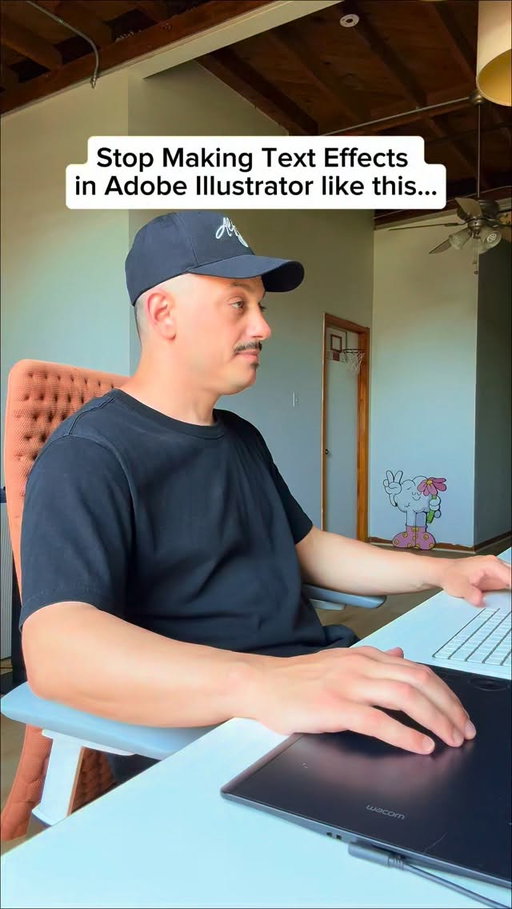
Stop Making Text Effects in Adobe Illustrator like this…
Adobe Express has it, Photoshop has it and now Illustrator (Beta) has a Dynamic Text feature and honestly, I think it’s long overdue.
This is something I do often by dragging out my rulers and trying to align my text but this is a game changer.
Let me know what you think. Would you use it?
____________
#adobeillustrator #graphicdesigncentral #typography #designtutorial #graphicdesign
476K
25.0K
293
9mo ago
adam_theillustrator
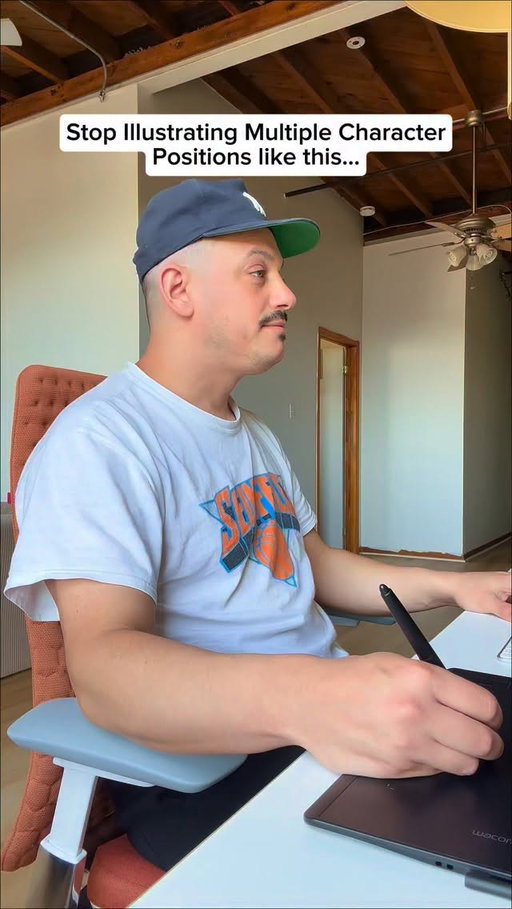
Stop Illustrating Multiple Character Positions like this…
This has always been the toughest thing when illustrating for me. Getting the same proportions right when changing the view or position of my characters.
After using Turntable in Adobe Illustrator (beta) this definitely eases the pain and gives multiple options in only a few seconds.
Please note: this is still in beta and I t’s not perfect. There’s definitely a lot of work that needs to be done with this feature but there’s most definitely a few angles I would use and tweak. The cool thing is it’s still a vector and editable.
_________
#adobeillustrator #illustrator #designtutorial #graphicdesign #illustratortutorial

426K
924
71
4mo ago
adam_theillustrator
It’s official. My first ever phone case launch in collaboration with @pelacase
I’m actually so excited to launch these and I hope you’re excited to get your hands on these too. I went with 3 of my favourite pieces; Balance Is Key, You’re More Than Enough and If It’s Behind You Keep It There.
If you want to get one of these, hit the link in my bio to get one today.
___________
#pelacase #phonecase #illustration #graphicdesign #illustrator
401K
14.7K
86
7mo ago
adam_theillustrator
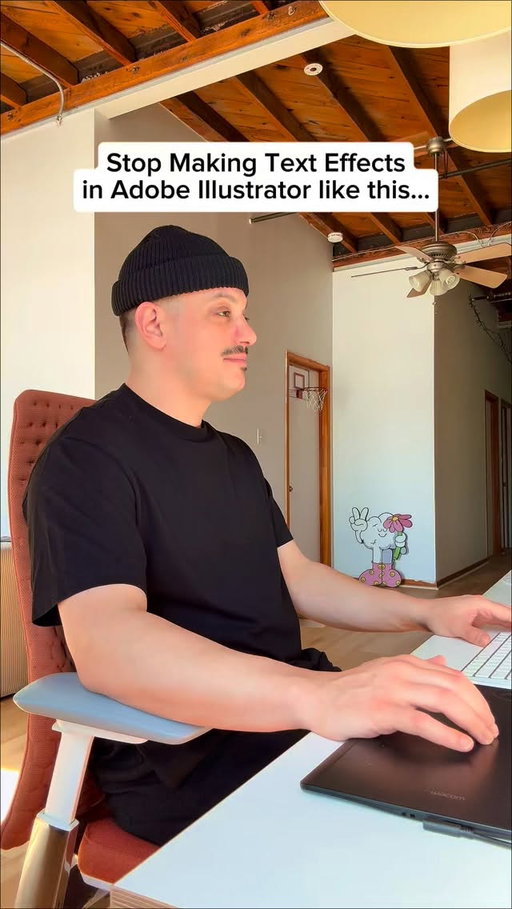
Stop Making Text Effects in Adobe Illustrator like this…
Recently I saw a text animation video from Kid Cudi and saw some really cool typography. I wanted to see if I could make it within the Appearance Panel in Illustrator and I think I did alright. I’ll do another video with the inspo next week.
Let me know what you think. ❤️✌🏻
___________
#graphicdesign #adobeillustrator #typography #designtutorial #illustrator
381K
2.92K
112
2mo ago
adam_theillustrator
Do you have trouble coming up with colour palettes?
As someone who’s refined my colour palette over time, sometimes it takes awhile to really get it to where you want to be. If you’re feeling a little stuck, Generative Recolor is a great tool to experiment with. It gives you a bunch of options that you can tinker with to get a colour palette that suits your needs.
If you’re curious about other tools that can help save time, comment “Unlock” and I’ll send you a link to check out more on Generative Recolor and other tools that your favourite creatives are loving.
_______
#CommunityxAdobe #AdobePartner #Ad #AdobeIllustrator #TheUnlock

302K
10.9K
123
2mo ago
adam_theillustrator
Designing Graphics for My Friends Ice Cream Shop
I absolutely love designing graphics for @rurubaked and this one was no different. I was asking to design a graphic for Ruru Dairy, a fun concept to further push the merch lineup for Ruru Baked.
I had so much fun making this one. Let me know what you think. ❤️✌🏻
__________
#illustration #branding #graphicdesigncentral #graphicdesign #tshirtdesign
291K
9.54K
52
3mo ago
adam_theillustrator
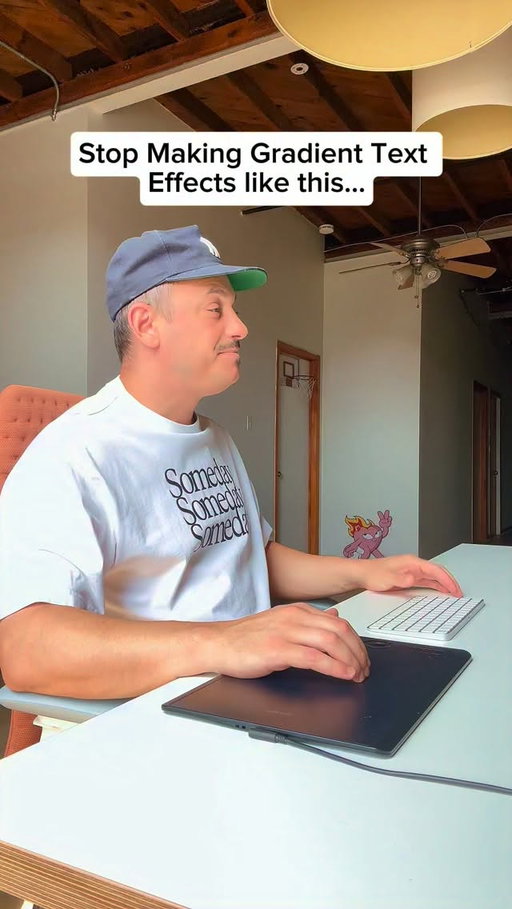
Stop Making Gradient Text Effects like this…
I’m changing my ways and making all my Text Effects in Adobe Illustrator with the Appearance Panel. I love the fact that they stay fully editable so I can adjust the font, text or tracking so easily.
If you haven’t tried this out yet, be sure to give it a go. ❤️✌️
__________
#adobeillustrator #graphicdesigncentral #illustratortips #illustratortutorial #designtutorial
281K
8.16K
64
3mo ago
adam_theillustrator
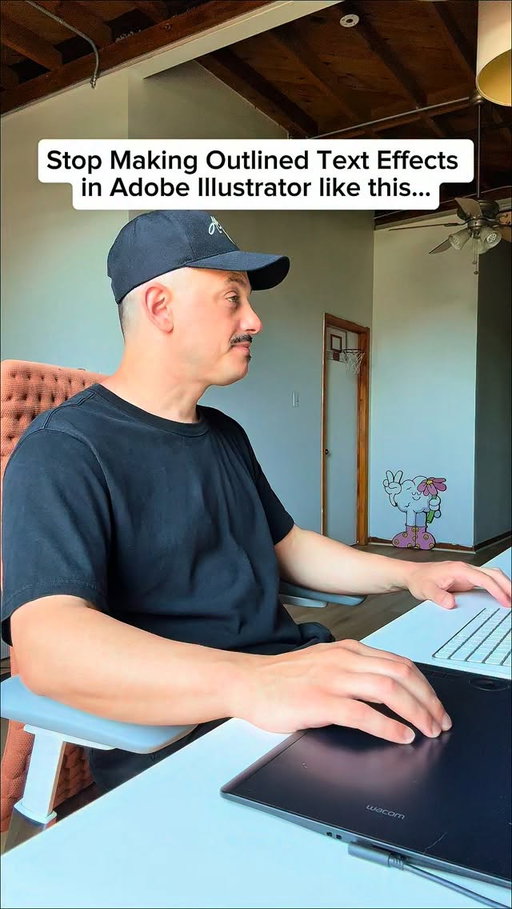
Stop Making Outlined Text Effects in Adobe Illustrator like this…
There’s so many different ways to make an outlined text effect in Adobe Illustrator but I find this one to be the most practical and it stays fully editable.
The Appearance Window is truly a game changer and I use it for all my text effects these days. Let me know how you like this one. ❤️✌🏻
___________
#adobeillustrator #graphicdesign #designtutorial #visualcommunication #illustratortutorial
251K
8.02K
77
4mo ago
adam_theillustrator
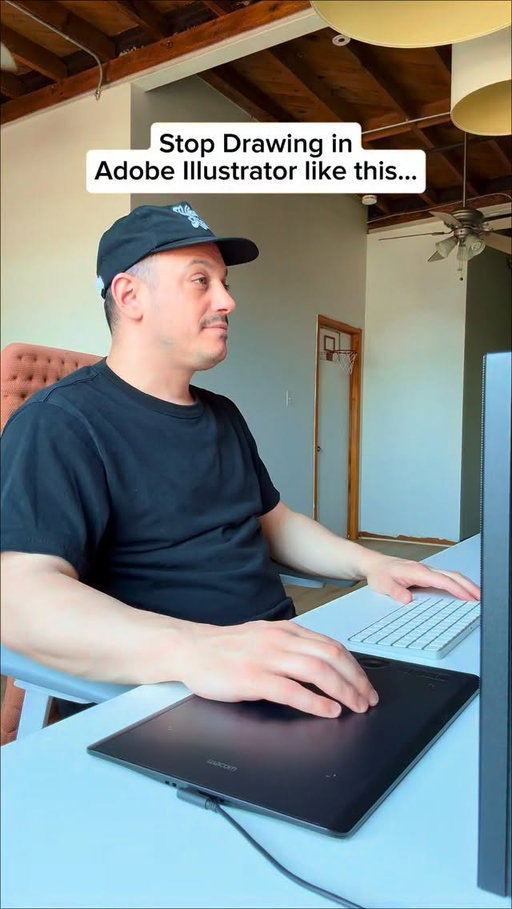
Stop Drawing in Adobe Illustrator like this…
Using the Draw Inside feature in Adobe Illustrator is actually life changing. There’s so many different use cases for it and I feel like this would be amazing for adding shadows and highlights to illustrations.
Let me know what you think of this one. ❤️✌🏻
_________
#adobeillustrator #illustrator #graphicdesigncentral #designtutorial #illustration
239K
429
117
1w ago
adam_theillustrator
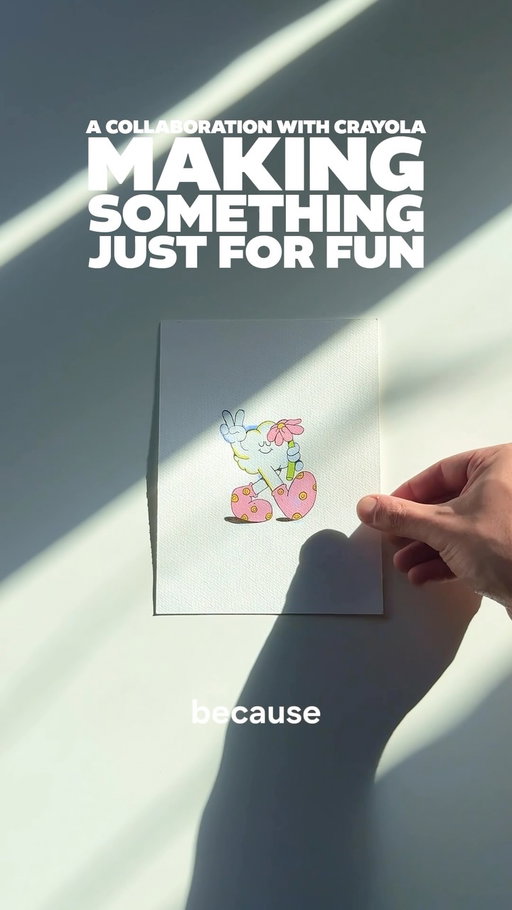
I miss the feeling of making something just to make it and thanks to @crayola_canada and their All Grown Up creative tools, I was able to just enjoy the process of colouring again.
I got a little carried away and coloured in about 5 pages but it felt so good to just let go and colour like I was a kid.
If you’re in need of a creative reset or just want to feel like a kid again, comment “Crayola” and I’ll send you a link to the Crayola All Grown Up creative tools.
_________
#crayola #AllGrownUp #colouringbook
191K
7.66K
105
9mo ago

adam_theillustrator
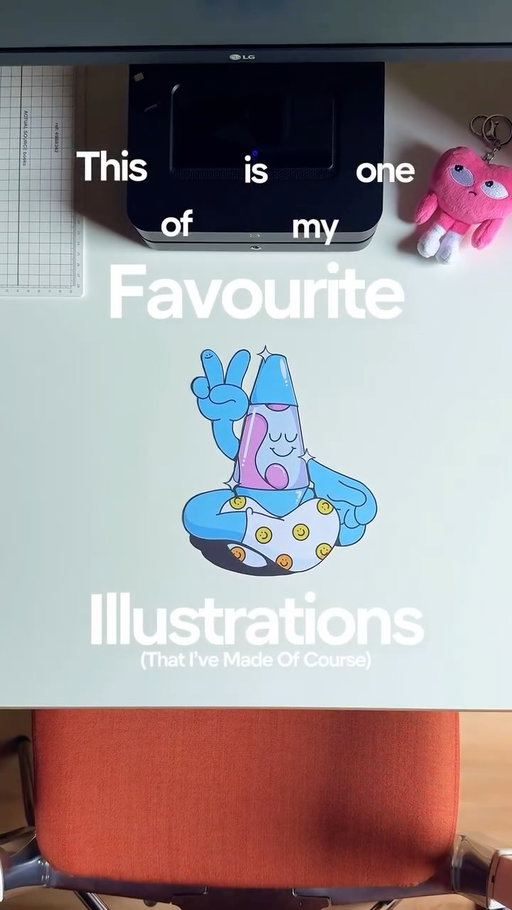
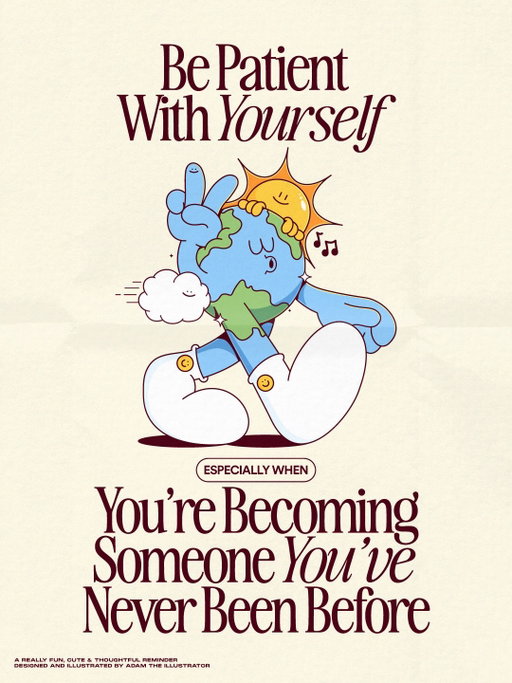
Be Patient With Yourself. Especially When You’re Becoming Someone You’ve Never Been Before.
This might be my new favourite poster and character. I’ve always tried to make a world character and always struggled so much. I love this one and I hope you do too. ❤️✌🏻
_______
#illustration #posterdesigncommunity #illustrator #graphicdesigncentral #posterdesigns
Adam, The Illustrator (@adam_theillustrator) Instagram Stats & Analytics
Adam, The Illustrator (@adam_theillustrator) has 478K Instagram followers with a 1.77% engagement rate over the past 12 months. Across 108 posts, Adam, The Illustrator received 551K total likes and 28.8M impressions, averaging 5.11K likes per post. This page tracks Adam, The Illustrator's performance metrics, top content, and engagement trends — updated daily. To benchmark @adam_theillustrator against other accounts, use Socialpruf's Instagram competitor analysis tool.
Adam, The Illustrator (@adam_theillustrator) Instagram Analytics FAQ
How many Instagram followers does Adam, The Illustrator have?+
Adam, The Illustrator (@adam_theillustrator) has 478K Instagram followers as of November 2026.
What is Adam, The Illustrator's Instagram engagement rate?+
Adam, The Illustrator's Instagram engagement rate is 1.77% over the last 12 months, based on 108 posts.
How many likes does Adam, The Illustrator get on Instagram?+
Adam, The Illustrator received 551K total likes across 108 posts in the last 12 months, averaging 5.11K likes per post.
How many Instagram impressions does Adam, The Illustrator get?+
Adam, The Illustrator's Instagram content generated 28.8M total impressions over the last 12 months.
Can I compare Adam, The Illustrator with other Instagram accounts?+
Yes. Add @adam_theillustrator to a competitor set with Socialpruf's Instagram competitor analysis tool and benchmark it side by side with any other public accounts on views, engagement rate and follower growth, with history back to each account's first post.