NewGet @igeeksblog's full report

instagram analytics
instagram analytics
followers
257K
impressions
13.7M
likes
127K
comments
4.68K
posts
135
engagement
0.875%
emv
$311K
Average per post
101K
Key Metrics
Impressions
monthly
Distributions
Content

5.93M
39.5K
254
2w ago

igeeksblog
How AirPods Pro 3 read your heart ❤️ rate. 👆
Save this reel and follow @igeeksblog for more Apple tech explained simply.
#AirPods #HeartRate #apple #techexplained #igeeksblog
3.12M
23.1K
0
10mo ago
igeeksblog
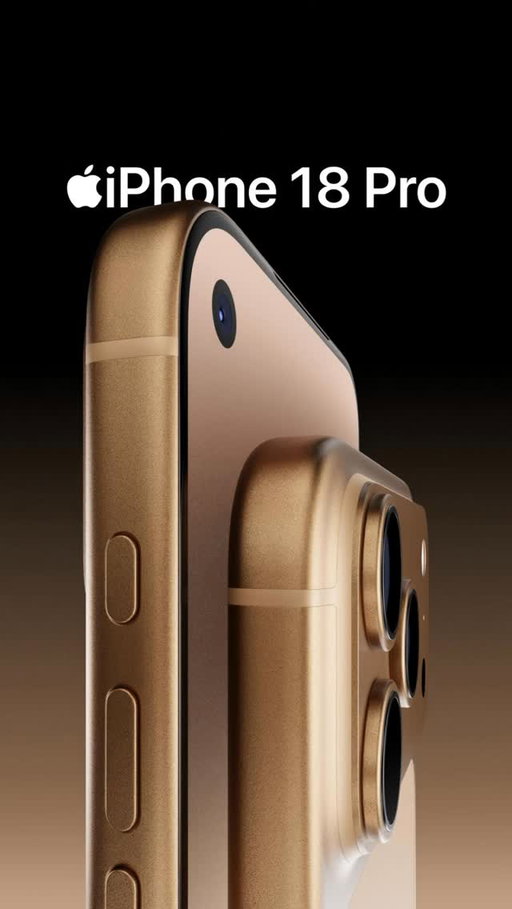
iPhone 18 Pro Concept 2026 🔥
Based on Leaks
#trending #iphone18pro

1.70M
16.1K
567
4w ago
igeeksblog
How Apple Engineered the iPhone Duo Screen 👇
The iPhone Duo folds a 7.6-inch screen in half, and that screen is never actually folded flat 👇
Inside the hinge, the screen curls into a loose teardrop loop, so it never makes a sharp crease. We went through Apple's iPhone Duo pages and iFixit's teardown to see how.
1. As the phone closes, a support bar in the middle of the hinge drops away and the screen curls down into the space it leaves.
2. The hinge is built from more than 100 parts. Linked metal joints, a bit like a watchband, roll along curved guides, gears keep them moving together, and springs help it hold where you stop.
3. The screen is more than 10 ultrathin layers: a polymer cover, glass above and below the OLED panel, and a titanium plate at the bottom. Adhesives let the layers slide past each other like the pages of a book.
4. The top layer is covered in tiny bumps, like bubble wrap, that scatter light. Peel it off and the crease shows as clearly as on Samsung's Fold.
5. iFixit thinks a support bar that does not drop far enough could be where some Duo screens are cracking.
6. The top layer is made to be replaced: $49 in the US, or $19 with AppleCare.
#iPhoneDuo #FoldableiPhone #iPhone #Apple #iGeeksBlog
571K
7.35K
23
1w ago
igeeksblog
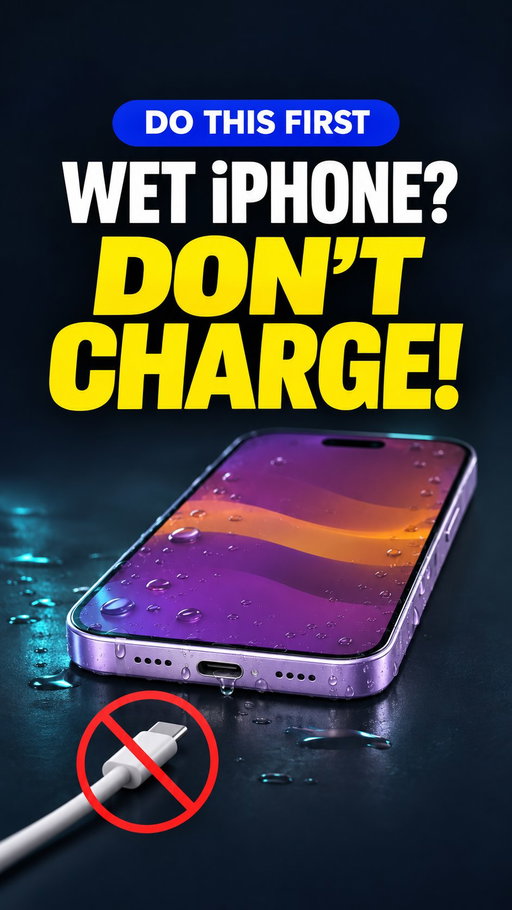
Dropped your iPhone in water? The worst thing you can do right now is plug it in 👇
The water isn't what ruins the port. The power you send through it is. We went through Apple's own support pages and a USB-C chip maker's notes to see what really happens inside.
1. A USB-C port is a row of tiny metal pins, and some of them carry power once a cable goes in.
2. Water bridges the gap between them, so current flows from pin to pin. The pins corrode, and Apple says that damage can be permanent.
3. That's why your iPhone shows Liquid Detected and won't charge. It sends a tiny test voltage into the pins and keeps the power off if it leaks across.
4. Unplug every cable, hold your iPhone port down and tap it gently against your hand.
5. Leave it somewhere dry with air moving. A fan blowing cool air into the port helps.
6. Skip the rice: small bits of it can damage your iPhone. No hair dryer, no compressed air, no cotton swab.
7. Wait at least 5 hours before you plug in a cable. A wireless charger is fine once the back is dry.
8. iPhone 12 and newer is rated for 6 meters for 30 minutes, but in a lab. The seal wears down over time, and water damage isn't covered by Apple's warranty.
Send this to the friend who still keeps a bag of rice for this.
#iphonewaterdamage #iphone #apple, #igeeksblog
214K
1.46K
0
9mo ago
igeeksblog
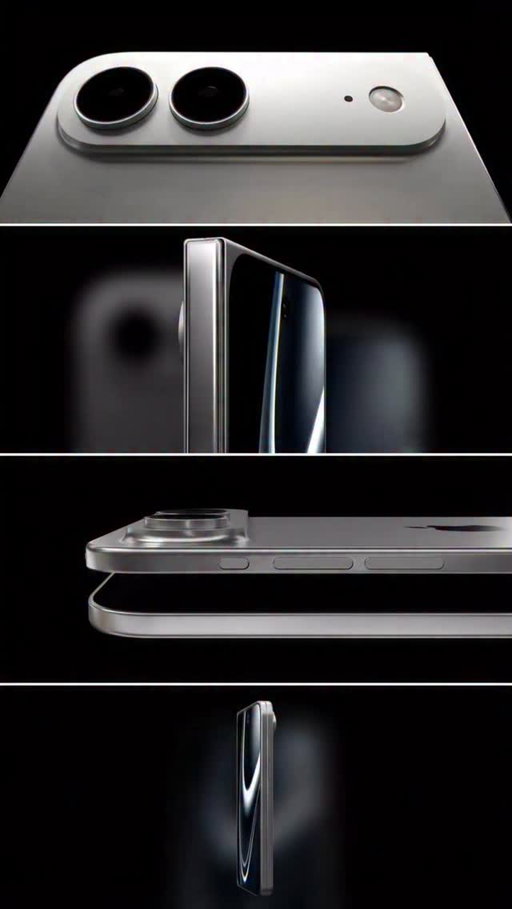
iPhone Fold 🔥From pocket-size to Powerhouse 📱
#iphonefold #apple #foldableiphone
199K
1.26K
24
3d ago
igeeksblog
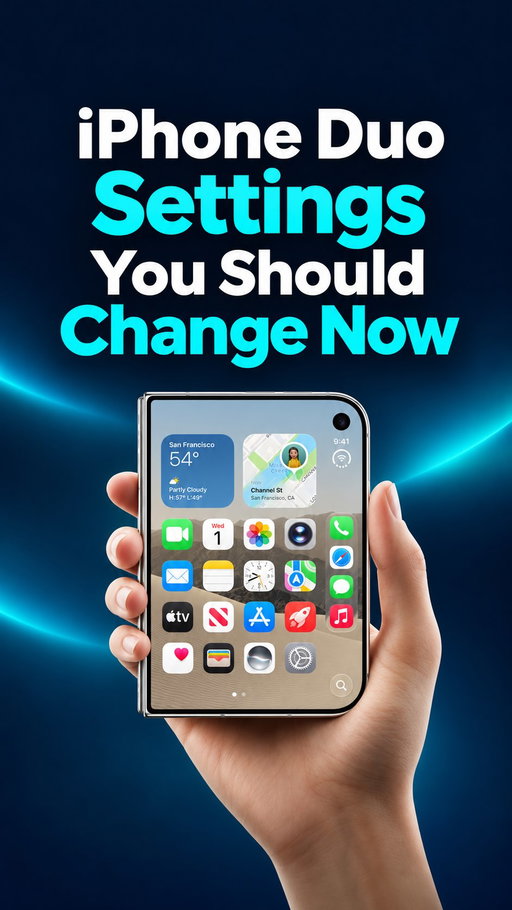
Your iPhone Duo folds in half, and out of the box it's still set up like a phone that can't 👇
Five iPhone Duo settings to change the day you get one:
1. Volume that follows your hands: Settings > Sounds & Haptics > turn off Fixed Position Volume Controls. The button on the top or right is always louder.
2. Unlock without pressing: Settings > Accessibility > Side Button > turn on Rest Finger to Open. Then in Touch ID & Passcode, add fingers from both hands (up to five).
3. Lock when you close it: there's no switch yet, so make a Shortcuts automation that runs when the Duo closes, with one action, Lock Screen. The iOS 27.3 beta adds Close to Lock under Display & Brightness.
4. No flash blinking through Smart Take's 20 photos: Settings > Camera > turn off Flash During Capture.
5. StandBy works folded like a tent, no charger needed. Want it only on the charger? Settings > StandBy > Only While Charging.
Save this for the day you set yours up, send it to the friend who just bought one, and follow @igeeksblog for more videos like this.
#iPhoneDuo #iPhoneDuoTips #iPhoneTricks #TouchID #iGeeksblog
129K
6.21K
620
1w ago
igeeksblog
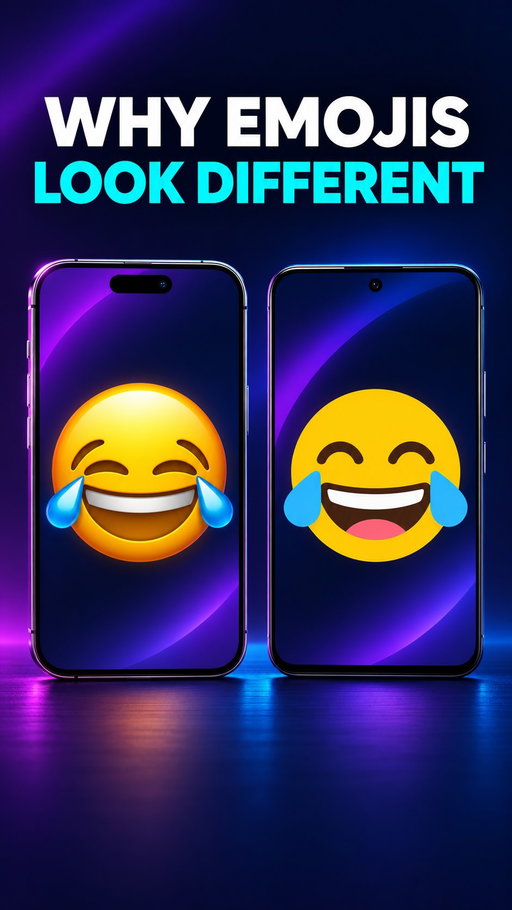
Why the Same Emoji Looks Different on iPhone and Android.
Your 😂 might look a little different on your friend’s phone.
Unicode gives both phones the same emoji code, but the artwork can vary. Even the smile and tears can change depending on where you see it.
Send this to a friend on the other platform and compare your 😂.
#Emoji #Unicode #iPhone #Android #iGeeksBlog
106K
2.53K
456
2w ago
igeeksblog
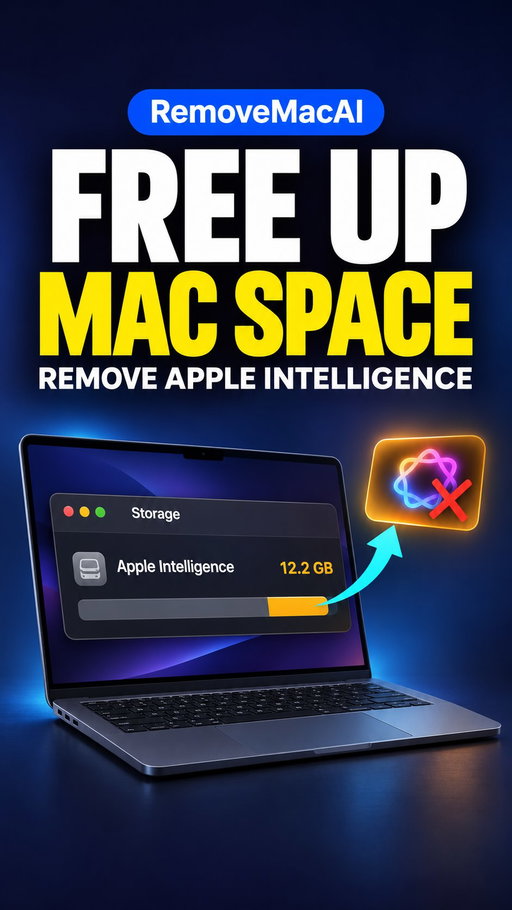
You can now delete Apple Intelligence from your Mac and get about 12 GB of storage back. The tool is free and open source. We went through its code and Apple's own support pages to see how it works.
Comment "MAC" and I'll send you the link 👇
#AppleIntelligence #macOS #Mac #OpenSource #iGeeksBlog
66.1K
2.65K
1.14K
2mo ago

igeeksblog
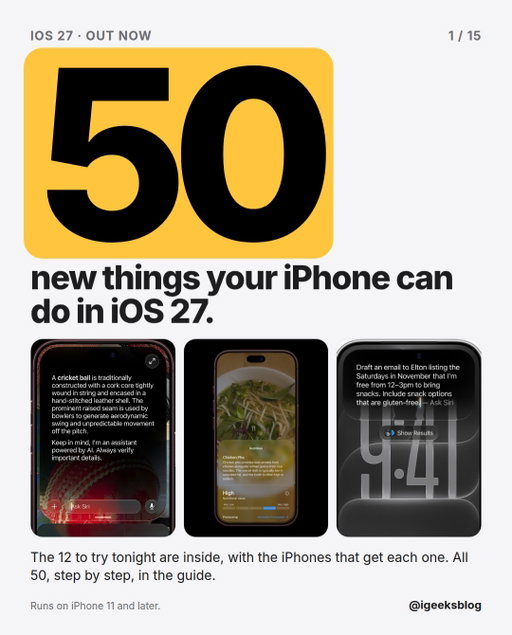
iOS 27 is out, it is free, and it runs on every iPhone back to the iPhone 11. 👇
We went through all 50 new things and checked each one against Apple's own pages. Twelve of them are worth trying tonight:
Your old iPhone gets faster. Apple's own test, on an iPhone 11 Pro Max: apps open up to 30% faster, photos load up to 70% faster, AirDrop up to 80% faster.
Point the camera and ask Siri what it is.
Change a photo's angle after you took it.
Safari watches a page and tells you when it changes.
Siri writes wherever you can type, in your own style.
Turn Liquid Glass down, or all the way off.
Your kid asks before every new website opens.
Your booking code lands on the call screen when you ring the airline.
Swipe down and ask the phone a question instead of typing a keyword.
Describe an automation in one sentence and Shortcuts builds it.
Siri can search your own photos, mail and notes.
An equaliser for AirPods, at last.
Which iPhone gets what: everything back to the iPhone 11 gets the speed boost and the non-AI features. iPhone 15 Pro, 16, 17, Air, Duo and 18 add the Apple Intelligence ones. Custom Siri voices and Dual Capture are iPhone 17 Pro, Air and 18 only.
Two things to know for India: Siri AI is English-first, no Hindi on Apple's list yet. Wallet spending insights, Maps trending lists and one-number-on-two-iPhones are not here.
One the reference lists that is not actually in this update: Passwords fixing weak logins for you. Apple says a future update.
Comment GUIDE and we DM you the full PDF: all 50, one page each, with the Settings path and the iPhones that get it.
#iOS27 #iPhone #AppleIntelligence #iPhoneTips #iGeeksBlog
52.6K
2.10K
517
2mo ago
igeeksblog
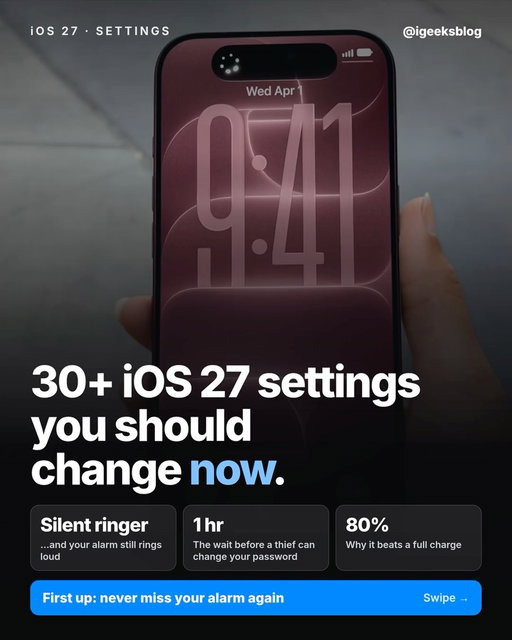
Your iPhone is still running Apple's defaults. Change these 10 first 👇
iOS 27 added three you'll want today. Your alarm can finally ignore the ringer, Liquid Glass gets a tint slider, and one switch decides whether Apple keeps your Siri requests to train its models.
The other seven have been around longer and are easy to miss, like the Lock Screen shortcut that lets a thief switch on Airplane Mode without unlocking your phone.
Every slide shows the exact path in Settings.
That's 10 of 30+. Comment SETTINGS and we'll DM you the whole guide, including how to hide apps behind Face ID.
#iOS27 #iPhoneTips #iPhoneSettings #iPhone #iGeeksBlog

51.6K
616
3
2w ago
igeeksblog
🎧 How do AirPods Pro make the world go silent? 🤯
It's not magic. It's science! 🔬
AirPods Pro use Active Noise Cancellation (ANC) to detect outside noise and create an opposite sound wave that cancels much of it out. 🔊❌
Tiny microphones pick up unwanted sounds, while Apple's audio processing works in real time to help keep your listening experience peaceful. 🤫
Pretty amazing for something so small, right?
🎥 Watch the Reel to discover the science behind AirPods Pro noise cancellation!
💬 Have you tried ANC on your AirPods Pro? Let us know in the comments!
📌 Save this Reel and follow for more interesting tech facts!
#AirPodsPro #AirPods #NoiseCancellation #ANC #AppleTech
50.2K
1.03K
10
1mo ago
igeeksblog
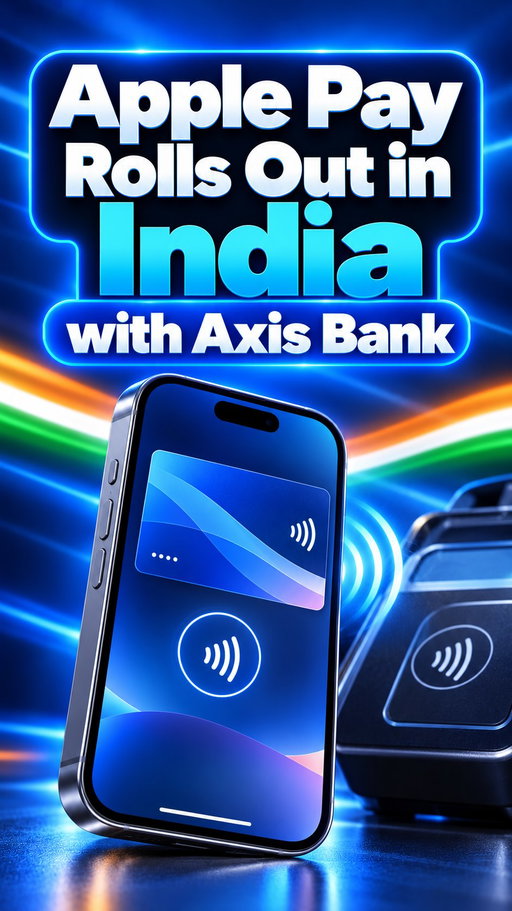
Apple Pay is finally live in India, almost 12 years after its US launch, but only with Axis Bank credit cards on Visa or Mastercard for now. Add the card from the Axis app, or with the + button in Apple Wallet; the bank verifies it once by OTP or in its app.
After that you pay with a double-click, Face ID and a tap, with no OTP at checkout. Not yet supported: Axis debit cards, RuPay, UPI, and HDFC, ICICI or SBI Card (reportedly still negotiating). The shop's card machine has to be enabled too, so if it fails, turn on Tap and Pay under usage limits in the Axis app. Needs an iPhone XR or newer on iOS 18; your card rewards still count. Paid with it yet? Tell us if the machine took it.
#ApplePay #ApplePayIndia #AxisBank #iPhone #CreditCard
43.4K
1.01K
13
1w ago
igeeksblog
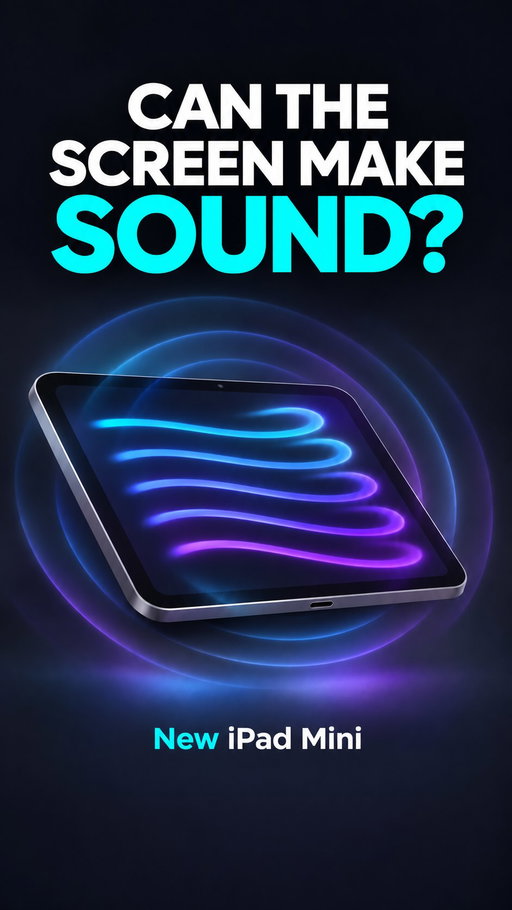
Here's how does new iPad Mini play music with no speaker holes?
#ipadmini #apple #ipad #techexplained #igeeksblog

42.5K
601
2
3mo ago
igeeksblog
Apple just skipped the iPhone 18 😳
For the first time in 7 years, there's no standard iPhone this September — and a company that actually builds iPhones just confirmed it on an earnings call.
Here's the split:
📱 Sept 2026 → iPhone 18 Pro, 18 Pro Max, + Apple's first foldable (iPhone Ultra)
📱 March 2027 → standard iPhone 18, iPhone 18e, iPhone Air 2
Every iPhone from the 11 to the 17 launched together every September. 7 generations straight. Now that streak is reportedly over.
Why? Pro models = fatter margins + the whole holiday quarter to themselves. Plus chip and memory shortages that could run into 2028.
Apple hasn't confirmed a thing yet — but if this holds, the iPhone becomes a twice-a-year event.
Wait till March, or are you just buying the Pro? 👇
#iPhone18 #Apple #iPhone18Pro #iPhoneUltra #AppleLeaks

41.3K
104
3
10mo ago
igeeksblog
Breakfast upgraded to tech spread 🍞📱
Mini iPhones raining onto the toast. No dairy. No logic. Just pure ASMR chaos.
Would you spread or scroll? 👀
#foodasmr #iphone #macroasmr #visualasmr #satisfyingvideo
37.1K
773
1
2w ago
igeeksblog
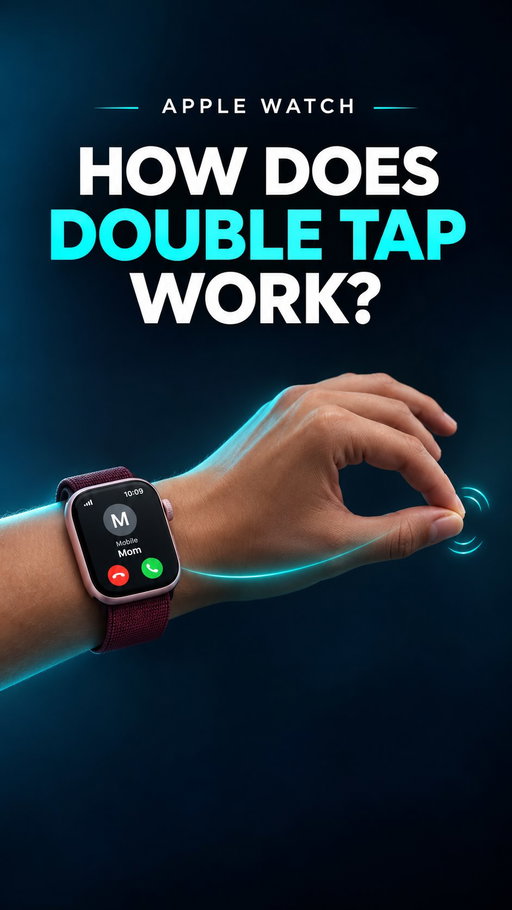
Here is how the Apple Watch double tap gesture really works.
#AppleWatch #DoubleTap #TechExplained #Apple #iGeeksBlog

34.1K
424
5
1d ago
igeeksblog
Thirteen years between GTA 5 and the GTA 6 timeline covered in this video. 🎮⏳
What filled that gap? We look at Rockstar’s other projects and the work behind building its next open world.
What matters most to you—story, exploration, or NPC interactions?
#GTA6 #GTAVI #RockstarGames #GrandTheftAuto #iGeeksBlog
33.3K
606
0
2w ago
igeeksblog
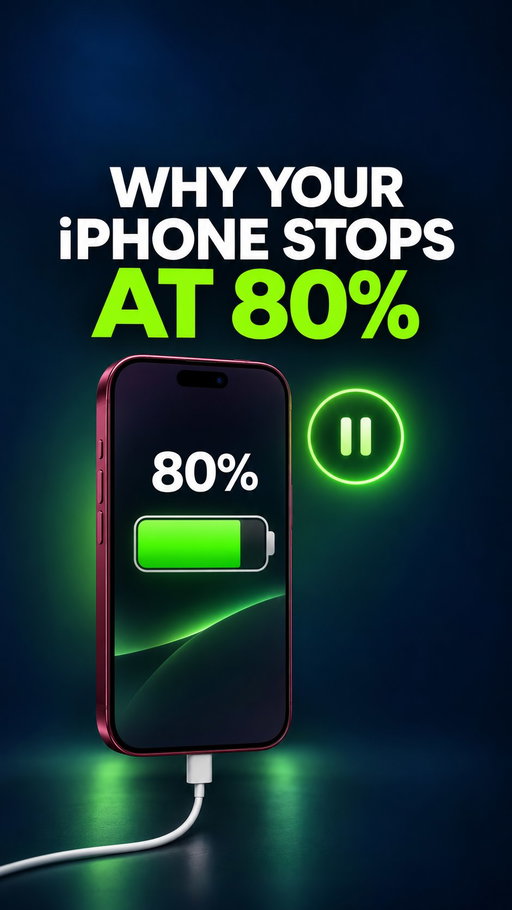
Why does your iPhone stop charging at 80%?
It stops on purpose, and it already knows when you wake up 👇
It's called Optimized Battery Charging. We went through Apple's own support pages to see why it holds back the last 20 percent.
1. A full battery is the most stressful place for it to sit. At 100 percent the graphite layers are packed full and the battery sits at its highest voltage, and hours there can wear it more than using it.
2. For two weeks your iPhone learns when you plug in and unplug. It needs at least nine long charges in the same place before it trusts the pattern.
3. Then it charges fast to 80 percent, stops and waits. Your Lock Screen tells you what time it will be full.
4. Before you usually unplug, it fills the last 20 percent slowly, so it spends as little time full as possible.
5. A second reason: if your iPhone gets too warm while charging, software can hold it at 80 until it cools.
6. That's why iPhone battery health drops at different speeds. Apple says a battery's real age comes from its temperature history and how it was charged, not just the years.
Need it full now? Touch and hold the notification and tap Charge Now.
On iPhone 15 and later: Settings > Battery > Charging lets you pick a limit from 80 to 100.
Send this to the friend who thinks their charger is broken.
#iPhone #iPhoneCharging #BatteryHealth #iPhoneTips #iGeeksBlog

32.7K
452
4
1mo ago
igeeksblog
iOS 27 gave CarPlay five new features, and one of them no car can use yet.
New wave wallpapers with redrawn Liquid Glass icons (pick one in CarPlay's own Settings, under Wallpaper), a progress bar you can finally drag in podcasts and audiobooks, Siri AI in the car (iPhone 15 Pro or later, and there may be a waitlist), and a more dependable wireless connection with sharper GPS heading, per Apple. The fifth is video apps, which only play while you're parked, and your carmaker has to switch them on. So far none has said it will. Share it with whoever does the driving.
#CarPlay #iOS27 #AppleCarPlay #iPhone #SiriAI
32.4K
611
7
3w ago
igeeksblog
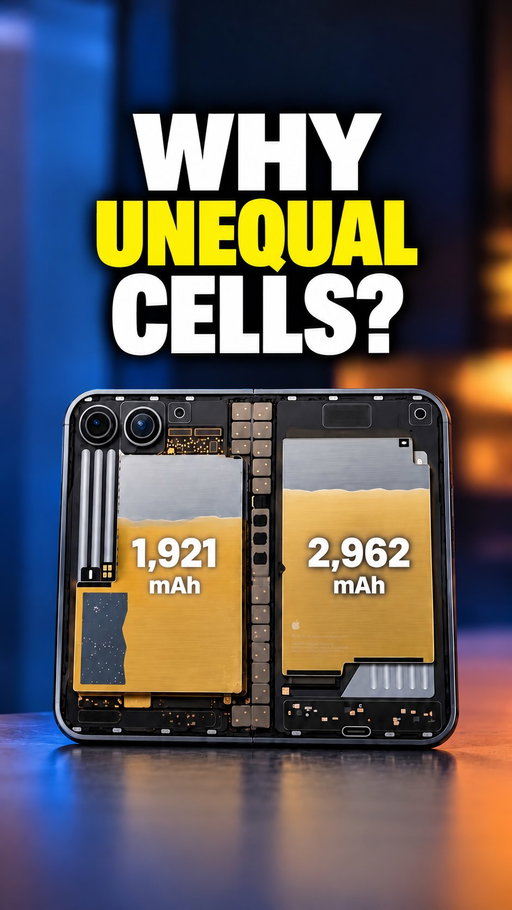
Why Apple Split the Battery on iPhone Duo,
Unplug one of the iPhone Duo's batteries, and the phone keeps running 👇
The Duo has two batteries, one in each half, because a battery can't fold. We went through Apple's iPhone Duo pages and iFixit's teardown to see how they work as one.
1. Each cell sits in a steel case, and the bend runs straight through the hinge, so Apple put one battery on each side of the fold.
2. Each half is only 5.2 mm thick, so every cell is a thin, flat slab.
3. The halves aren't the same inside: one holds the A20 Pro chip and a vapor chamber, the other an aluminium plate. So the cells are 2,962 mAh and 1,921 mAh.
4. Only one side has the charging hardware. The far battery charges through a flex cable that crosses the hinge.
5. Apple says its chip and energy rebalancing algorithms make the two work seamlessly as one.
6. In a teardown, the Duo stayed on with either battery disconnected, so a failing cell could keep it going until it's repaired.
7. Both are held with glue that lets go when you run a small current through it, the best battery removal iFixit has seen in a foldable.
8. Together they hold 4,883 mAh, less than an iPhone 18 Pro Max, but up to 24 hours of use when you share it between both screens.
Send this to the friend who keeps asking if the Duo's battery is any good.
#Shorts #Apple #iPhoneDuo #iPhoneBattery #AppleExplained iPhone TechShorts
iGeeksBlog (@igeeksblog) Instagram Stats & Analytics
iGeeksBlog (@igeeksblog) has 257K Instagram followers with a 0.87% engagement rate over the past 12 months. Across 135 posts, iGeeksBlog received 127K total likes and 13.7M impressions, averaging 943 likes per post. This page tracks iGeeksBlog's performance metrics, top content, and engagement trends — updated daily. To benchmark @igeeksblog against other accounts, use Socialpruf's Instagram competitor analysis tool.
iGeeksBlog (@igeeksblog) Instagram Analytics FAQ
How many Instagram followers does iGeeksBlog have?+
iGeeksBlog (@igeeksblog) has 257K Instagram followers as of November 2026.
What is iGeeksBlog's Instagram engagement rate?+
iGeeksBlog's Instagram engagement rate is 0.87% over the last 12 months, based on 135 posts.
How many likes does iGeeksBlog get on Instagram?+
iGeeksBlog received 127K total likes across 135 posts in the last 12 months, averaging 943 likes per post.
How many Instagram impressions does iGeeksBlog get?+
iGeeksBlog's Instagram content generated 13.7M total impressions over the last 12 months.
Can I compare iGeeksBlog with other Instagram accounts?+
Yes. Add @igeeksblog to a competitor set with Socialpruf's Instagram competitor analysis tool and benchmark it side by side with any other public accounts on views, engagement rate and follower growth, with history back to each account's first post.