NewGet @adobevideo's full report

instagram analytics
Similar Accounts:
instagram analytics
Similar Accounts:
followers
796K
impressions
188M
likes
3.38M
comments
16.7K
posts
317
engagement
1.87%
emv
$4.63M
Average per post
594K
Key Metrics
Impressions
monthly
Distributions
Content
10.2M
23.0K
39
10mo ago

adobevideo
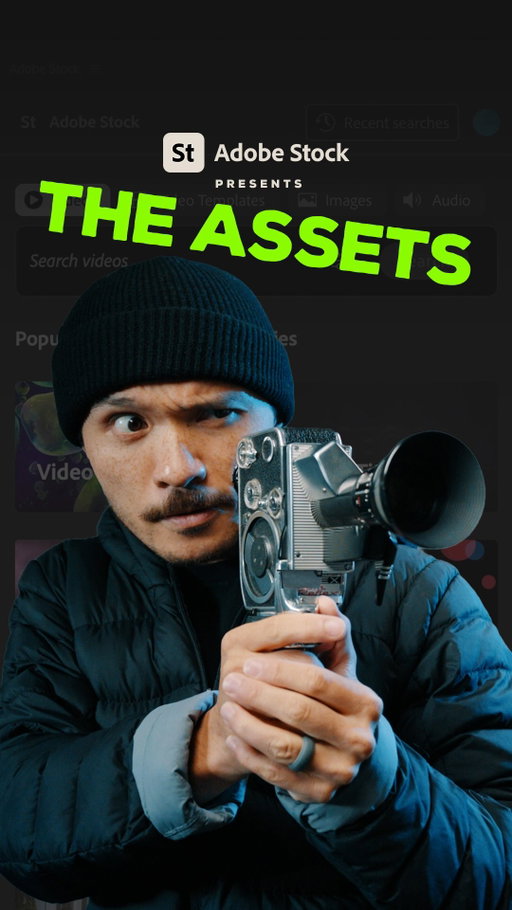
#AdobePartner Adobe Stock is now integrated into Adobe Premiere, unlocking your creative potential using images, videos, and even audio!
Edit faster and stay inspired with full access to the Adobe Stock Library = over 900M assets including videos, music, templates, images and more - one plan for everything!
You can quickly search, preview, and license high-quality assets. No tab switching, no separate windows, full Adobe Stock workflow directly in Premiere. Creation without interruptions or breaking up your workflow!
Try the New Adobe Stock Unlimited Plan and Adobe Stock Panel in Premiere Now!
#sponsored @adobecreativecloud #adobestock
9.01M
51.6K
309
6mo ago
adobevideo
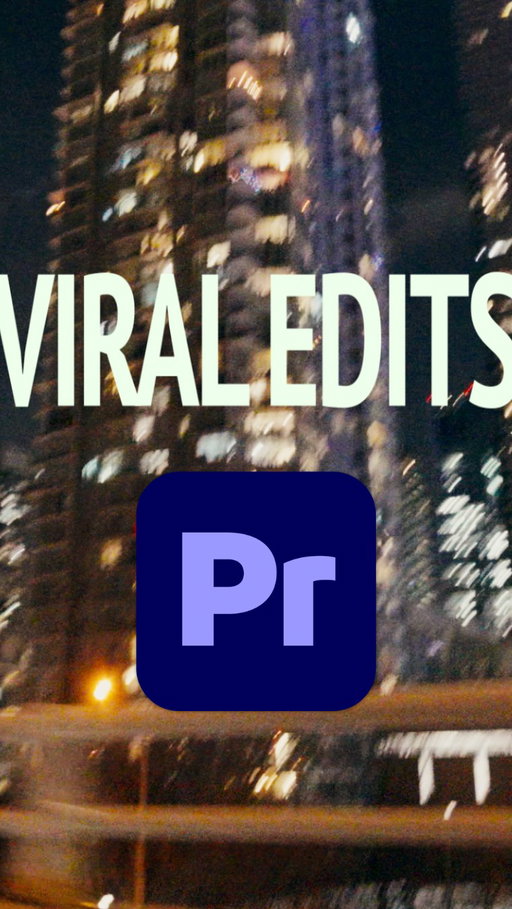
Ever wonder how I'm able to post while being out in the city? I do it using Adobe Premiere on iPhone! It's free to download and easy to use, which makes my life easier when I'm always out and about downtown. @adobevideo #AdobePartner
#toronto #cinematic #ad
7.26M
34.2K
91
6mo ago
adobevideo
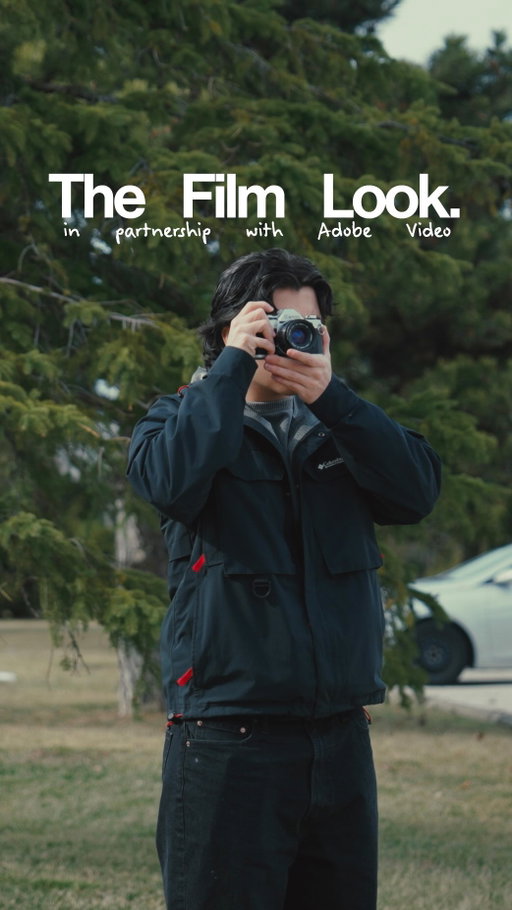
Colour grading in Premiere? 🎨
This new update in Premiere (beta) genuinely changes everything.
And with the help of @adobevideo I’m showing you how you can achieve cinematic results in seconds
#adobepartner #ad #cinematic #storytelling
5.42M
hidden
45
10mo ago
adobevideo
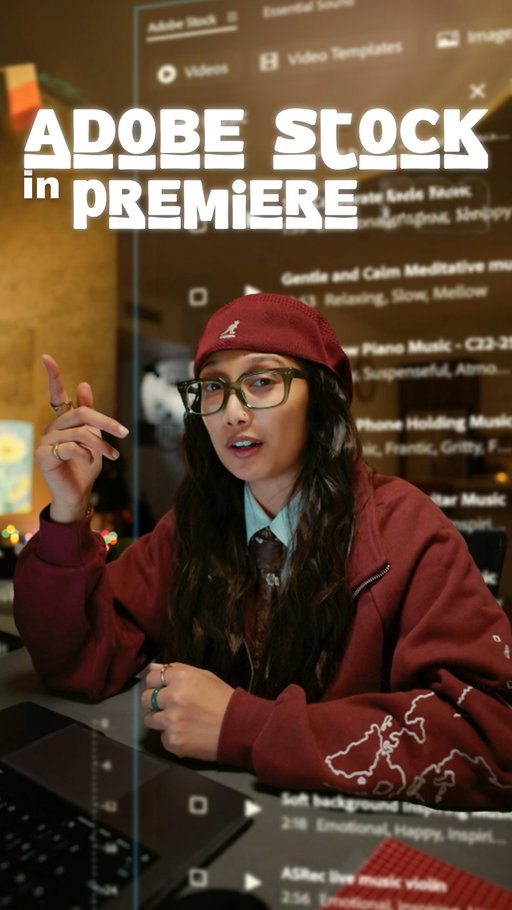
Ideas are NEVER too big 🤓 & when my workflow becomes one cohesive process with @adobevideo &
#AdobeStock, we love that 🫱🏼🫲🏽 @adobecreativecloud ✨
#adobepartner

4.95M
7.31K
200
9mo ago
adobevideo
See below on HOW to do an Epic Transition with Premiere's NEW Object
Mask tool 💥
Download NOW ‼
1. Film in 60 Frames per second
2. Open Adobe Premiere
3. Upload files onto timeline
4. Cut the parts where you're jumping into the air
5. Layer them on top of each other
6. Select Opacity
7. Click on Object Mask, then hover over your subject
8. Select your subject and then track and back forth
9. Adjust clips til it matches and they all jump at the same time.
10. BOOM! There you have it.
#adobepartner @adobevideo
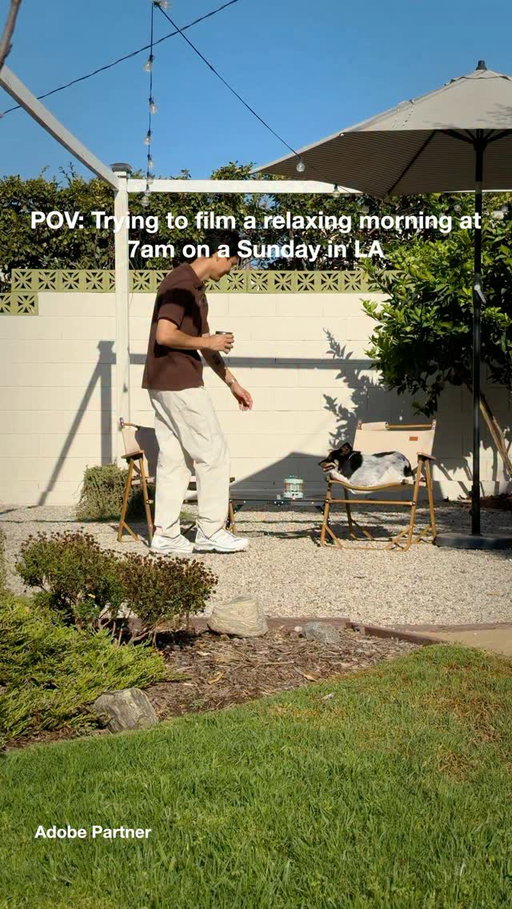
4.69M
206K
297
3mo ago
adobevideo
I can’t believe this is a FREE service, comment “Adobe” to try it out! @AdobeVideo #AdobePartner
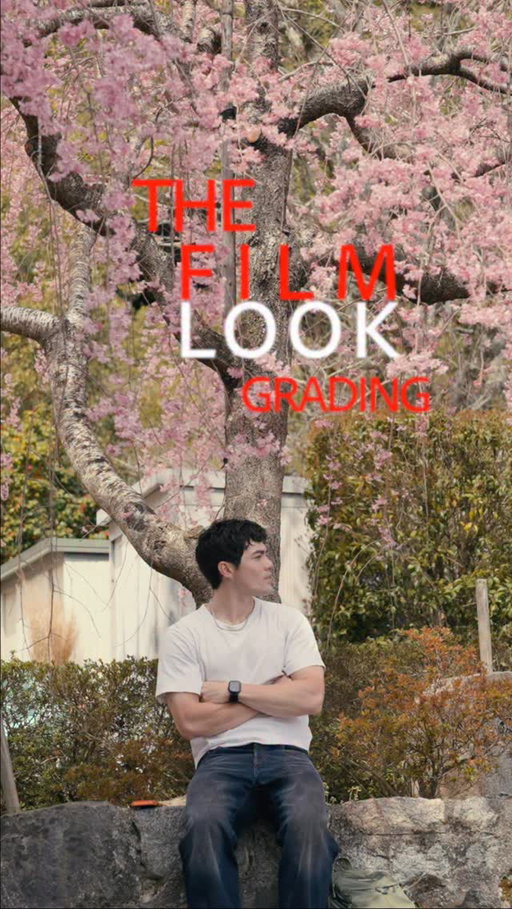
4.69M
4.10K
7
6mo ago
adobevideo
Looking for that film look without a complicated workflow?
Adobe Premiere (beta) Color Mode makes it easy to get there with presets and quick controls that help you dial in the color fast!
Get the new beta, experiment with the looks, and try it on your next edit!
@adobevideo
#adobepremierebeta #adobepremiere #adobepartner #videoeditor
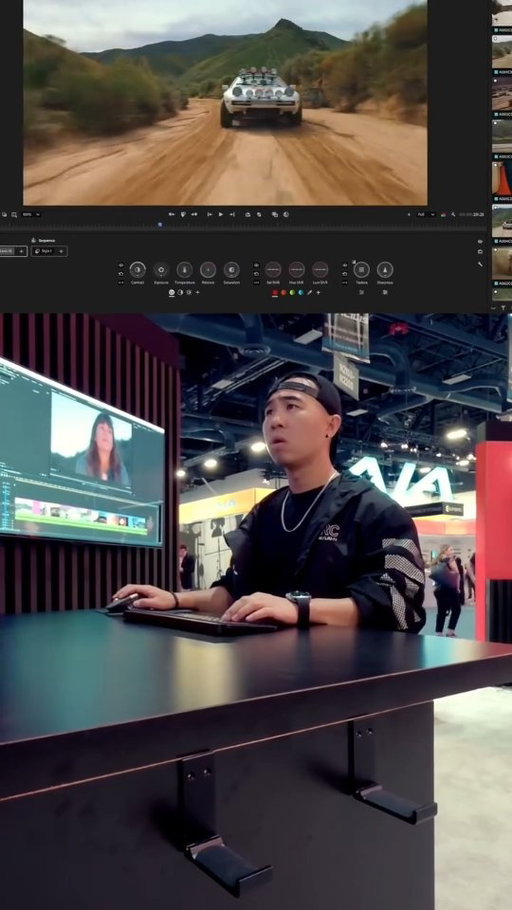
4.04M
24.4K
227
6mo ago
adobevideo
I learned how to PRO Color in 5 Minutes! I attended NAB with @AdobeVideo, and learned about Color Mode on Adobe Premiere (beta) and it made pro coloring EASY! From beginners to veterans, it gives the tools to users of any level to make professional color edits. TRY IT NOW! #adobepartner
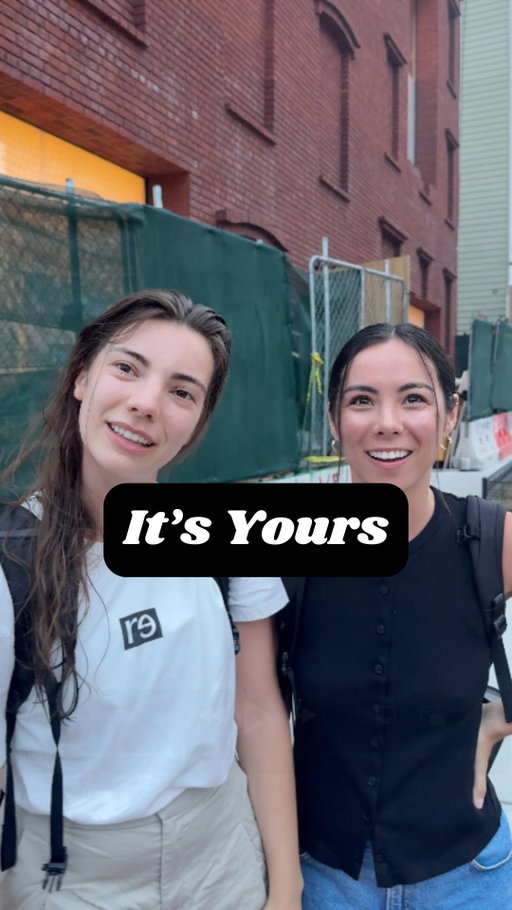
3.71M
180K
844
2mo ago
adobevideo
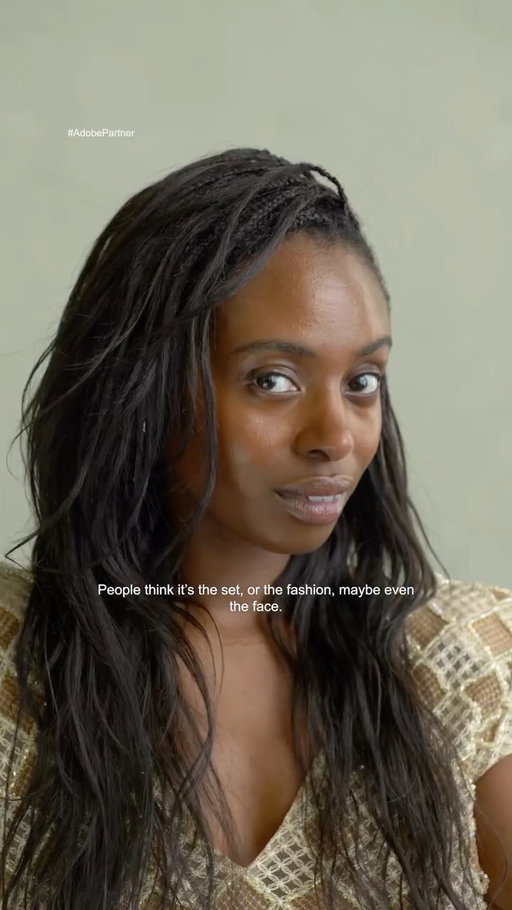
Shoutout Daria for connecting Katie & Bella. NYC is loud. Their story deserved to be louder ❤️ Edited with Enhance Audio on
@adobevideo Premiere on Mobile. #adobepartner #meetcute #nyc
3.60M
138K
119
3mo ago
adobevideo
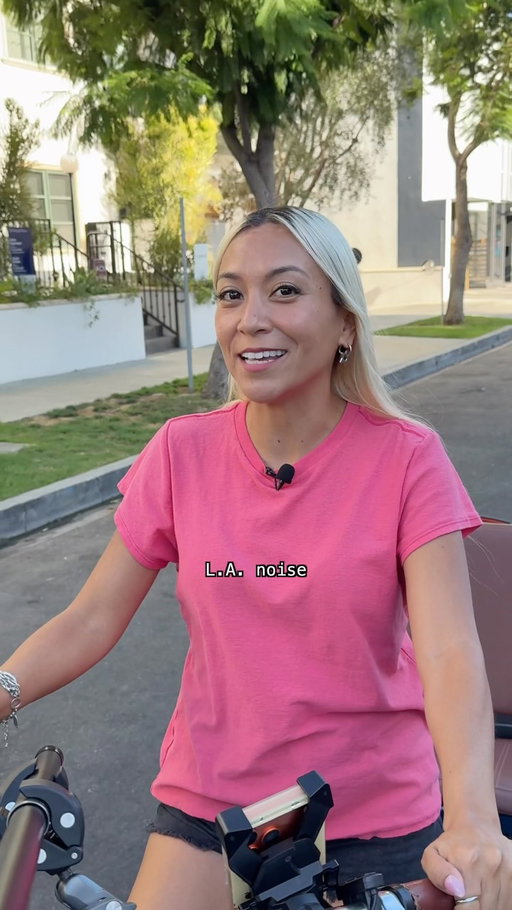
Edit like a Pro for free, with Premiere on mobile @adobevideo #AdobePartner
3.56M
144K
64
2mo ago
adobevideo
Enhance Audio on Premiere on Mobile makes it so easy to remove background noise so that every singer gets their moment to shine and every note is heard with crisp, clear audio! @adobevideo #AdobePartner
3.43M
4.85K
24
7mo ago
adobevideo
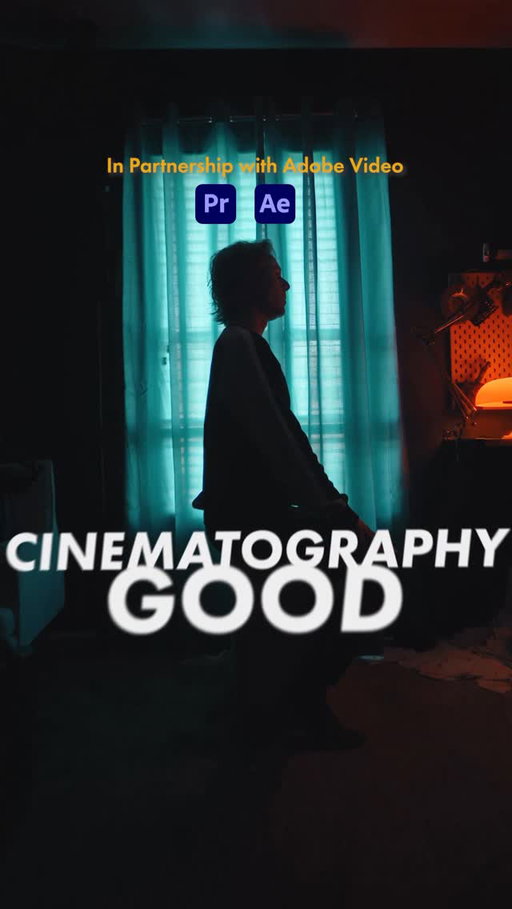
AD. Whenever I’m thinking about the cinematography of my next short film, I go through these three things to determine what best fits the story. Hopefully this will help you on your next project! Thanks @adobevideo for partnering with me on this video! #filmmaking #cinematography

3.42M
853
20
11mo ago
adobevideo
This is how you create a clone reveal effect, using Adobe Premiere (beta). For the full tutorial, check out @adobevideo’s YouTube! #adobepartner
2.98M
3.66K
68
10mo ago
adobevideo
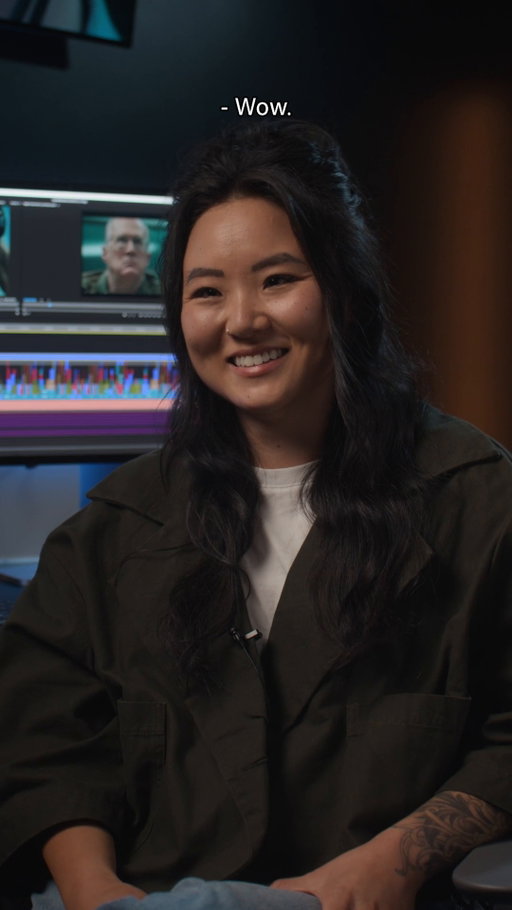
What sound effect does Jennifer Chung, 1st Assistant Editor on A House of Dynamite, hear when she finishes a render? We'll give you a clue: 🆘 💵 💍
Watch our full rapid-fire interview to find out, and don't forget to catch @AHouseofDynamite, now streaming on @Netflix.
Link in bio for full behind the scenes video.
2.83M
88.8K
147
9mo ago
adobevideo
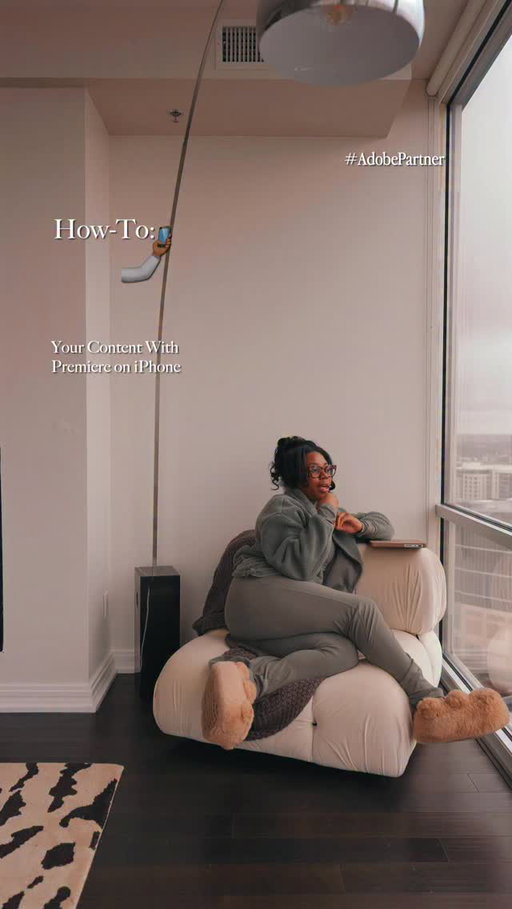
I’m making my YouTube dreams a reality this year with @adobevideo new Premiere on iPhone 🌟
The dedicated creation space for creating YouTube Shorts in collaboration with Adobe Premiere offers exclusive templates, effects, transitions and title presets. There’s so many templates to choose from no matter if your vibe is cinematic or lo-fi. Here’s to the year of getting discovered on YouTube for our talents. #AdobePartner
2.74M
26.9K
139
9mo ago
adobevideo
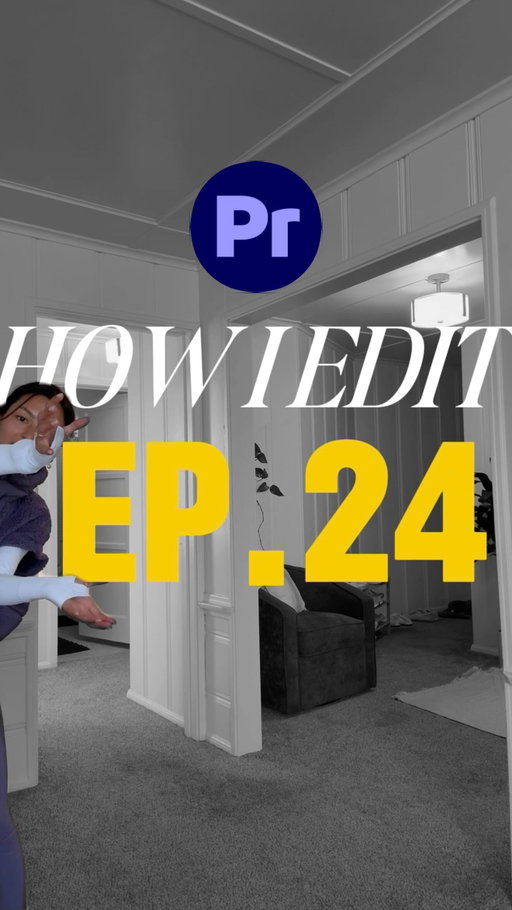
EP 24: HOW I EDIT - Adding movement to your text🌟
I always get questions on how I edit the text in my videos, so here you go! & it’s all thanks to Keyframes, which are now available in Adobe Premiere on iPhone :) @AdobeVideo #AdobePartner
2.71M
175K
132
2mo ago
adobevideo
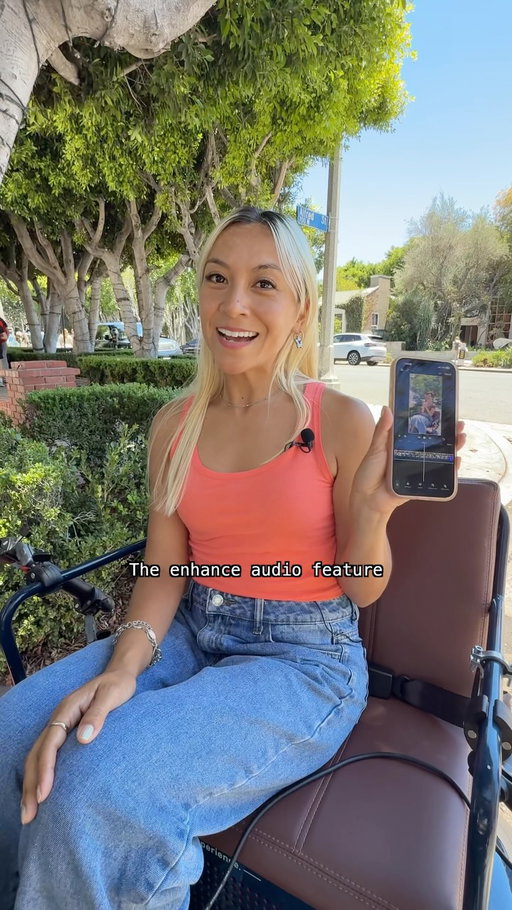
Thanks to Adobe Premiere on mobile’s Enhance Audio feature, we hear every note loud and clear (for better or for worse)! @adobevideo #adobepremiere #adobepartner
2.38M
17.3K
110
11mo ago
adobevideo
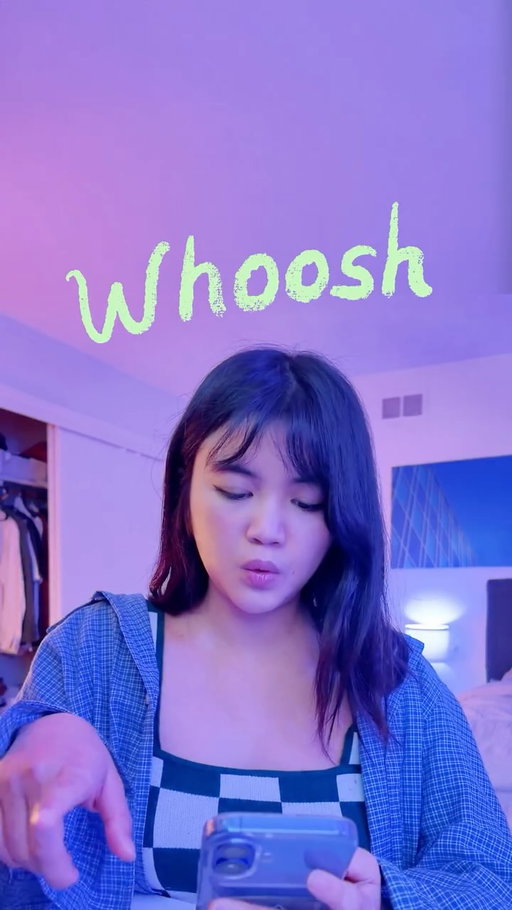
how to generate sound effects, using @adobevideo!📱
i’ve used premiere pro since day one for my videos, and I’m so excited to share this update with you!
link in bio 🫶
#adobepartner
2.32M
10.2K
195
8mo ago
adobevideo
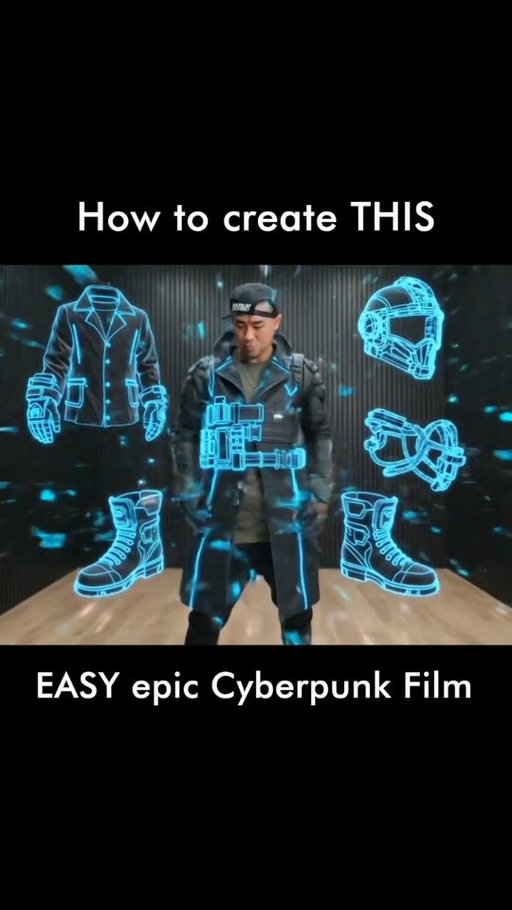
See how to create a Cyberpunk film below! 👇
1. Go to firefly.adobe.com/boards
2. Create a Board
3. Upload a reference image
4. Type in the prompt "His phone activates a glitchy hologram that builds his outfit piece by piece, then grows on him as he puts on the helmet. The cyberpunk world builds in the background around him" and generate
5. Create different cyberpunk scenes using prompt keywords like "A sweeping, cinematic landscape of a neon-soaked cyberpunk city at night, towering skyscrapers with holographic billboards, flying vehicles leaving light trails, volumetric fog reflecting blue and pink light, ultra-detailed 8K."
6. Click on an image and convert to video
7. Type in the prompt for the video
8. Export to Premiere
9. Add in your preferred sequence
10. Export to mp4
Every great film starts with a vision, but getting that vision out of your head and onto the screen is the real challenge.That’s where Adobe Firefly Boards comes in.
I use Boards to moodboard every shot, layering reference images and AI prompts to nail the "Cyberpunk" aesthetic before I even hit record.
#adobepartner @AdobeFirefly @AdobeVideo
2.29M
28.5K
140
12mo ago
adobevideo
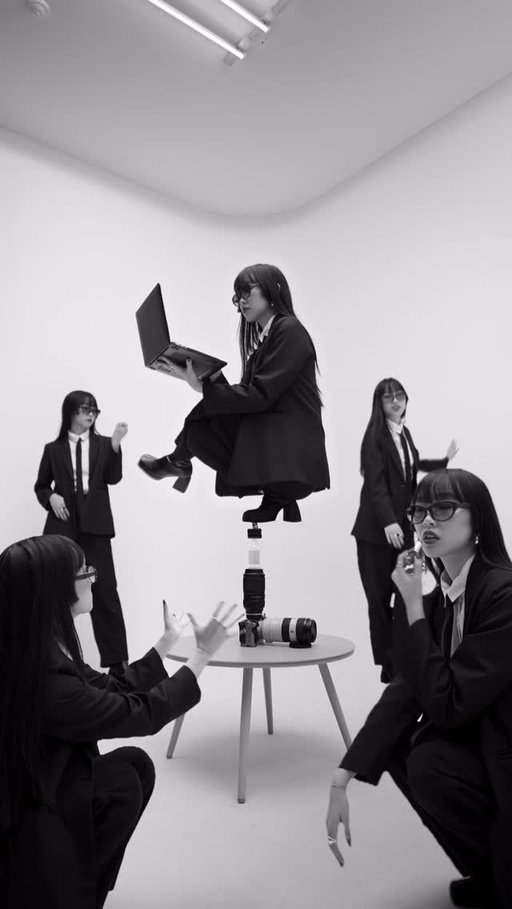
How to do this balancing stunt 👀
The new @adobevideo Beta saves me hours from keyframing & masking 💻
#adobepartner #film #cinematography #videotutorial #videoedit #videocreator #transition #filmedit #masking #cloneeffect
Adobe Video (@adobevideo) Instagram Stats & Analytics
Adobe Video (@adobevideo) has 796K Instagram followers with a 1.87% engagement rate over the past 12 months. Across 317 posts, Adobe Video received 3.38M total likes and 188M impressions, averaging 10.7K likes per post. This page tracks Adobe Video's performance metrics, top content, and engagement trends — updated daily. To benchmark @adobevideo against other accounts, use Socialpruf's Instagram competitor analysis tool.
Adobe Video (@adobevideo) Instagram Analytics FAQ
How many Instagram followers does Adobe Video have?+
Adobe Video (@adobevideo) has 796K Instagram followers as of November 2026.
What is Adobe Video's Instagram engagement rate?+
Adobe Video's Instagram engagement rate is 1.87% over the last 12 months, based on 317 posts.
How many likes does Adobe Video get on Instagram?+
Adobe Video received 3.38M total likes across 317 posts in the last 12 months, averaging 10.7K likes per post.
How many Instagram impressions does Adobe Video get?+
Adobe Video's Instagram content generated 188M total impressions over the last 12 months.
Can I compare Adobe Video with other Instagram accounts?+
Yes. Add @adobevideo to a competitor set with Socialpruf's Instagram competitor analysis tool and benchmark it side by side with any other public accounts on views, engagement rate and follower growth, with history back to each account's first post.