NewGet @itsmodernmillie's full report

tiktok analytics
Similar Accounts:
tiktok analytics
Similar Accounts:
followers
145K
impressions
12.6M
likes
421K
comments
11.3K
posts
180
engagement
3.42%
emv
$372K
Average per post
70.2K
Key Metrics
Impressions
monthly
Distributions
Content
4.78M
2.57K
55
5mo ago

itsmodernmillie
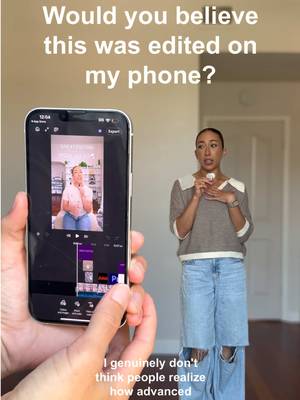
Comment “Premiere” and I’ll send you the link 🧡 I filmed and edited this entire Reel on my phone 😳 Being able to edit while I’m still in creative mode instead of waiting until I’m back at my desk has made content creation feel so much easier lately. @Adobe #AdobePartner #PremiereMobile #CommunityxAdobe #AD
1.30M
127K
772
5mo ago
itsmodernmillie
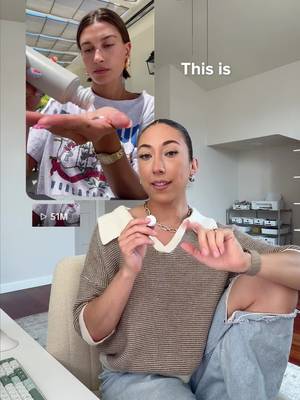
Turn 1 product into engaging 9 content formats 😉 Follow for more content ideas that will help you get views, grow audience, and land brand deals! #socialmedia #contentcreation #organicgrowth #personalbrand
977K
973
40
4mo ago
itsmodernmillie
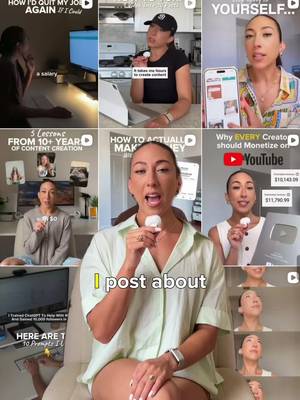
I post around 130 videos every month across platforms. And despite what most people think, the longest part of the process usually always editing. It's all the little things that happen before editing: 🎥 Organizing clips 📁 Renaming files 📝 Labeling footage 🔍 Finding B-roll ⏱️ Searching through hours of content The more content you create, the more these small tasks start stealing time away from the creative work that actually moves the needle. That's why I've been loving Adobe Premiere's new AI Assistant @Adobe Live Instead of spending hours organizing footage, it can automatically help with things like: ✅ Sorting content into bins ✅ Adding markers to the timeline ✅ Renaming clips ✅ Transcribing footage Which means less time managing files and more time creating. As someone producing content at scale, that's a game changer. Download Adobe Premiere Pro on desktop to try their new AI Assistant today! #AdobePartner #sponsored #PremierePartner #VideoEditing #AdobexCommunity
883K
2.67K
39
7mo ago
itsmodernmillie
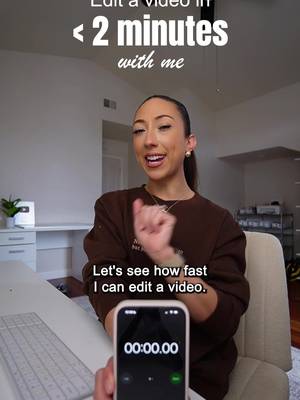
Editing a video in under 2 minutes? Let's test it ⏰
I partnered with @Adobe Video to show you how I use re-usable templates inside Premiere on iPhone to speed up my editing workflow.
This makes editing my videos so much faster! No overthinking. No starting from scratch. No getting stuck staring at a blank timeline when you have footage sitting in your camera roll you KNOW you can use.
If you're creating OOTDs, vlogs, coffee content, or literally anything short-form, templates make editing faster without sacrificing quality.
Try out the re-usable templates in Premiere on iPhone and tag @AdobeVideo and me when you do! I want to see what you create 💛
#adobepartner
629K
2.07K
19
10mo ago
itsmodernmillie
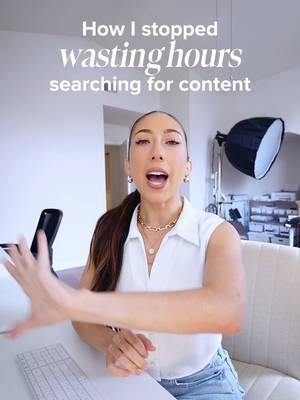
I’ve tested hundreds of tools over the past five years as a full-time content creator… and nothing had my jaw on the floor like @dropbox Dash did this year. With a team of 10+ people, our biggest struggle used to be keeping track of everything: 🎞️ B-roll 📝 Scripts in Google Drive ✉️ Collab briefs in email 📸 Brand photos ✈️ Old travel content sitting in random folders Then we discovered Dropbox Dash: the AI teammate that actually understands your work. It helps small teams find, organize, and share content from one place so you can stay focused on creating. Two features that blew me away? 1. Universal search Instead of wasting precious minutes trying to remember where something lives, universal search helps you find exactly what you need across ALL your connected apps like Dropbox, Notion, Canva, Google Drive, Gmail, Slack 2. Stacks These are smart project hubs where you can group footage, assets, PDFs, links, contracts and more… then share them with your team or a brand in one click. If your team is ready to spend less time searching and more time creating, check out Dropbox Dash today! (Link in my bio) #DropboxPartner #ad #ContentCreatorTools #ProductivityTools #CloudStorage
277K
31.9K
1.19K
10mo ago
itsmodernmillie
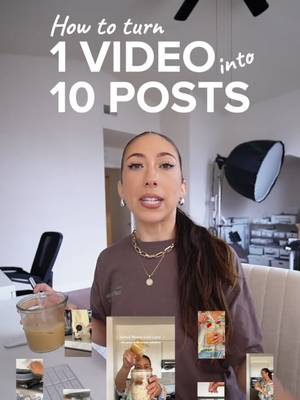
Wondering if you should really reuse the same footage for different posts?😅 The answer is YES. Absolutely yes. The audience that sees your first post isn’t always the same audience that sees your second or third post! And if you’re stuck in “200-view jail,” this is one of the best ways to A/B test your hooks, voiceovers, and editing styles to figure out what works for your audience.🙌🏽 Here’s how to get even MORE out of the footage sitting in your camera roll 👇🏽 ✅Mix up the format: short clips, voiceovers, bloopers, tutorials, text overlays, memes, all of it ✅Pull from both the finished edit and the raw B-roll ✅Work in multiple lengths (quick 7–10 second hits and longer storytelling posts) ✅Help you reach new viewers, re-engage your current audience, and show more of your personality Do you already repurpose your content? Let me know your tips and tricks below!🧡
235K
17.5K
90
5mo ago
itsmodernmillie
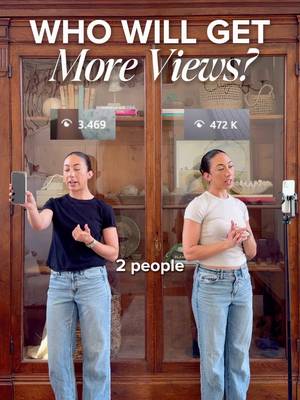
Who will get more views? 👀 Want to be like Person B? Follow for more scroll-stopping hook ideas! #socialmedia #contentcreation #organicgrowth #personalbrand
202K
17.1K
294
8mo ago
itsmodernmillie
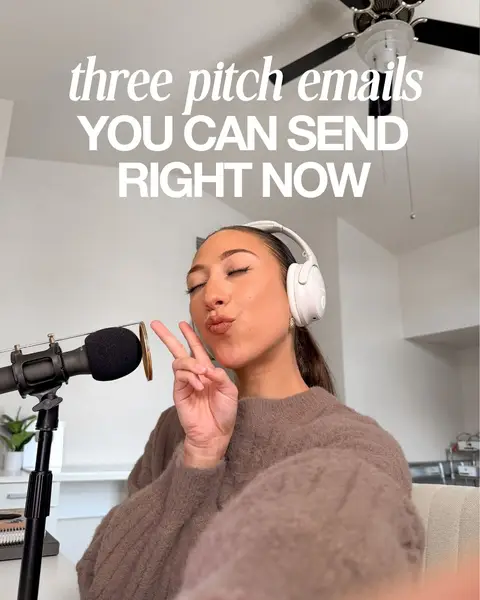
Pitching brands doesn’t need to be stressful. There’s no need to overthink your brand pitches; just start sending them. You’ll learn along the way how to perfect your pitch for each type of brand that you want to work with. And you can use these email pitches to get you started! Save this post so you can use these pitches when you’re ready. 🧡

199K
16.8K
352
4mo ago
itsmodernmillie
How to turn 1 video into 10 posts 👀 Follow for more tools that make content creation easier and faster!
190K
13.6K
1.29K
7mo ago
itsmodernmillie
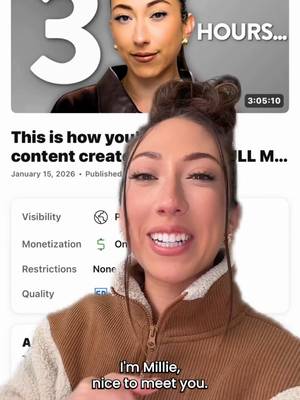
👀 This is crazy. Hi! I’m Millie. If you’re new here, I’m a creator coach who helps content creators turn their platforms into full-time income so they can leave their 9–5. I’ve spent the last 6 years building my own creator business and helping my students do the same. So I decided to take everything I’ve learned and put it into one video. If you’re trying to figure out how to actually go full-time as a content creator, this will give you a really clear starting point 🧡 Comment “3 Hours” and I’ll send you the link!
177K
13.8K
370
2mo ago
itsmodernmillie
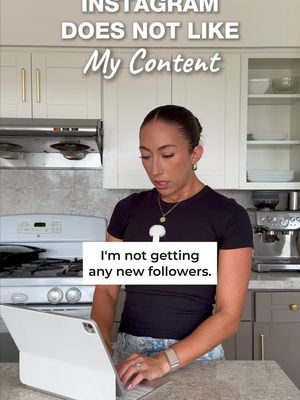
"Instagram does not like my content" 📲 Follow for more social media education!
165K
11.1K
167
5mo ago
itsmodernmillie
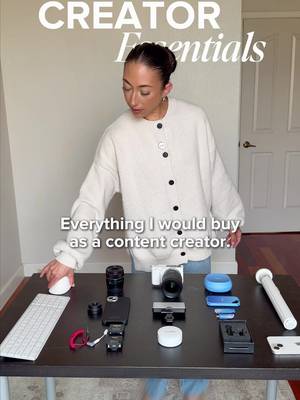
Everything I would buy as a content creator 📱 Follow for more content, filming, and gear tips to help you go full-time content creation! #socialmedia #contentcreation #organicgrowth #personalbrand
135K
9.31K
140
12mo ago
itsmodernmillie
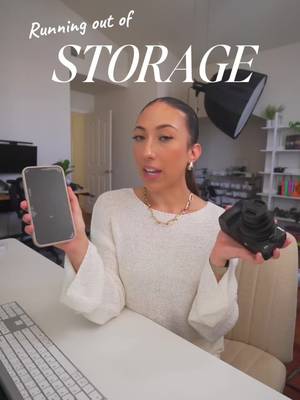
Running out of storage on your phone again? 😩 Been there. What’s saved both my sanity and my files are the products from the @sandisk Creator Series. 1️⃣ Phone Drive – Plug it right into your phone and transfer files straight to your laptop or another drive. Easy! 2️⃣ Portable SSD – Perfect for current projects or videos you’re editing. You can literally edit right off the SSD so your laptop doesn’t lag or get bogged down. 3️⃣Desktop SSD – My long-term vault. Stores up to 8TB (!!) for all the footage I’m not using right now but don't want to delete. If you film or edit content regularly, this setup is a game changer. Everything is linked in my Amazon storefront!🙌
101K
9.23K
254
9mo ago
itsmodernmillie
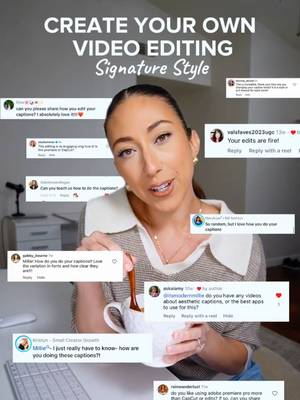
If you’ve ever wondered how I edit my videos… this one’s for you ✨ Branding shows up in your fonts, animations, colors, and even the little sound effects you use! When you build a repeatable style, you become instantly recognizable (and your audience connects with you much faster). If you’re wanting to elevate your editing, start simple: choose fonts, colors, text reveals, and sounds to use in every video. Those tiny choices stack up and turn into your signature style!🧡
90.1K
5.84K
334
11mo ago
itsmodernmillie
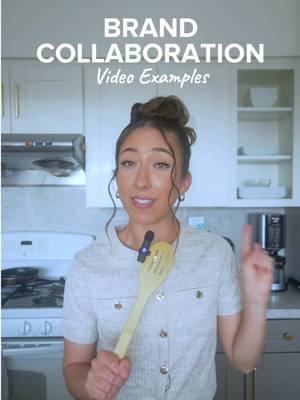
Trying to figure out how to make an engaging sponsored post that people don't scroll past!? Or maybe you just want to try something new! 👀 I was #gifted this cookware set from @caraway_home, and even though they didn't ask me to post about it, I thought I'd use this as a moment to teach all of you how to get creative with sponsored posts 😊 Which brand or item do you want me to use in my next example video? Let me know below!⬇️
87.5K
3.53K
77
7mo ago
itsmodernmillie
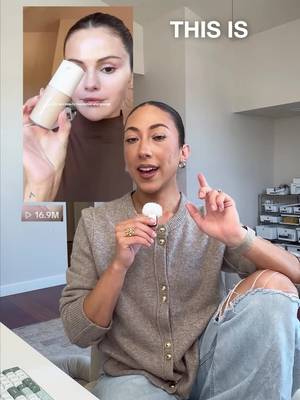
Do you want to make sponsored videos people actually don’t scroll past? 👀 Here are a few ideas using a package from Rhode Skin. I wanted to show this with a brand like Rhode because they’re a great example of how @modash.io helps connect Shopify brands with the right creators for their campaigns. It’s not just about getting the deal… it’s about creating content that feels natural and actually performs. What questions do you have about brand partnerships? Let me know below 🧡 #CreatorTips #Ad
80.4K
7.31K
181
3mo ago
itsmodernmillie
You can turn 1 video idea into 9 different posts when you explore multiple formats!📱 Follow for more social media content creator tips!
66.5K
6.56K
73
3mo ago
itsmodernmillie
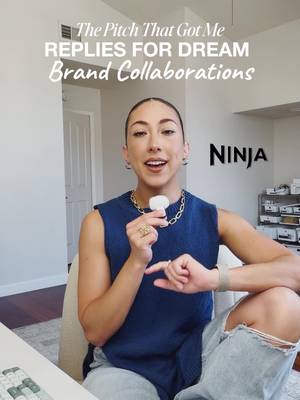
The pitch that got me replies for dream brand collaborations 📧 Follow if you want to grow as a creator without feeling awkward every time you pitch a brand!
64.5K
4.44K
319
2mo ago
itsmodernmillie
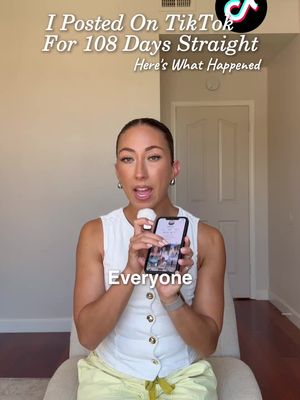
I posted on TikTok for 108 days straight - here’s what happened 📅 If you're trying to grow on social media without burning out, I share creator tips, content strategies, and lessons from my own experiments like this all the time. Hit follow so you don't miss the next one.

63.4K
1.23K
20
8mo ago
itsmodernmillie
There are so many ways to make money on Instagram (even with a small audience), but most creators only know about 1–2 of them 👀 So here’s a quick breakdown of 8 income streams you can start exploring: 💸 Badges – Earn money from viewers who support you during IG Lives. 🎁 Gifts – Followers can send virtual gifts on Reels, which turn into real earnings. 🧡 Subscriptions – Monthly memberships where you offer exclusive content and build a tighter community. 🔗 Affiliate Marketing – Share links, earn commissions. Easy to start, builds slowly overtime. 🤝🏼 Brand Partnerships – Pitch brands or get discovered through Instagram’s Creator Marketplace. 💰 Bonuses – Invite-only performance bonuses for Reels, carousels, or posts. 📚 Digital Products – Templates, guides, presets, courses…the options here are ENDLESS 📦 Physical Products – Merch, print-on-demand, and more through platforms like Shopify or Printful. You don’t need a massive following to start monetizing; you just need the right strategy and one offer to start with. Comment "IG Income" and I'll send you a full breakdown of each income stream! #creatorresources #contentcreatortips #makemoneyoninstagram
Millie | Social Media Coach (@itsmodernmillie) TikTok Stats & Analytics
Millie | Social Media Coach (@itsmodernmillie) has 145K TikTok followers with a 3.42% engagement rate over the past 12 months. Across 180 videos, Millie | Social Media Coach received 421K total likes and 12.6M views, averaging 2.34K likes per video. This page tracks Millie | Social Media Coach's performance metrics, top content, and engagement trends — updated daily. To benchmark @itsmodernmillie against other accounts, use Socialpruf's TikTok competitor analysis tool.
Millie | Social Media Coach (@itsmodernmillie) TikTok Analytics FAQ
How many TikTok followers does Millie | Social Media Coach have?+
Millie | Social Media Coach (@itsmodernmillie) has 145K TikTok followers as of November 2026.
What is Millie | Social Media Coach's TikTok engagement rate?+
Millie | Social Media Coach's TikTok engagement rate is 3.42% over the last 12 months, based on 180 videos.
How many likes does Millie | Social Media Coach get on TikTok?+
Millie | Social Media Coach received 421K total likes across 180 videos in the last 12 months, averaging 2.34K likes per video.
How many TikTok views does Millie | Social Media Coach get?+
Millie | Social Media Coach's TikTok content generated 12.6M total views over the last 12 months.
Can I compare Millie | Social Media Coach with other TikTok accounts?+
Yes. Add @itsmodernmillie to a competitor set with Socialpruf's TikTok competitor analysis tool and benchmark it side by side with any other public accounts on views, engagement rate and follower growth, with history back to each account's first post.